

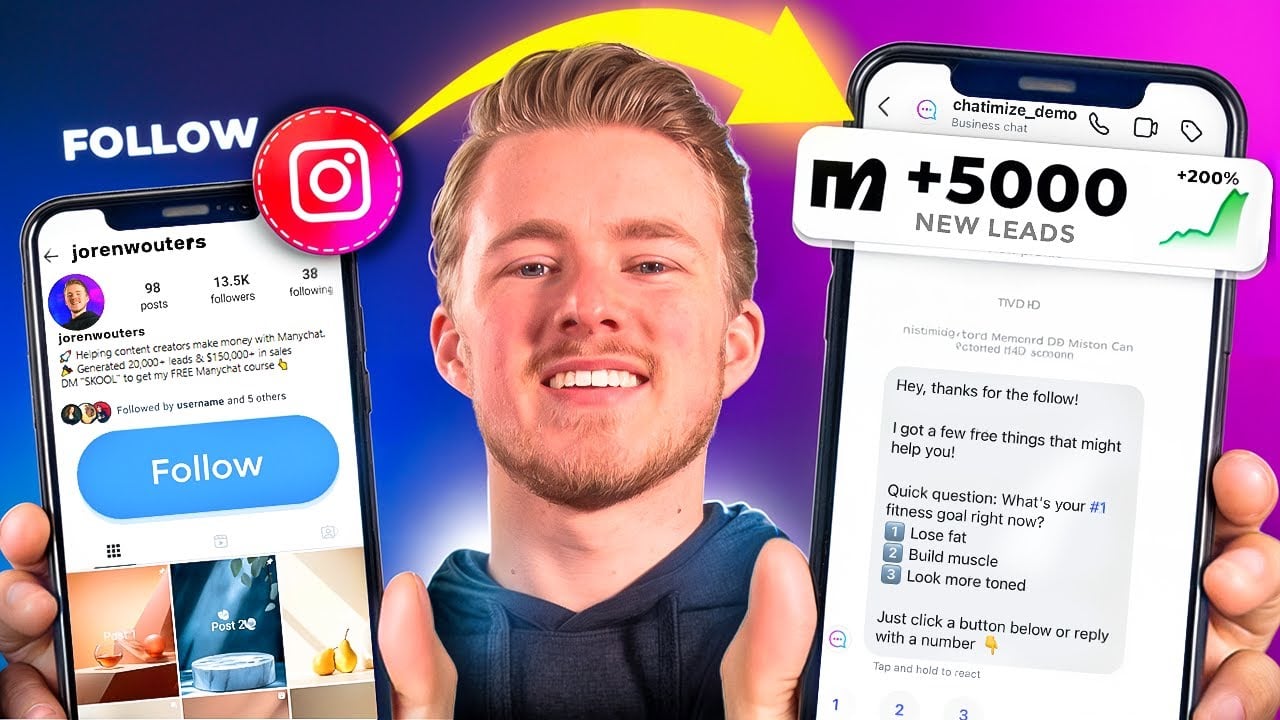
I’ll show you how to automatically send a DM to anyone who follows you on Instagram.
We will set it up in three simple steps:
- I’ll show you what tool you need (+ a free discount code!)
- How to set it up for your Instagram (+ a free template!)
- And the best strategy to use this without being spammy
I’ve been creating DM automations for six years and generated 150K leads and $50K in sales for my clients.
So by the end of this tutorial, you will know how to use this feature the right way and grow your business.
Let’s dive in!
What is Instagram Follow to DM Automation?
Instagram Follow to DM Automation lets you send a DM to anyone who follows you on Instagram.
It’s one a great way to connect with your followers at the exact moment they’re interested in your content.
Here’s how it looks on Instagram:

When someone follows you, they’re warm. So that’s when they’re most likely to engage.
That’s the best time to start a conversation, because:
- You can learn what their problems are
- Understand what they actually need
- And offer help that’s relevant to them
Why automatically DM people who follow you?
When someone follows you, that’s them saying “Hey, I’m interested”.
And you can either:
- Let that moment pass
- Or use it to start a conversation
The best way to do that? Ask a question that helps you better understand what they need.
Something like:
Hey! Thanks for the follow! What is your biggest problem right now?
It’s a question that shows them you care about their problems.
And when people reply, you get a chance to help them in the best way possible. And that builds trust.
Trust is what turns someone from a follower into a lead, and a lead into a customer.
How to Set Up Follow to DM on Instagram
Setting up a Follow to DM automation on Instagram is super simple. You don’t need any code, and we can set it up in three simple steps:
- Create a Free Manychat account and connect it to Instagram
- Add Auto Reply trigger for New Followers
- Create your Follow to DM Automation
Step 1: Create a Free Manychat account and connect it to Instagram
So the first step is to create a free Manychat account.
Manychat is one of the best Instagram DM automation tools in the world. And I use them all the time to create DM Automations for my clients.
I use it, because it’s:
- Easy to use: You don’t need any experience to get started
- 100% Meta-approved: So you don’t risk getting banned from Instagram
- Cheap: They offer a free plan and their Pro plan starts at $15/month
So you can just click on the button below to create your Manychat account (my 100% discount code appears on click):
Then, click on Get started in the top-right corner:
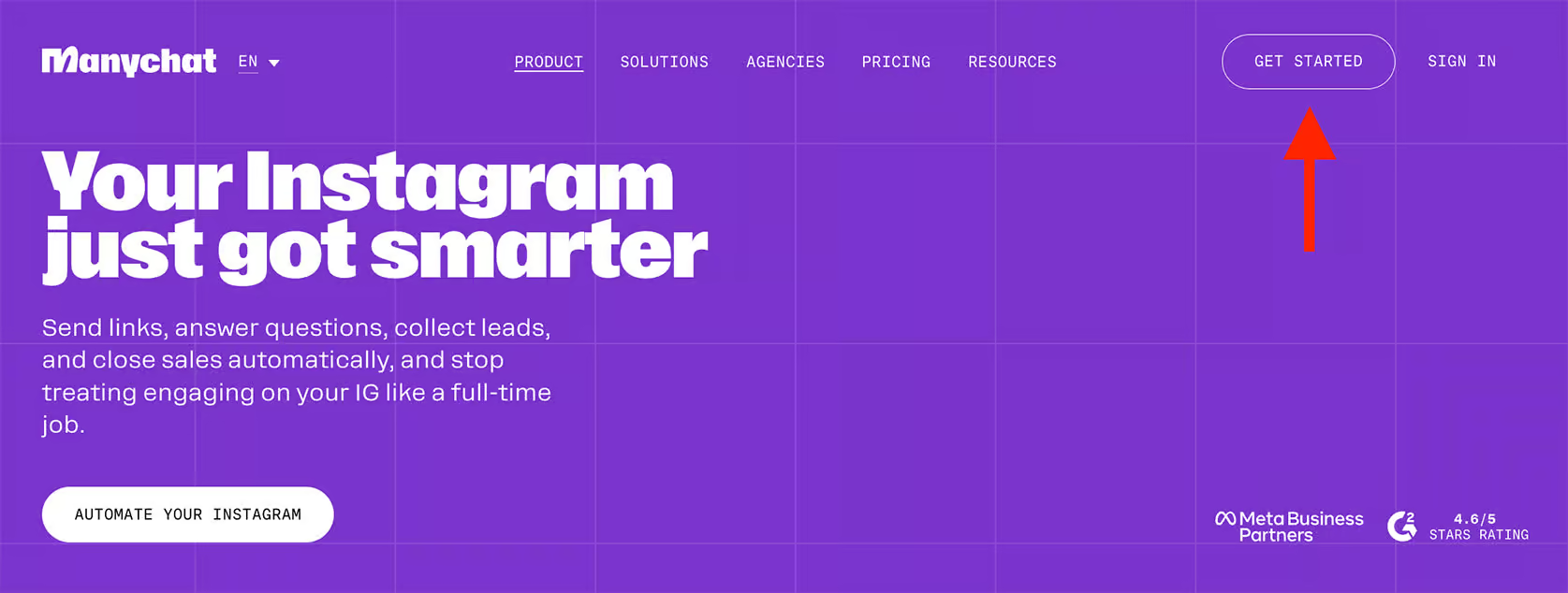
And select Instagram and log in with your Instagram account:

Check out my other tutorial that walks you through every step of connecting your Instagram account to Manychat. It’s a great way to make sure everything’s set up correctly:

Step 2: Add Auto Reply trigger for New Followers
Once you’ve connected your Instagram account to Manychat, the next step is to set up the Follow trigger.
To do that, you should go to Settings, click on Instagram and scroll down until you see Say hi to new followers. Here you need to click on Set Up:

The first time you do this, Manychat asks you to give additional permissions. Here, you can just click on Update Permissions:

When you do this, a new screen pops up where you can log in to your Instagram account. Just follow the steps there and give Manychat the additional permissions it needs.
Once you’ve given the new permissions, there are two ways to send the Auto-Reply:
- Set Up: this creates a Quick Automation (not recommended)
- Select Existing: lets you use a custom automation (recommended)
Important: I don’t recommend choosing “Set Up” and creating a Quick Automation. By using this, most people will just send a link in the first message or ask for someone’s email. That comes off as super spammy.
Instead, you should ask a question to learn what the follower actually needs.
Because the better you understand their goals, the more value you can give to them. Value builds trust, and trust turns followers into leads and customers.
So let me show you how I would set this up.
Let’s say you are a fitness coach and someone new follows you. Instead of sending a link directly or asking for the email, we ask them what their current goals are:
- Lose fat
- Build muscle
- Look more toned
Depending on their answer, we either send them a free guide, podcast episode or an Instagram reel. It’s simple, helpful and tailored to what they actually need.
Step 3: Create your Follow to DM Automation
The next step is to build a personalized DM funnel that converts. Here’s how you can do that:
- Start with a thank you message
- Option 1: Lose Fat → Free ebook
- Option 2: Build Muscle → Podcast episode
- Option 3: Look more toned → Instagram Reel
- Set it Live + Link the trigger
Start with a Thank you message
In Manychat, you can go to Automation and click on New Automation:
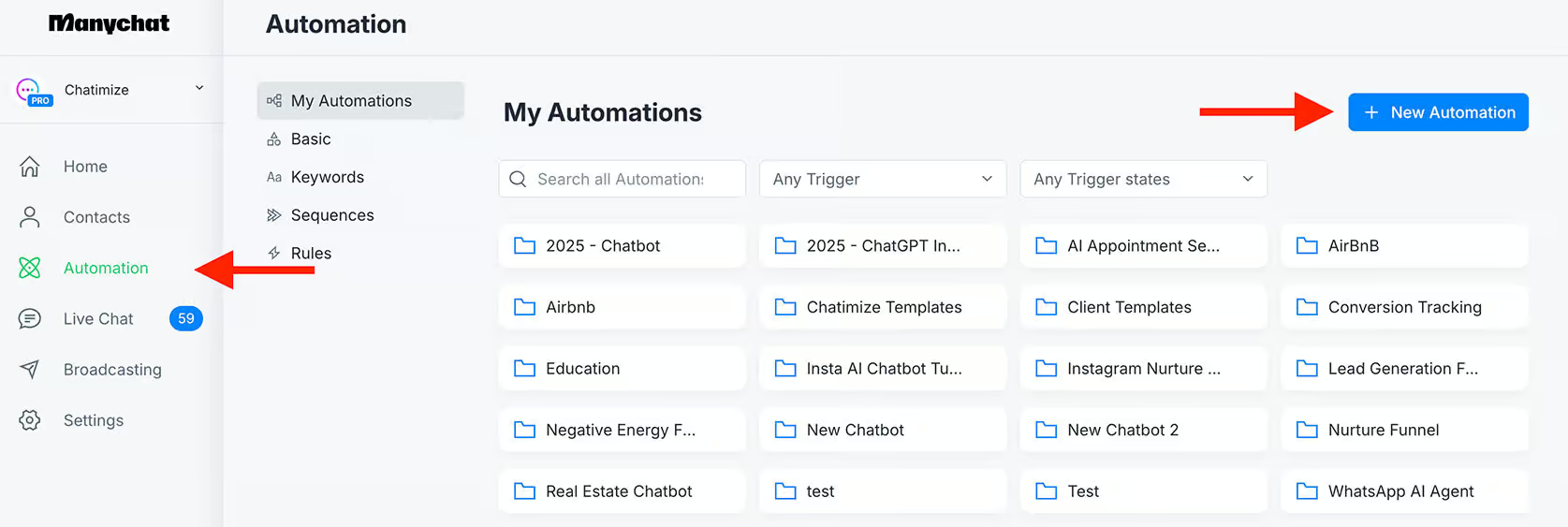
Then, add Instagram as the first message in your automation:

In this first message, we want to thank the user for the follow and ask them about their goals. So you can add this:
Hey, thanks for the follow!
I got a few free things that might help you!
Quick question: What’s your #1 fitness goal right now?
1️⃣ Lose fat
2️⃣ Build muscle
3️⃣ Look more tonedJust click a button below or reply with a number 👇
And then add 3 quick replies (1,2,3):

Quick replies are buttons that users can click in the Instagram DMs. When they click them, we can send another message.
Pro tip: Quick replies are only visible on Instagram mobile and not on Instagram desktop. That’s why we say “Or reply with a number”. So that people who are viewing Instagram on their desktop can just type in a number and continue with the automation.
Now, if people click on:
- Lose fat → We will ask for their name + email and send them a free ebook
- Build muscle → We give them a podcast episode
- Look more toned → Send an Instagram reel that explains how
Option 1: Lose Fat → Free Ebook
So the next step is to connect the first quick reply to another Instagram message:

In this message, we offer our ebook and say it only takes two steps to get it. Here’s a simple script:
Awesome! I’ve got a free 5-step ebook that breaks down exactly how to lose fat the smart way.
Just two simple steps to get you access!
Then, we can add a short delay (around 3 seconds), so it feels conversational:

The next step is to ask for their first name using the Data collection element inside Manychat.
We can just type:
What is your first name?
Just type it in below 👇
Here, we need to make sure to:
- Set the Reply type to First Name (so their name is saved in the First name field in Manychat)
- Let it expire after 23 hours (so users have 23 hours to reply to this question)

Also, you want to remove the skip button text, so people cannot skip this question:

Once they give their name, we can send another message:
Nice to meet you, {{first_name}}!
Add another 3-second delay and ask for their email (by using a Data collection element):

Here, you need to set:
- Reply Type to Email (so Manychat validates the email)
- Let it expire after 23 hours
- Remove the Skip button text
And on what email do you want to receive my free ebook?
Just type in your email below 👇

Once they give their email, we send the final message:
Thank you! Just click the button below to get my free ebook 👇
And add a button linking to your ebook (Google Drive, website, Dropbox, etc):

Now, we should also create the other two options: Build muscle and look more toned.
Option 2: Build Muscle → Podcast Episode
If someone chooses for building muscle, we send them a high-value podcast episode.
So then we say:
Got it! I actually just recorded a podcast episode on building muscle faster 💪
Just click the button below to listen 👇
And a button that links directly to the podcast episode:

Option 3: Look More Toned → Instagram Reel
Likewise, if they choose for “Look more toned”, we send them a link to an Instagram Reel:
Got you! Here’s a quick Instagram Reel that breaks down how to get that toned look 👇
And again, add a button that goes to the Instagram Reel:

Set It Live + Link the Trigger
That’s it! Now you created the entire automation. The only thing you need to do know, is click on Set Live in the top-right corner.
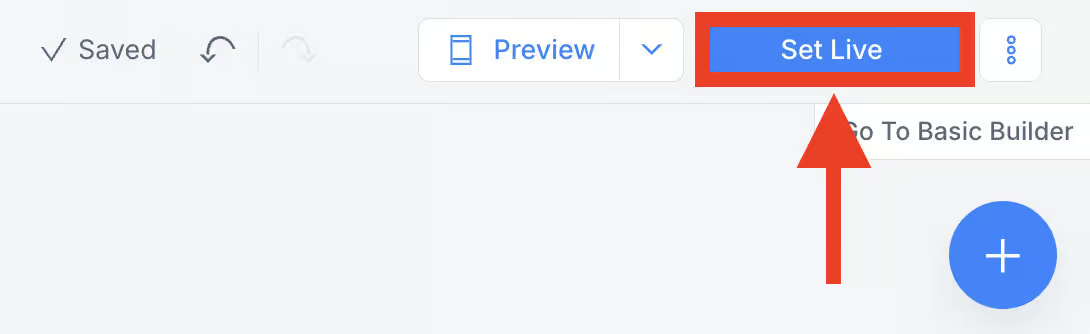
Now go back to Settings > Instagram > Say hi to new followers, click Select Existing, and pick the automation you just built:

Then, go back to the automation and click on the Trigger:

Here, set it to 0 seconds and enable it:

And now it’s working!
Your Free “Follow-to-DM” Template
If you want to get started with this right now, you can just enter your information below and get my free template! 👇
Your Next Step
And that’s how you can auto DM anyone who followers your Instagram account.
But this is just the start. If you also want to auto DM anyone who comments on your Instagram posts, please check this tutorial:

Frequently Asked Questions
What if I get the error “You can’t login with this Instagram account”?
If you get the error “You can’t login with this Instagram account”, your Instagram account is limited by a Meta Bug. Manychat is aware of this issue and already reported it to Meta. Meta said they will fix it, but they didn’t give any ETA for the fix.
