



A WhatsApp chatbot is a software tool that automatically handles conversations on WhatsApp. It can:
- Answer questions
- Qualify leads
- Take actions such as sending order updates or booking appointments
- Hand off users to the right team member
But it’s not magic. Most chatbots don’t “think” like a human unless you train them properly. And many tools require access to the official WhatsApp Business API to send broadcasts or automate at scale.
This comes with its own set of WhatsApp messaging rules you’ll want to know before you start.
The best WhatsApp chatbot for you depends on your needs. Do you want simple automation, or a complete marketing and support system, or something in between?
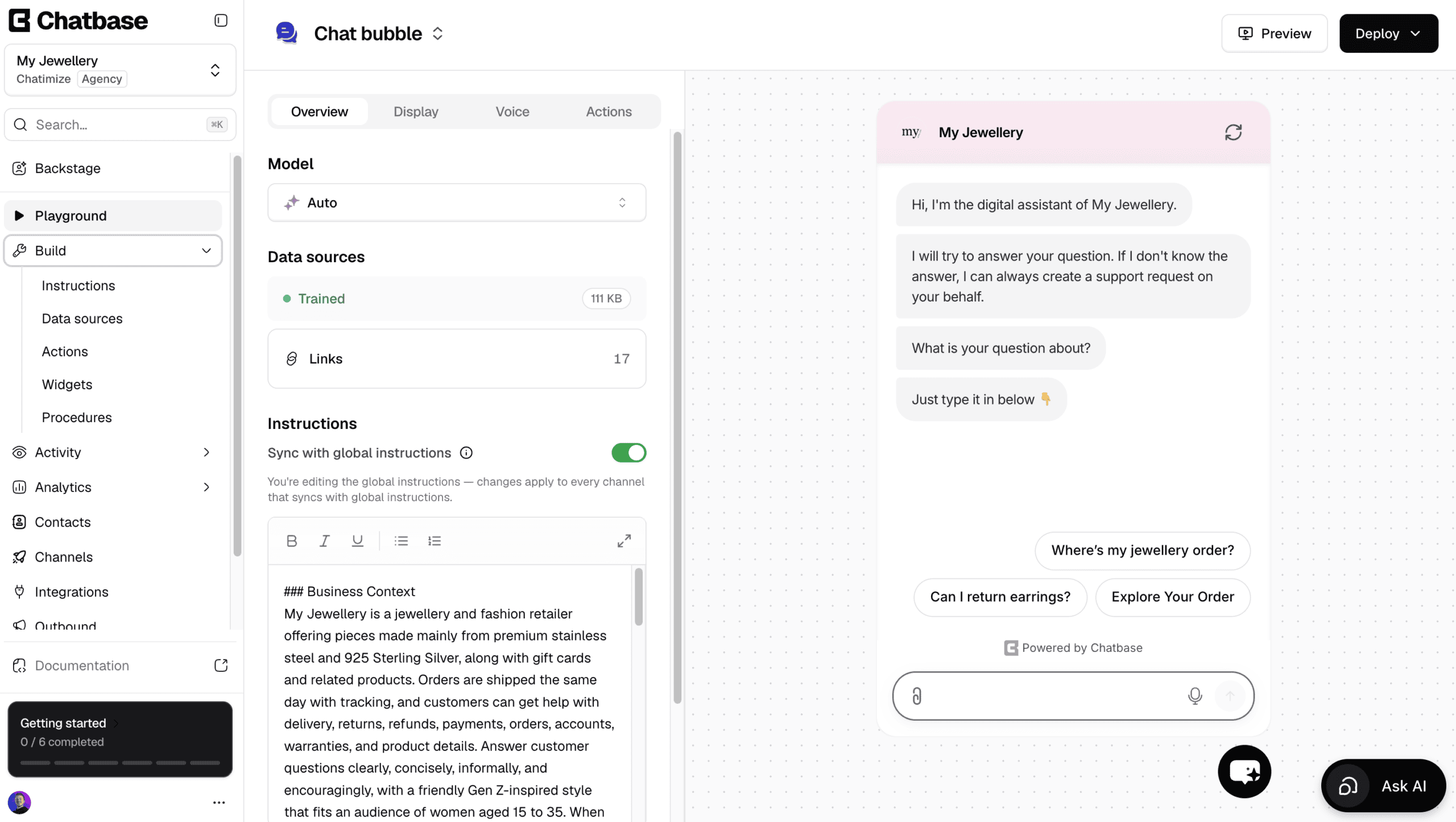
For example, here’s how My Jewellery (eCommerce) uses a chatbot to auto reply to customer questions:

You can find more of these in my list of WhatsApp chatbot examples.
| Name | Rating | Pricing | Best For |
|---|---|---|---|
 Manychat Manychat | 4.5/5 ★ | Free plan; paid plans start at $17/month | Marketing Automation and Customer Support |
 Chatbase Chatbase | 4.5/5 ★ | Free plan; paid plans start at $40/month | Getting an AI agent live on WhatsApp quickly and easily |
 UChat UChat | 4.6/5 ★ | Free plan; paid plans start at $15/month | Omnichannel Bots |
 Botpress Botpress | 4.1/5 ★ | Free plan; paid plans start at $189/month | Fully Customizable AI Support Chatbots |
 Tidio Tidio | 4.3/5 ★ | Free plan; paid plans start at $29/month | Customer Support for eCommerce stores |
 Freshdesk Freshdesk | 4.5/5 ★ | Starts at $35 per agent/month; 14-day free trial | AI Agents for Large Customer Support Teams |
 Intercom Intercom | 4.5/5 ★ | Starts at $29 per seat/month + $0.99 per AI outcome; 14-day free trial on every plan | Enterprise & Large Businesses |
Best for: Marketing Automation & Customer Support
Rating: 4.5/5 ★
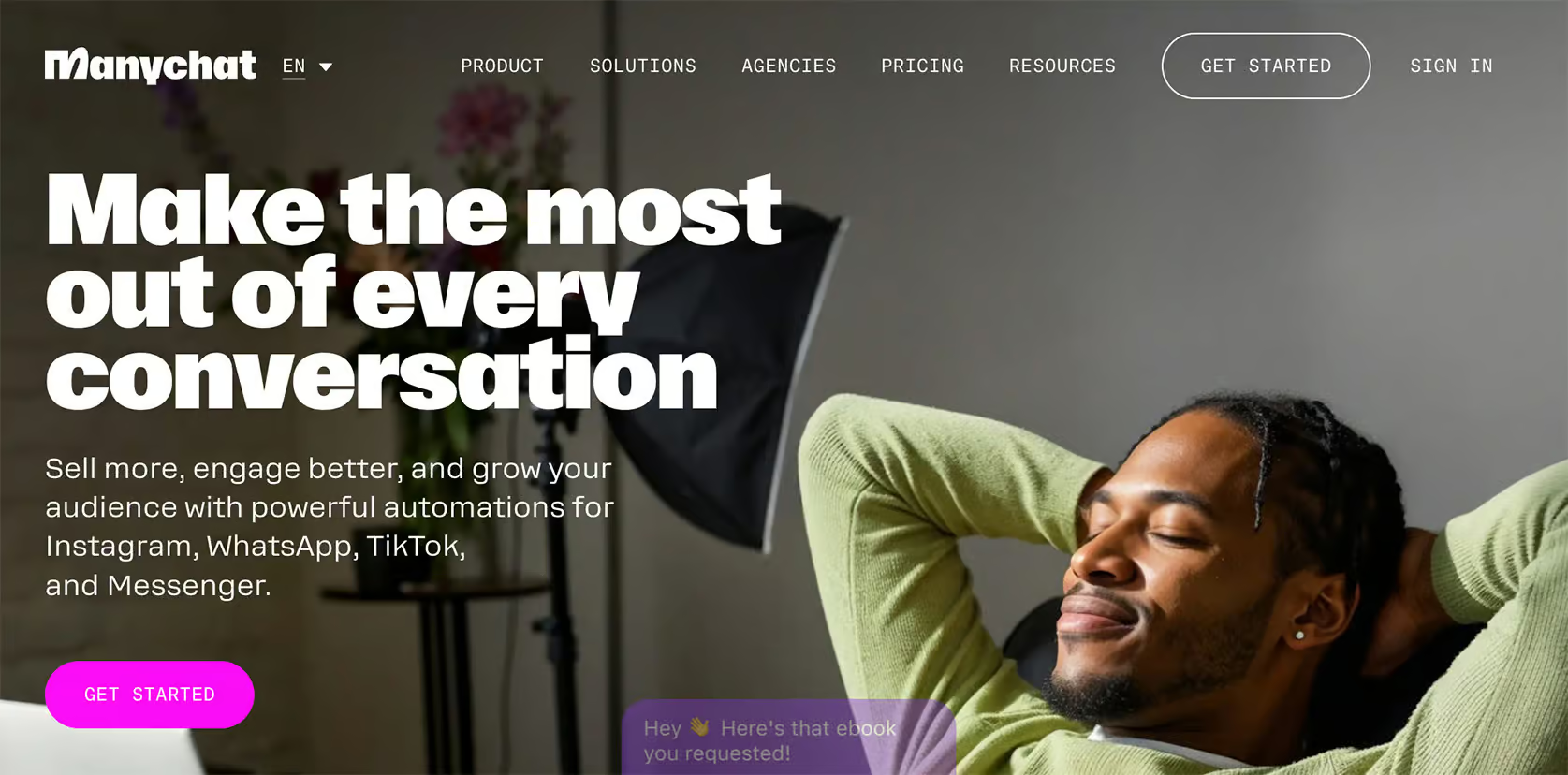
Manychat is a fantastic choice for creating WhatsApp chatbots. It’s very easy to use, to the point that anyone can build a chatbot with it quite quickly. It has a flow builder and a super user-friendly interface, so no coding is needed.
Whether you’re looking to automate your marketing or streamline customer support, Manychat has you covered.
For one, it’s great for lead generation and getting more customers. For example, you can send WhatsApp broadcasts, set up sequences, rules, and even conduct A/B testing.
Likewise, you can automatically reply to questions with Manychat. And when the WhatsApp chatbot doesn’t know the answer, you can smoothly transfer it to live chat, which makes it great for customer service.
For more high-level users, Manychat offers AI features, including an AI Flow Builder Assistant and AI intents.
Pros
- Easy-to-use Flow Builder
- Unlimited Custom Fields & Tags
- Integrates with Facebook, Instagram, WhatsApp, SMS, & Telegram
- Send Broadcasts, Sequences and Rules
- Built-in Live Chat + Integrations with Zapier and Make
- Built-in AI: Intents, AI Steps & AI Flow Builder Assistant
Cons
- It’s hard to translate your chatbot to multiple languages
- You need to create separate messages for each channel
Pricing
- Free plan up to 25 contacts (you can’t use WhatsApp on the free plan)
- Pro plan – starts at $17/month
To get started with Manychat, click the button below to get my 100% discount code:
Best for: Getting an AI agent live on WhatsApp quickly and easily
Rating: 4.5/5 ★
Chatbase is one of the easiest platforms to create AI agents with, and it gets one onto WhatsApp fast.
You give it your website or upload your documents, and it trains on them. Minutes later it answers customer questions on WhatsApp.
Apart from answering questions, it can also do things with AI actions. For example, it can look up a customer’s invoice in Stripe, or transfer the chat to a phone number when someone would rather call.
On top of that, you can build your own custom AI actions for tasks that are specific to your business.
And if something needs to change, Chatbase offers Backstage. It’s an AI you chat with, and it creates and customizes the agent for you.
Ask for a friendlier tone or a new rule, and it makes the change and shows it to you before anything goes live.
There’s also a built-in help desk, so a human can take over by live chat. Or, a ticket is created automatically when the AI doesn’t know the answer.
Plus, Chatbase has WhatsApp outbound campaigns, where you message first and your AI agent handles the replies.
However, it’s not a great pick if you want to build conversation flows yourself, or run marketing on Facebook and Instagram.
Pros
- Talk to an AI to create and improve your AI agent
- Set up an AI agent in less than 10 minutes
- Train it on your website, files, Q&As and Notion pages
- Connect with other tools using AI Actions
- Built-in help desk, plus integrations with Zendesk, Salesforce, HubSpot, Zoho Desk & Freshdesk
- WhatsApp outbound campaigns
Cons
- Cannot create chatbot flows
- No marketing possibilities on Facebook and Instagram
- Cannot send proactive messages on your website
Pricing
- Free plan: 50 message credits and train your AI agent on 1 MB of content, on your website only
- Hobby plan ($40/month): 700 message credits, 10 MB of content and the WhatsApp channel
Best for: Omnichannel Bots

Rating: 4.6/5 ★
UChat is perfect for multi-channel bots and online stores. It supports many messaging channels like WhatsApp, Facebook, and Telegram. You can build a single chatbot and deploy it across multiple channel with just one click.
Just like Manychat, it also has a drag-and-drop flow builder to create custom chatbot flows. This is pretty easy to use, but it has a higher learning curve than some other platforms.
Likewise, UChat is great if you want to manage marketing and customer support across many channels.
For lead generation, UChat has many marketing features. They include sending broadcasts, setting up sequences, and using rules.
UChat is one of the best WhatsApp chatbots for eCommerce. It even offers an additional great feature, which is the WhatsApp catalog. You can simply connect your eCommerce products to UChat and directly start selling products on WhatsApp.
Also, you can use UChat to auto-reply to customer questions and hand off chats to live support. If you want to take it up a notch, you can even use the direct integration with ChatGPT.
Pros
- Easy-to-use Flow Builder for seamless chatbot creation
- Build one chatbot and deploy it across 13 different channels
- Keyword Recognition & Intent Detection
- Direct integration with ChatGPT
- Set up a WhatsApp catalog and directly sell eCommerce products on WhatsApp
- Advanced marketing features, such as Broadcasts, Sequences, and Rules
- Built-in Live Chat
- Over 50 direct integrations, including Zapier & Make
Cons
- Steep learning curve, beginners can feel overwhelmed
Pricing
- Free plan
- Paid plan starts at $15/month
To get started with UChat, click the button below to get my 100% discount code:
Best for: Fully Customizable AI Support Chatbots
Rating: 4.1/5 ★
Botpress is a great platform for building customizable customer support chatbots for many channels.
It is built for creating advanced, AI-powered chatbots. It features a flow builder and built-in AI, so you can design custom chatbot flows while taking full advantage of its intelligent features.
Botpress stands out due to its cutting-edge AI capabilities. With this platform, you can:
- Train your chatbot on a custom knowledge base
- Change responses to match a specific personality
- Automatically summarize conversations
- Interpret images uploaded by users
- Translate chatbot interactions into the user’s language
This makes Botpress one of the most sophisticated AI platforms on the market. Though this is obviously great for advanced users, the flow builder has a high learning curve for beginners.
Pros
- Advanced Flow Builder
- Many advanced AI tools (Knowledge Base, Summarize, Vision Agent & Automatic translation)
- You can send WhatsApp broadcasts using WhatsApp message templates
- Publish your chatbot on WhatsApp and 9 other channels
- Customize website widget
- Direct live chat integrations with Zendesk & Zapier
Cons
- High learning curve for beginners
- Limited marketing possibilities on other channels
- Only basic analytics on standard plan
Pricing
- Free plan up to 500 messages
- Pay-as-you-go pricing model based on usage, available from $5/month
Best for: Customer Support for eCommerce Stores
Rating: 4.3/5 ★
Tidio is great for eCommerce stores that want AI-powered support on WhatsApp without a complicated setup.
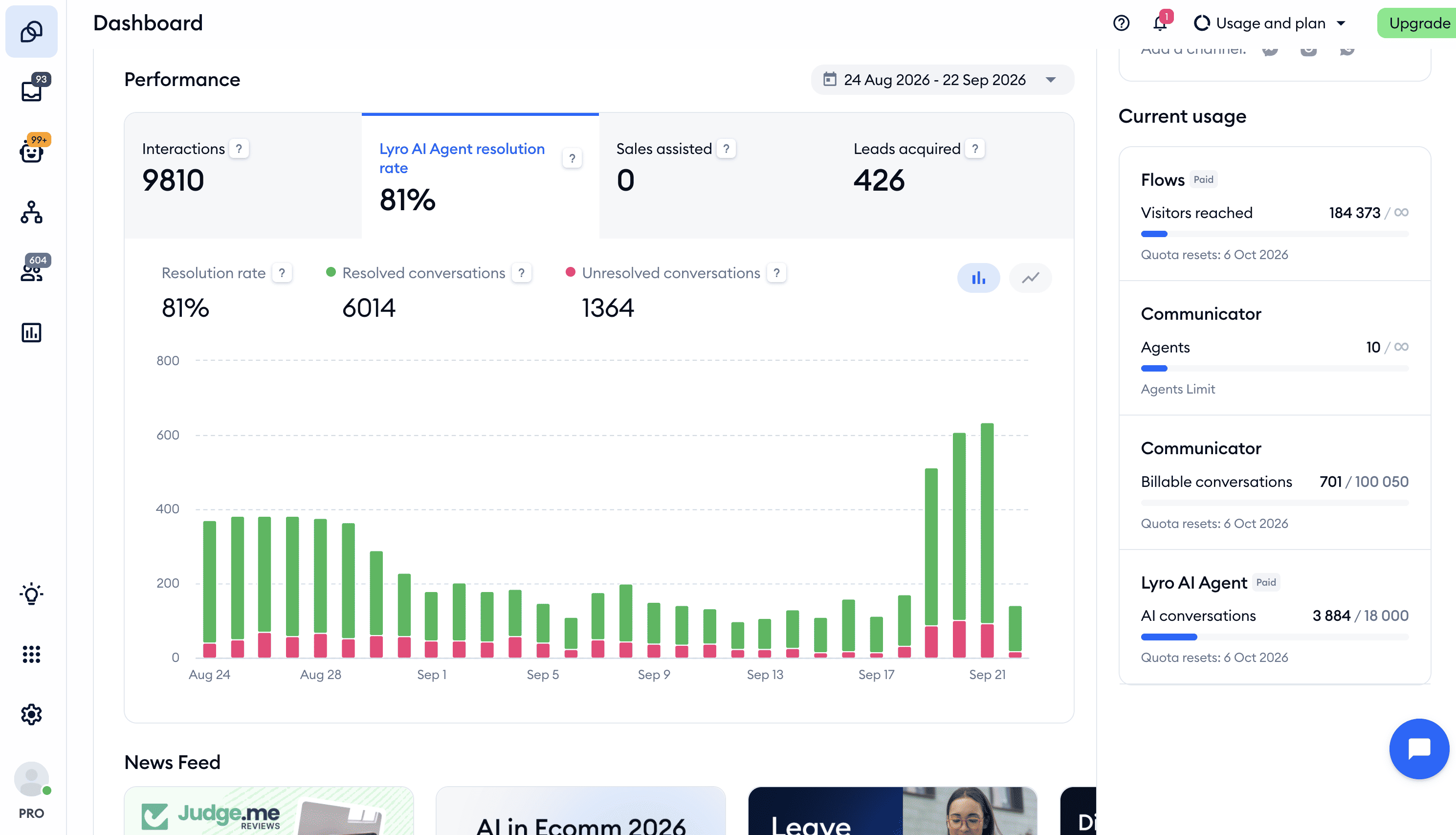
I used it recently for an eCommerce client, and we automated 75% of their conversations with AI in the first month.
With Tidio, you get a combination of:
- AI
- Chatbot flows
- Live chat
The AI is the strongest part. It’s called Lyro, and you train it on your website, documents, and Shopify or WooCommerce products.
Once it’s trained, it can answer customer questions on its own.
When Lyro can’t answer something, that question lands in a Suggestions overview. So you can see exactly which answers need work and improve them.
You can also connect Tidio to your other tools with AI Actions. That lets Lyro do things like check an order status or send an email. So it can do way more than just replying with text.
On top of AI, there’s a flow builder for building support and lead generation flows yourself. And none of this is limited to WhatsApp. The same chatbot runs on your website, Facebook, and Instagram too.
The main limitation is marketing. Tidio simply isn’t built for marketing automation. So you can’t send WhatsApp broadcasts or auto-reply to comments on Facebook and Instagram.
Pros
- Combines AI, chatbot flows, and live chat in one platform
- Lyro AI trains on your website, documents, and eCommerce products
- Suggestions overview shows you which AI answers to improve
- AI Actions let the bot check order statuses and send emails
- Flow builder for support and lead generation
- Runs on WhatsApp, website, Facebook, and Instagram
Cons
- Not built for marketing automation (no WhatsApp broadcasts)
- Can’t auto-reply to comments on Facebook and Instagram
Pricing
- Free plan: 50 billable conversations a month, 50 Lyro conversations (one-off) and 100 visitors reached with flows
- Paid plans: start at $29/month
Bonus: Click the button below to get 20% off on all Tidio plans 👇
Best for: AI Agents for Large Customer Support Teams
Rating: 4.5/5 ★
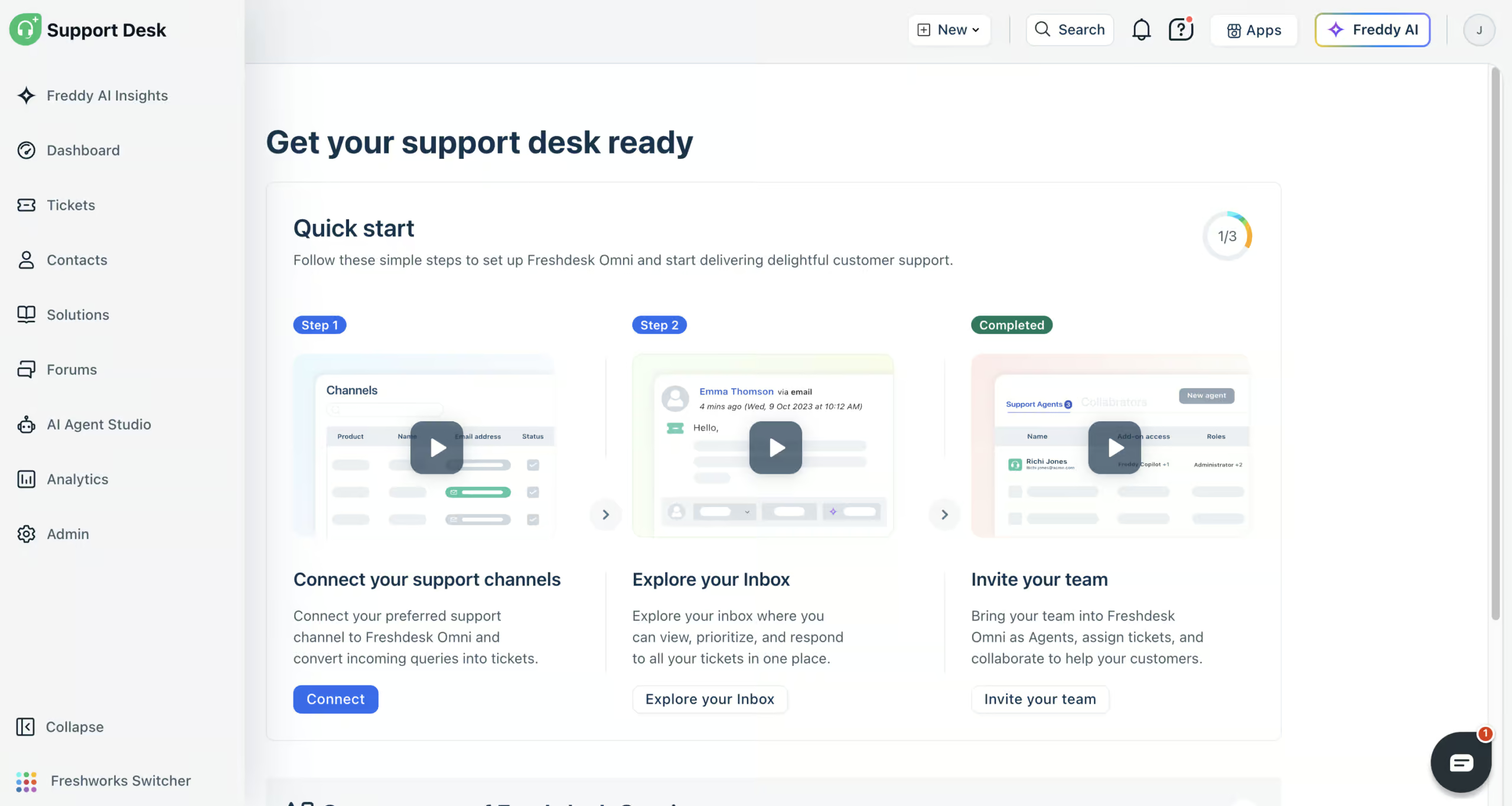
Freshdesk (formerly Freshchat) is a strong option if a large support team handles your WhatsApp conversations.
You train its Freddy AI agent on your website, files, help articles and Q&As, and it answers your customers on WhatsApp. With AI workflows, it can also look things up for them, like where their order is in Shopify.
When your AI agent can’t help, your team takes over in the built-in help desk, where WhatsApp shares one inbox with email, website chat, Instagram, Facebook Messenger, SMS and phone.
You also get detailed reports, Freddy AI Insights for questions about your support data, and Freddy AI Copilot to summarize tickets and write replies.
Freshdesk is great at answering WhatsApp questions automatically. But if you want to send WhatsApp broadcasts or other marketing messages, it’s not the right tool, because it’s built purely for support.
Pros
- AI agents that answer on WhatsApp
- AI workflows that act in tools like Shopify
- Connects to website chat, email, WhatsApp, Instagram, Facebook Messenger, SMS and phone
- Built-in help desk with every conversation in one inbox
- Detailed reports and Freddy AI Insights
- Freddy AI Copilot for your support team
- 800+ integrations
Cons
- No WhatsApp marketing, like broadcasts
- Connecting tools can need help from their support team
- Email needs its own AI agent
Pricing
- Paid plans start at $35/agent/month (comes with 500 AI agent sessions)
- 14-day free trial, but no free plan
- Extra AI agent sessions: $49 per 100
Best for: Enterprises & Large Businesses
Rating: 4.5/5 ★
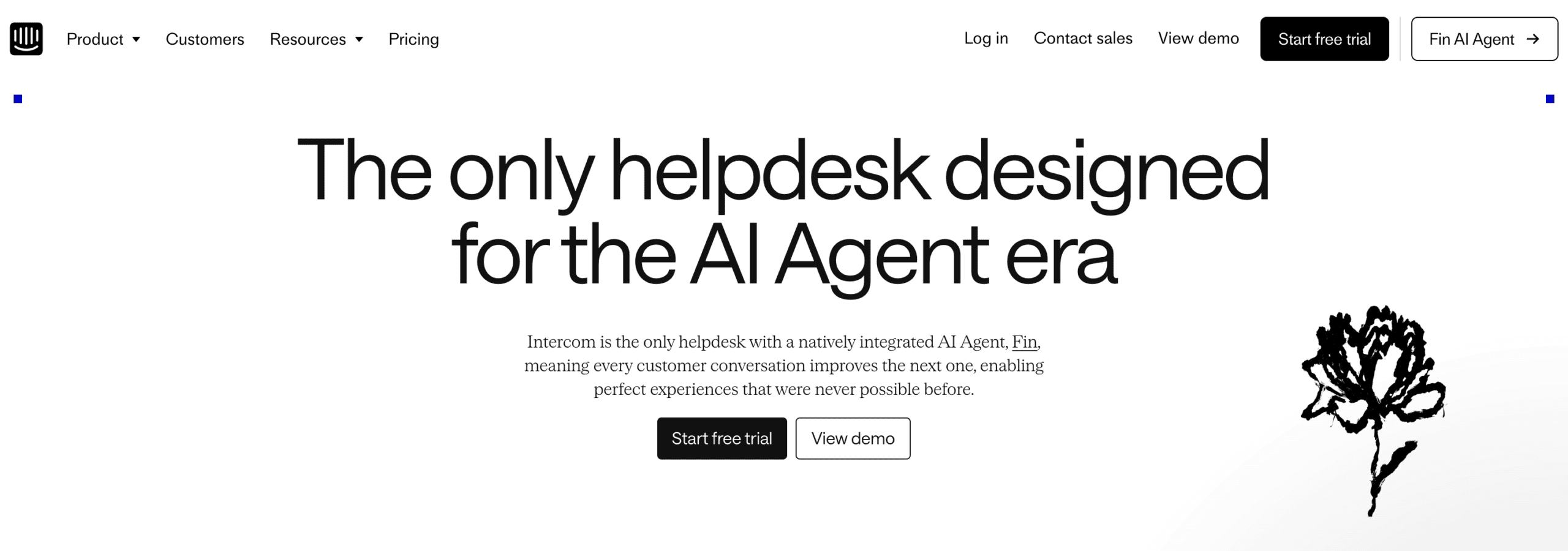
Intercom is great for big businesses. It helps companies talk with their customers on 8 channels, WhatsApp included.
At the center of it is Fin, Intercom’s AI agent. You train it on your own knowledge, and it automatically answers your customers’ questions on WhatsApp.
With data connectors, Fin can also do things for your customers, like checking the status of an order in Shopify. And the Operator, Intercom’s AI assistant, sets most of this up for you.
When Fin can’t help, a support agent takes over in the built-in Inbox. Plus, Intercom connects to 450+ apps through its App Store.
Intercom also offers plenty of marketing features, like WhatsApp broadcasts, product tours and banners on your website.
But connecting Intercom to your own tools can take a while, and you may need their support team to get it working.
Pros
- Fin AI agent trains on your own knowledge and connects to your tools
- The Operator sets up Intercom for you
- Publish on WhatsApp, websites, email, Instagram, Facebook, SMS, Slack and Telegram
- You can send WhatsApp broadcasts using WhatsApp message templates
- Many marketing features
- One of the best website widgets
- Advanced analytics: customer reports
Cons
- Connecting your own tools can need help from their support team
- Can be expensive for small businesses
Pricing
- Starts at $29 per seat/month
- Fin AI Agent: $0.99 per AI outcome
- 14-day free trial on every plan
Which WhatsApp Chatbot Is Right for You?
With seven solid options, the best pick comes down to what you’re trying to do. So depending on what chatbot use cases you need, here’s how I’d pick:
If you’re a small business or creator who wants marketing automation on WhatsApp, go with Manychat. It’s affordable, easy to learn, and lets you send broadcasts and build flows without any technical skills.
If you’re a beginner who just wants a simple AI chatbot trained on your own data, Chatbase is the easiest place to start. You upload your documents or website, and within minutes the bot can answer questions about your business.
If you need one bot running across multiple channels, pick UChat. You build a single chatbot once and deploy it to WhatsApp, Facebook, Telegram, and more with a single click.
If you run an eCommerce store and want AI-powered customer support, I’d recommend Tidio. Its Lyro AI trains on your Shopify or WooCommerce products and answers customer questions on its own.
If you want full control over how your AI bot works and don’t mind a steeper learning curve, Botpress is for you. You can edit its responses, give it a custom personality, and build advanced flows.
And if you’re a large enterprise support team handling a high volume of conversations, look at Freshdesk or Intercom. Both are built for big teams, with advanced AI, shared inboxes, and the integrations you need to keep everything organized at scale.
Still not sure which way to go? I compare every tool in more detail in my guide to the best chatbot platforms, which covers options beyond WhatsApp too.
Choosing the right WhatsApp chatbot platform can change your business.
These are the 7 best WhatsApp chatbots. Each has its own strengths and weaknesses.
The next step is to get started with creating a WhatsApp chatbot. You can learn how to do that in this tutorial:


wow. this is good. Can these platforms also be used to build a Slack Chatbot?
Thank you, Emeka! Botpress and UChat can also be used to build Slack chatbots.
wow. which of these would be best to connect with website / instagram and meta ads ?
If you only want to connect with Meta Ads, Manychat is the best. If you want both website + Meta Ads, I recommend UChat.