


By Joren Wouters • Updated on
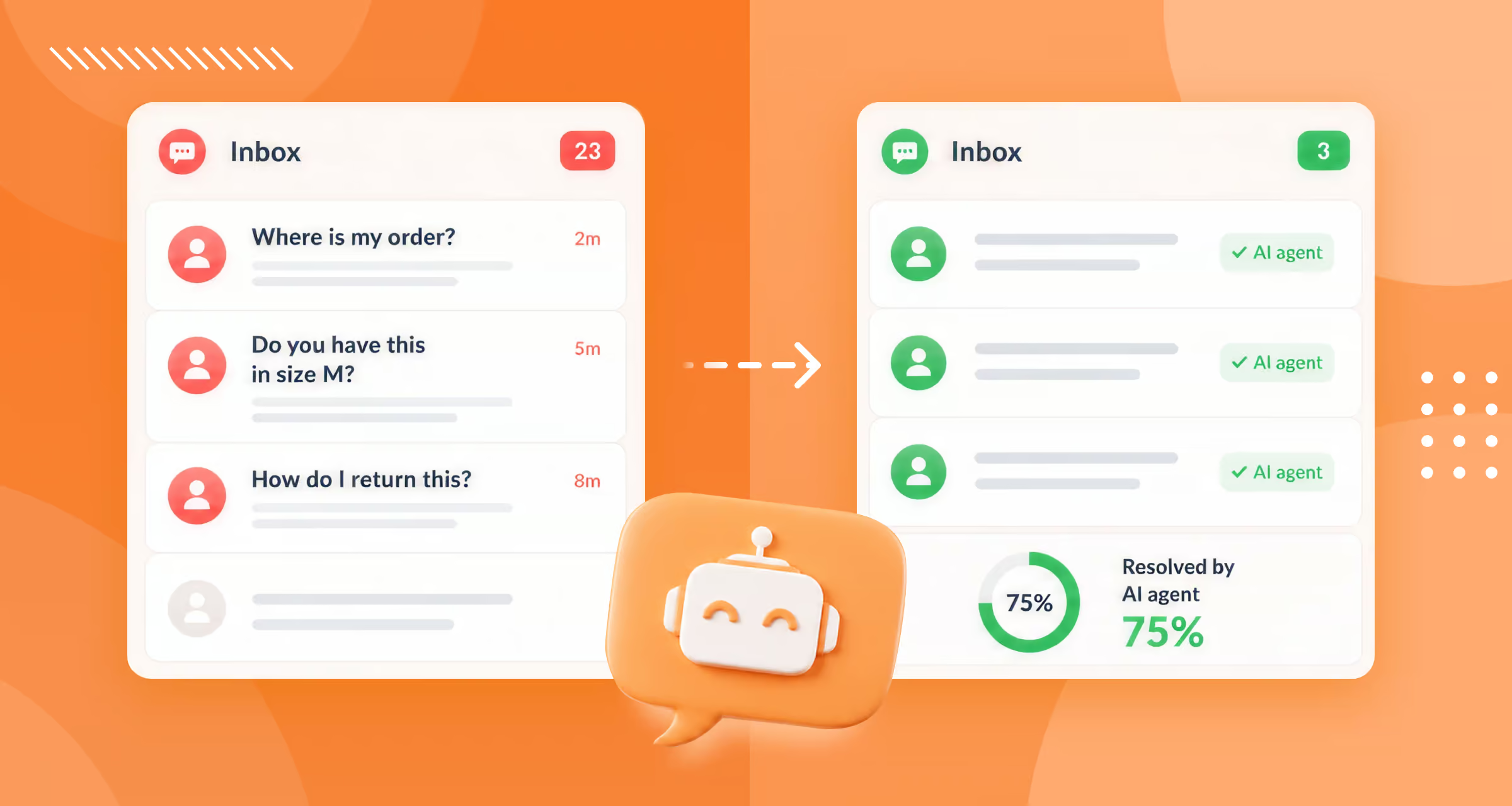
An AI agent for eCommerce is a software program that automatically answers customer questions. It can also take actions, like looking up an order’s status.
It’s directly connected to your store, whether that’s Shopify, WooCommerce, BigCommerce, Magento, or another platform. And it’s one of the most advanced types of eCommerce chatbots you can use.
My client Burker sells personalized products and gets a high volume of customer questions. We set up an AI agent for their store, and here’s what that looks like in action:
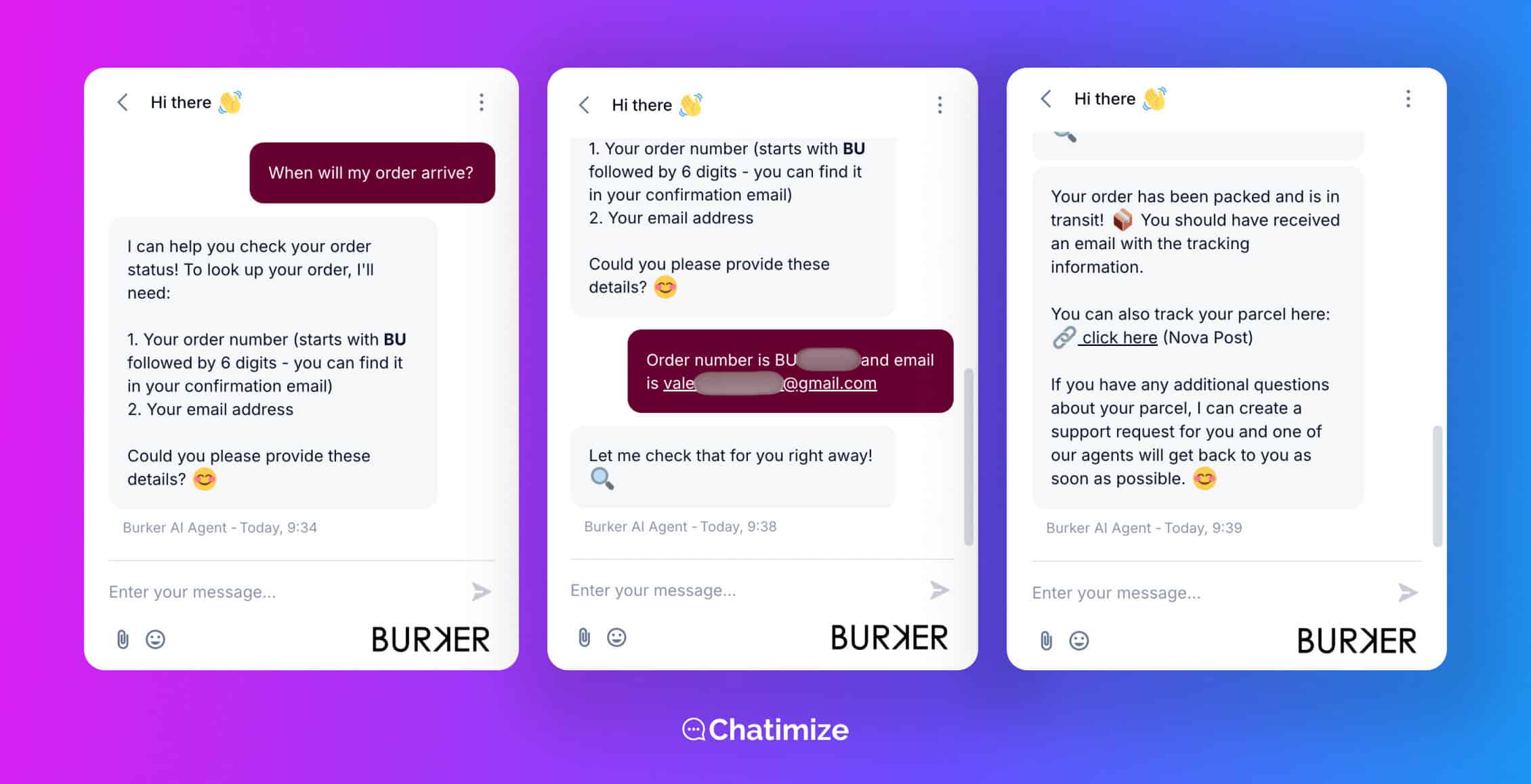
This is what makes an AI agent different from a basic chatbot. People use the two terms as if they mean the same thing, but they don’t. Here’s the difference:
- Basic chatbot: it follows fixed rules. It can only respond to specific keywords or button clicks. So anything you didn’t plan for goes unanswered
- AI agent: it understands natural language and reads your real store data. It can also take actions, like checking an order’s status or updating a shipping address. And it does all of this on its own
So a basic chatbot is a set of if-this-then-that rules. An AI agent actually understands what the customer is asking. Then it does something about it.
If you’re new to letting software handle this work, my guide to chatbot automation is a good place to start.
Here’s what I looked at for each platform, focusing on the things that are most important for an online store:
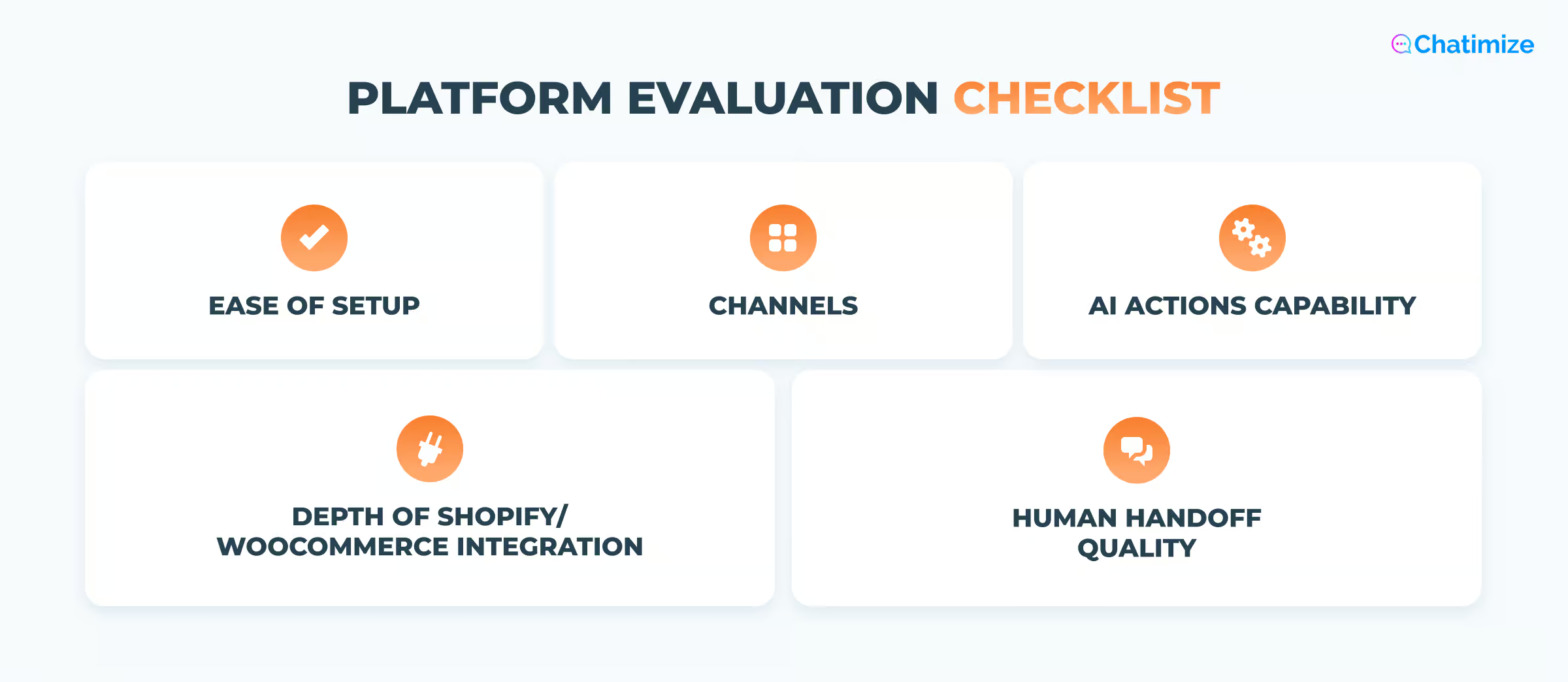
- Depth of Shopify or WooCommerce integration: does it connect directly to your store data, or does it need a workaround through Zapier or Make?
- AI Actions capability: can it do real actions, like checking an order’s status? And can you set up your own custom actions?
- Human handoff quality: when the AI can’t answer, does it pass the chat to a person cleanly, with the full history attached?
- Ease of setup: can a non-technical store owner get it live without a developer?
- Channels: does it only work on your website, or can it also cover WhatsApp, Instagram, and Facebook?
| Name | Rating | Pricing | Best For |
|---|---|---|---|
 Chatbase Chatbase | 4.5/5 ★ | Free plan; paid plans start at $40/month | Stores that want a fast AI agent trained on their business |
 Tidio Tidio | 4.1/5 ★ | Free plan; paid plans start at $29/month | Best all-in-one platform for eCommerce AI agents |
 Freshdesk Freshdesk | 4.5/5 ★ | Starts at $35 per agent/month; 14-day free trial on every plan | Larger eCommerce brands with support teams managing high conversation volume |
 Botpress Botpress | 4.1/5 ★ | Free plan with pay-as-you-go model | Technical teams that want maximum control over AI agent behavior |
 UChat UChat | 4.6/5 ★ | Free plan; paid plans start at $15/month | Stores that want an AI agent plus a WhatsApp catalog |
 Manychat Manychat | 4.5/5 ★ | Free plan; paid plans start at $17/month | Stores that get leads through Instagram, Facebook, or WhatsApp marketing |
Best for: Stores that want a fast AI agent trained on their business
Rating: 4.5/5★
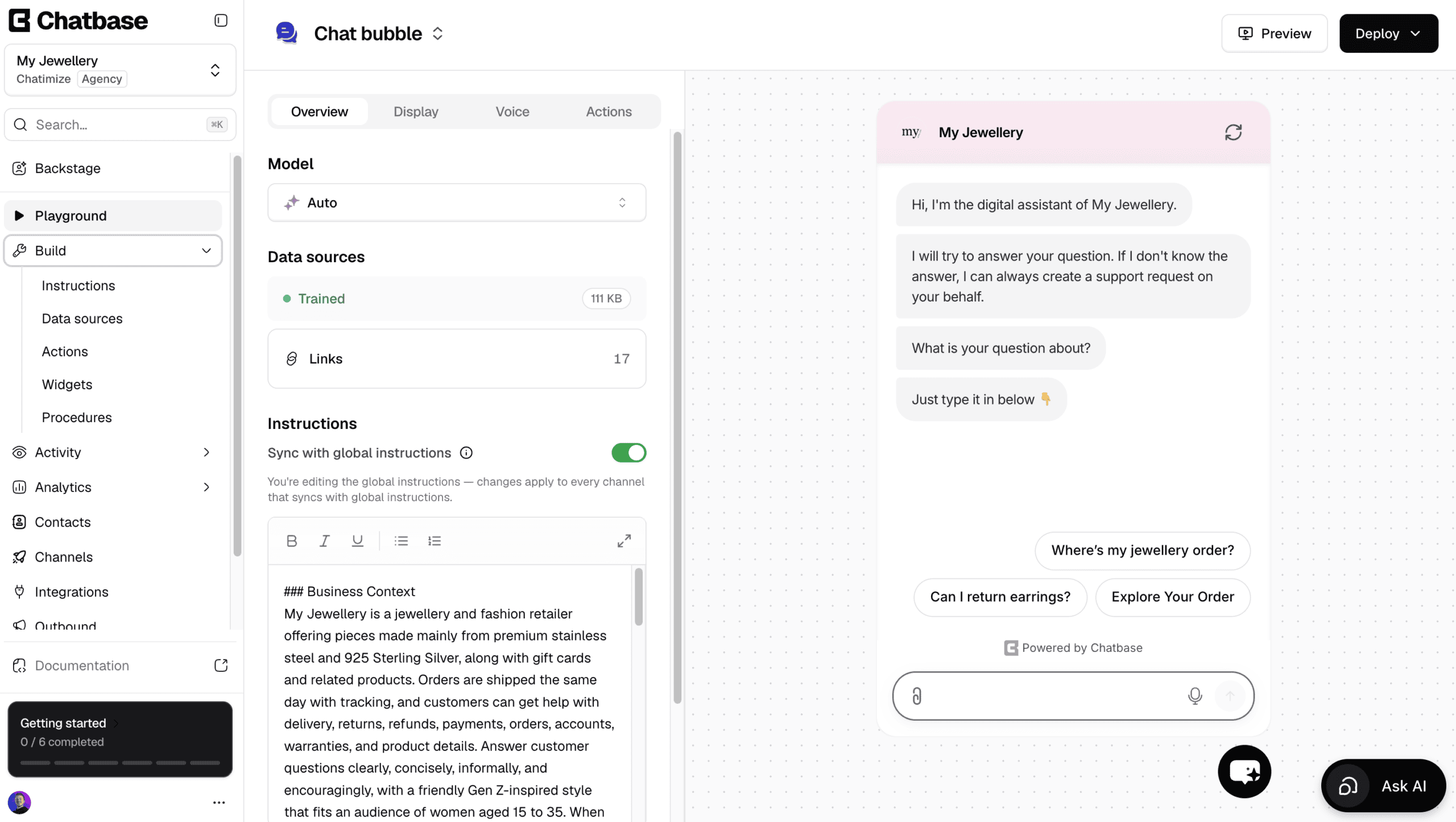
Chatbase is one of the easiest platforms to create AI agents with, and it connects directly to your Shopify store.
You connect your store and add your website or documents, and it trains on them. Once it’s trained, it answers your customers’ questions about your products, shipping and returns.
In addition to answering questions, it can also do things with AI actions. For example, it can:
- Check the status of a Shopify order
- Cancel an order
- Look up invoice details in Stripe
- Book a call in Calendly
And when your store needs something that isn’t built in, you can create your own custom AI actions.
To change your agent later, you use Backstage, an AI assistant inside Chatbase that edits the agent through a chat.
Ask it to explain your return policy differently, and it makes the change and shows you the result to approve.
There’s also a built-in help desk, so a human can take over by live chat. Or, a ticket is created automatically when the AI doesn’t know the answer.
Plus, Chatbase has WhatsApp outbound campaigns, where you message your customers first and your AI agent handles the replies.
However, it’s not a great pick if you want to build conversation flows yourself, like a product quiz, or run marketing on Facebook and Instagram.
Pros
- Talk to an AI to build and improve your agent
- Trains on your store pages, FAQ and return policy in minutes
- AI actions check order status and book calls
- Create your own custom AI actions
- Built-in live chat and help desk
- WhatsApp outbound campaigns
- Livechat integrations with Zendesk, Salesforce, HubSpot, Zoho Desk & Freshdesk
Cons
- Cannot create chatbot flows
- No marketing possibilities on Facebook and Instagram
- Cannot send proactive messages on your website
Pricing
- Free plan: 50 message credits and train your AI agent on 1 MB of content
- Hobby plan ($40/month): 700 message credits and train your AI agent on 10 MB
Best for: Best all-in-one platform for eCommerce AI agents
Rating: 4.1/5 ★
Tidio is the platform I use the most with eCommerce clients. Its AI agent, Lyro, is the reason why.
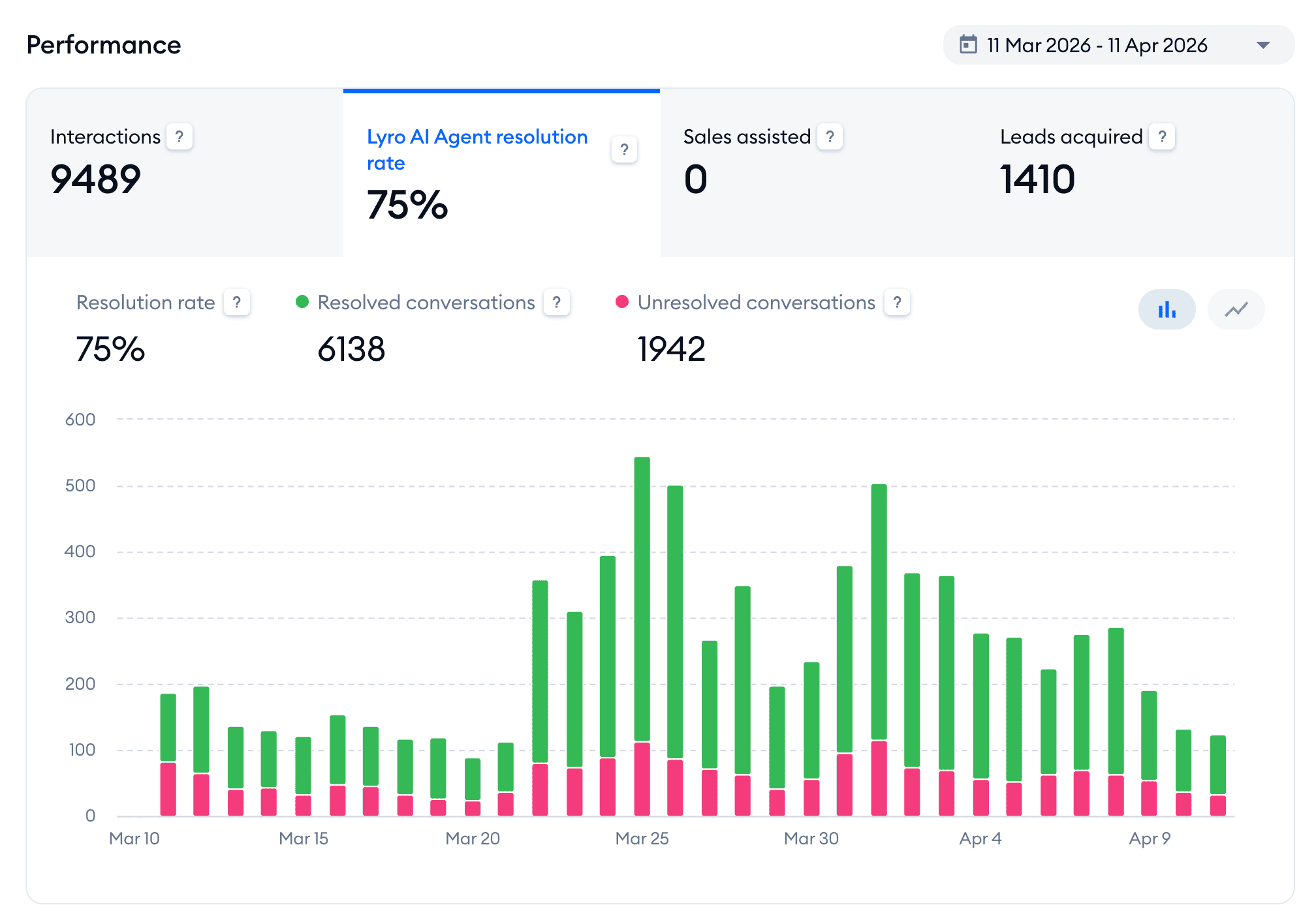
My client Burker automated 75% of all their conversations in just the first month with Lyro. That was across almost 9,500 total conversations:
Lyro trains itself on general business knowledge and your Shopify or WooCommerce catalog. So it can answer product questions right away. Its AI Actions can also check live order status, which covers the most common question there is: “Where is my order?”
There’s also a Suggestions feature that shows you which answers to improve. You don’t need to guess how to make the agent better.
Setup is quite easy as well. You can get Lyro live on your store without a developer, usually in an afternoon.
And when the AI does hit a question it can’t handle, it passes the chat to your team with the full history attached. So the customer never has to repeat themselves. For a small support team, that combination is great.
There is one main limitation. Tidio doesn’t offer marketing automation features on Instagram, Facebook or Instagram.
Pros
- Trains itself on your product catalog automatically
- Easy-to-use flow builder
- AI Actions can check live order status
- Suggestions feature shows which answers to improve
- Easy to set up without a developer
- Built-in Live Chat
- Works on your website, Instagram, Facebook, WhatsApp
- You can send proactive messages on your website and recommend products
Cons
- No marketing automation features on Instagram, Facebook or WhatsApp
Pricing
- Free Plan: Basic features of Tidio, up to 100 reached visitors and 50 Lyro AI conversations
- Paid Plans: Start at $29/month
Click below to get 20% off on all Tidio plans:
Best for: Larger eCommerce brands with support teams managing high conversation volume
Rating: 4.5/5 ★
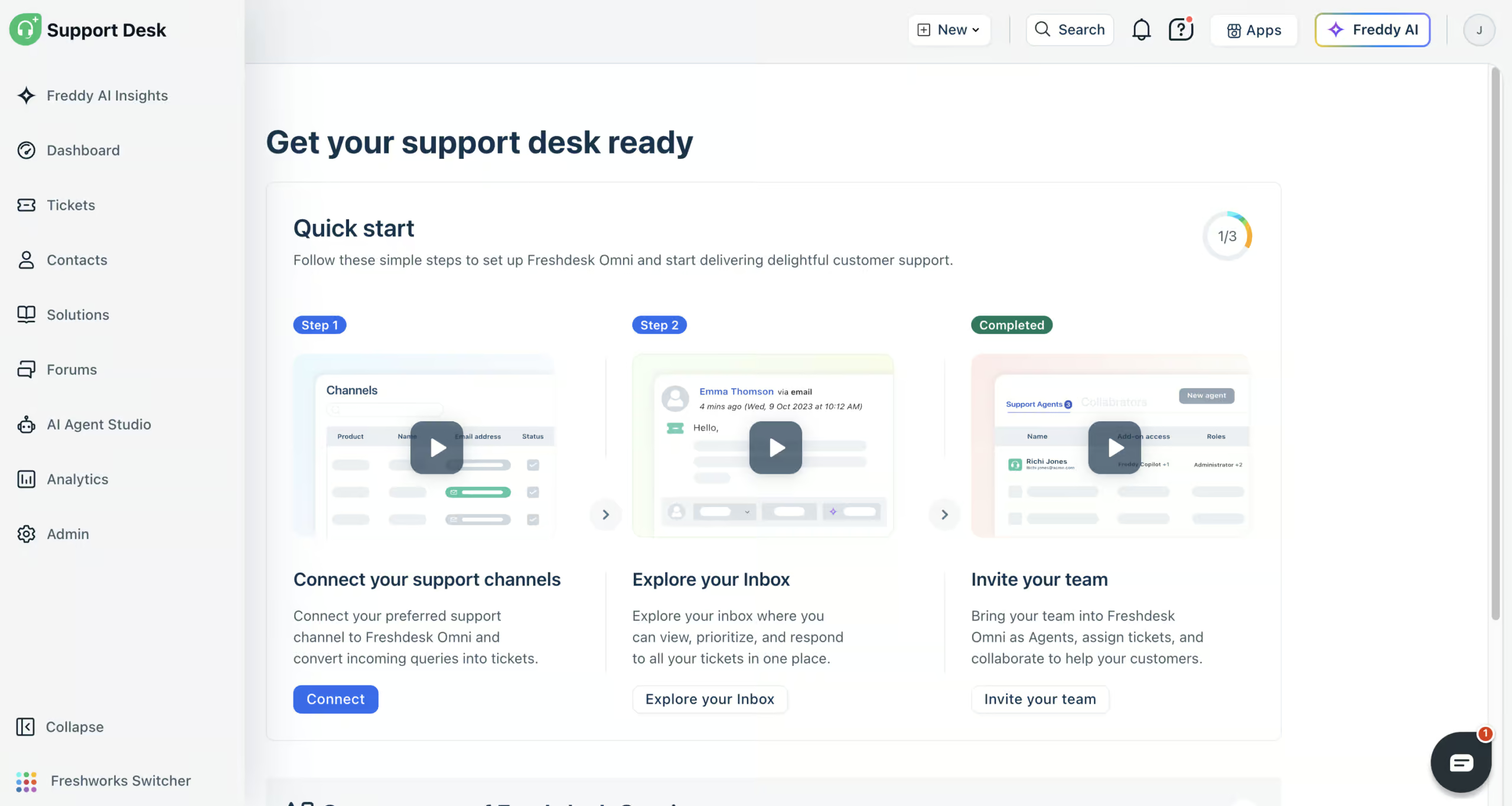
Freshdesk (formerly Freshchat) is great for a big store with a support team that handles a lot of conversations every day.
You train its Freddy AI agent on your website, files, help articles and Q&As, and it answers your customers’ questions from that knowledge. With AI workflows, it can also do things for them in your other tools, like finding their orders in Shopify and telling them where their package is.
When the AI agent can’t help, your team takes over in the built-in help desk. Every conversation from email, website chat, WhatsApp, Instagram, Facebook Messenger, SMS and phone lands in one inbox, right next to the customer’s Shopify orders.
Detailed reports and Freddy AI Insights show you where your support gets stuck. And Freddy AI Copilot summarizes tickets and writes replies for your team.
Freshdesk is great at automating the support side of your store. But it won’t help you turn Instagram or Facebook engagement into leads and sales, because it has no marketing features. Connecting Shopify can also take longer than it looks: in my test, the workflow didn’t work right away.
Pros
- Train Freddy AI agents on your own knowledge
- AI workflows that look up orders in Shopify
- Connects to website chat, email, WhatsApp, Instagram, Facebook Messenger, SMS and phone
- Built-in help desk with every conversation in one inbox
- Detailed reports and Freddy AI Insights
- Freddy AI Copilot for your support team
- 800+ integrations
Cons
- No marketing features for turning social engagement into leads
- Connecting Shopify can need help from their support team
- Email needs its own AI agent
Pricing
- Paid plans start at $35/agent/month (comes with 500 AI agent sessions)
- 14-day free trial, but no free plan
- Extra AI agent sessions: $49 per 100
Best for: Technical teams that want maximum control over AI agent behavior
Rating: 4.1/5 ★
Botpress has the most advanced AI features on this list. It gives you the most control over exactly how your agent behaves. If you’ve got someone technical on your team who wants to build something precise, this is the platform they’ll want.
The AI capabilities are excellent. You can train an agent on a custom knowledge base, and it can understand images that customers upload. That last one is genuinely useful for a store, since customers can send a photo of a product and ask about it directly.
It can also translate conversations automatically. Each customer gets replies in their own language, which matters if you sell internationally. Plus, you can rewrite its personality, to change how the agent sounds.
Like Freshdesk, though, Botpress is built for support, not acquisition. It’s not going to turn your Instagram or Facebook engagement into leads and sales. It’s a powerful support tool, but growing your audience on social isn’t what it’s for.
The other trade-off is the learning curve. Botpress is powerful, and that power comes with complexity. This isn’t a tool a non-technical store owner will get live in an afternoon. Live chat is also gated behind the $89/month plan, so human handoff isn’t available on the cheaper tiers.
Pros
- Most advanced AI features on this list
- Train an agent on a custom knowledge base
- Image understanding for product questions with photos
- Automatic translation for international stores
- Maximum control over agent behavior
- 10+ channel support from one agent
Cons
- High learning curve, not for non-technical owners
- Live chat only on the $89/month plan
- Not built for marketing or turning social engagement into leads
Pricing
- Free Plan: Includes up to 500 messages
- Pay-as-You-Go Plan: Starts at $5/month
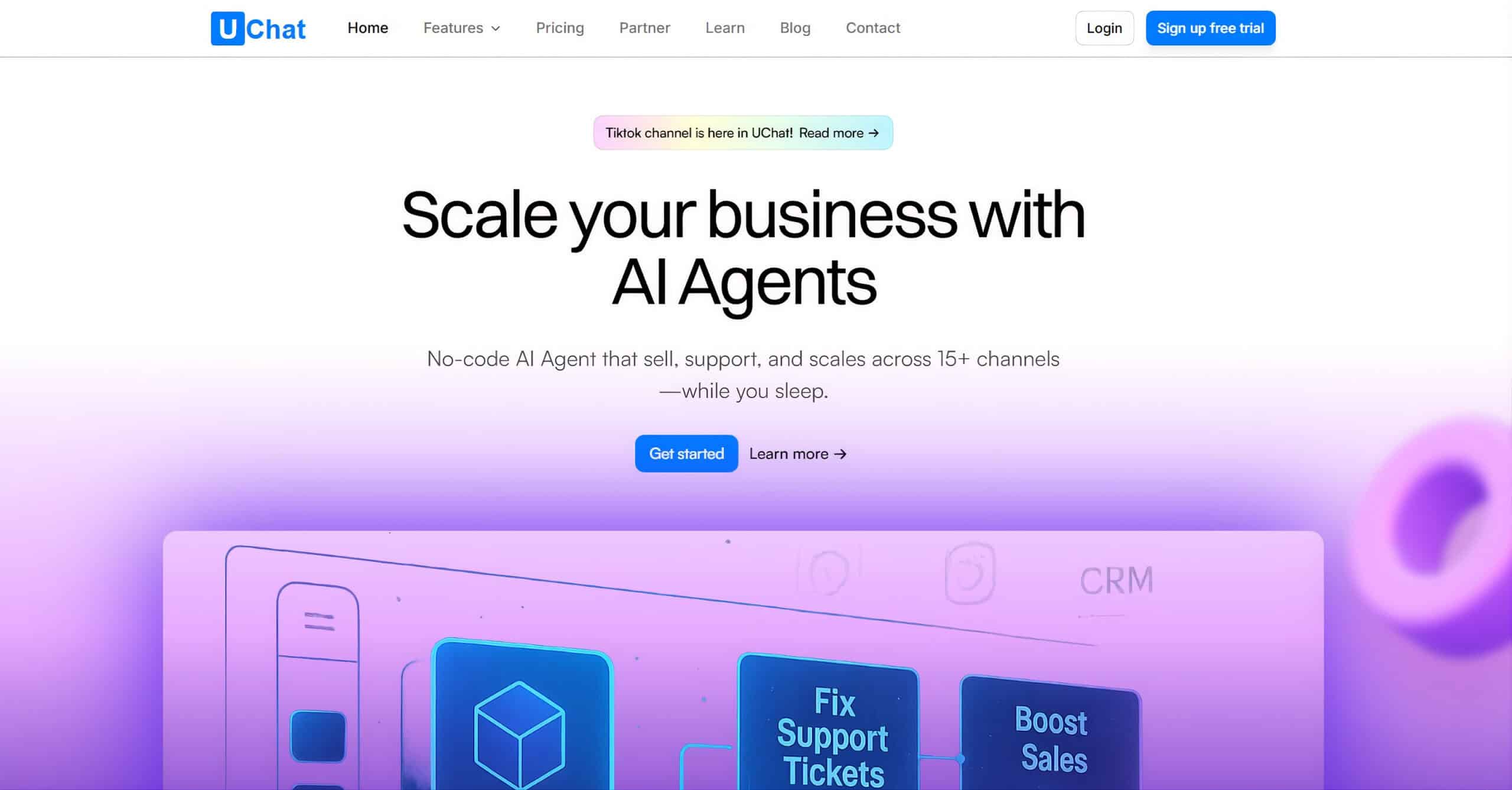
Best for: Stores that want an AI agent plus a WhatsApp catalog
Rating: 4.6/5 ★
What sets UChat apart for eCommerce is the WhatsApp catalog. You connect your products, and customers can browse them as a storefront right inside the chat. They then move to checkout without hunting around your website.
It brings the shopping experience into the conversation, which is where a lot of your customers already are.
On the AI side, UChat integrates directly with ChatGPT. So your agent can handle open-ended customer questions in natural language. And because it covers 13 channels, one bot can work across your website, WhatsApp, Instagram, Facebook, and more at once.
It’s also a real marketing tool, which makes it different from the support-only platforms above. You can send WhatApp broadcasts and set up abandoned cart sequences to win back sales that would otherwise slip away.
That combination of AI support, in-chat selling, and marketing is rare in a single platform.
There’s one drawback worth knowing, and it’s big for an eCommerce store. UChat can’t train itself on your product catalog. If you have 50 products in Shopify or on WhatsApp, your AI agent can’t automatically learn them and answer detailed questions about each one. For a store, that’s a meaningful gap.
All those features create a steeper learning curve. UChat packs in a lot, and that power requires a bit of complexity.
On top of that, UChat has a steeper learning curve. It packs in a lot, and that power comes with some complexity. You’ll need to spend time getting comfortable before it’s fully live.
Pros
- WhatsApp catalog lets customers browse and buy inside the chat
- Direct ChatGPT integration for natural-language answers
- One bot across 13 channels
- Full marketing automation: broadcasts and abandoned cart sequences
- Over 50 direct integrations (including Zapier and Make)
- Built-in Live Chat
Cons
- Steeper learning curve
- Basic analytics
Pricing
- Free Plan: Available with basic features
- Paid Plans: Start at $15/month
To start using UChat for free, click the button below to get my 100% discount code:
Best for: Stores that get leads through Instagram, Facebook, or WhatsApp marketing

Rating: 4.5/5 ★
If your store gets leads through Instagram, Facebook, or WhatsApp marketing, most of the platforms above aren’t built for that. They’re strong on AI support, but weak at turning social engagement into leads and sales.
Manychat is the opposite. It’s the best platform on the market for:
- Comment-to-DM
- Story replies
- Broadcast campaigns
If someone comments on your post, Manychat can automatically send them a DM and start a conversation. That’s how you turn followers into customers, and no other tool on this list does it as well.
There are two catches, though. First, ManyChat’s own AI is currently weak, so it’s not great for deep AI support out of the box. Second, it doesn’t have a direct Shopify or WooCommerce integration. You have to build that connection yourself using Zapier or Make.
The weak AI does have a workaround. I put together a video showing how to give Manychat much stronger AI, which you can watch here:
Stop Wasting Time on DMs! Use This AI Manychat Workflow
Pros
- The best platform on the market for acquiring customers through Instagram, Facebook, and WhatsApp
- Comment-to-DM, story replies, and broadcast campaigns
- Automatically DMs anyone who comments on your posts
- Easy to set up without a developer
Cons
- Weak native AI (though there’s a workaround)
- No direct Shopify or WooCommerce integration, so you connect your store through Zapier or Make
Pricing
- Free plan up to 25 contacts (you can’t use WhatsApp on the free plan)
- Paid plans start at $17/month
To get started with Manychat, click the button below to get my 100% discount code:
