


By Joren Wouters • Updated on

Best for: Marketing Automation & Customer Support
Rating: 4.5/5 ⭐
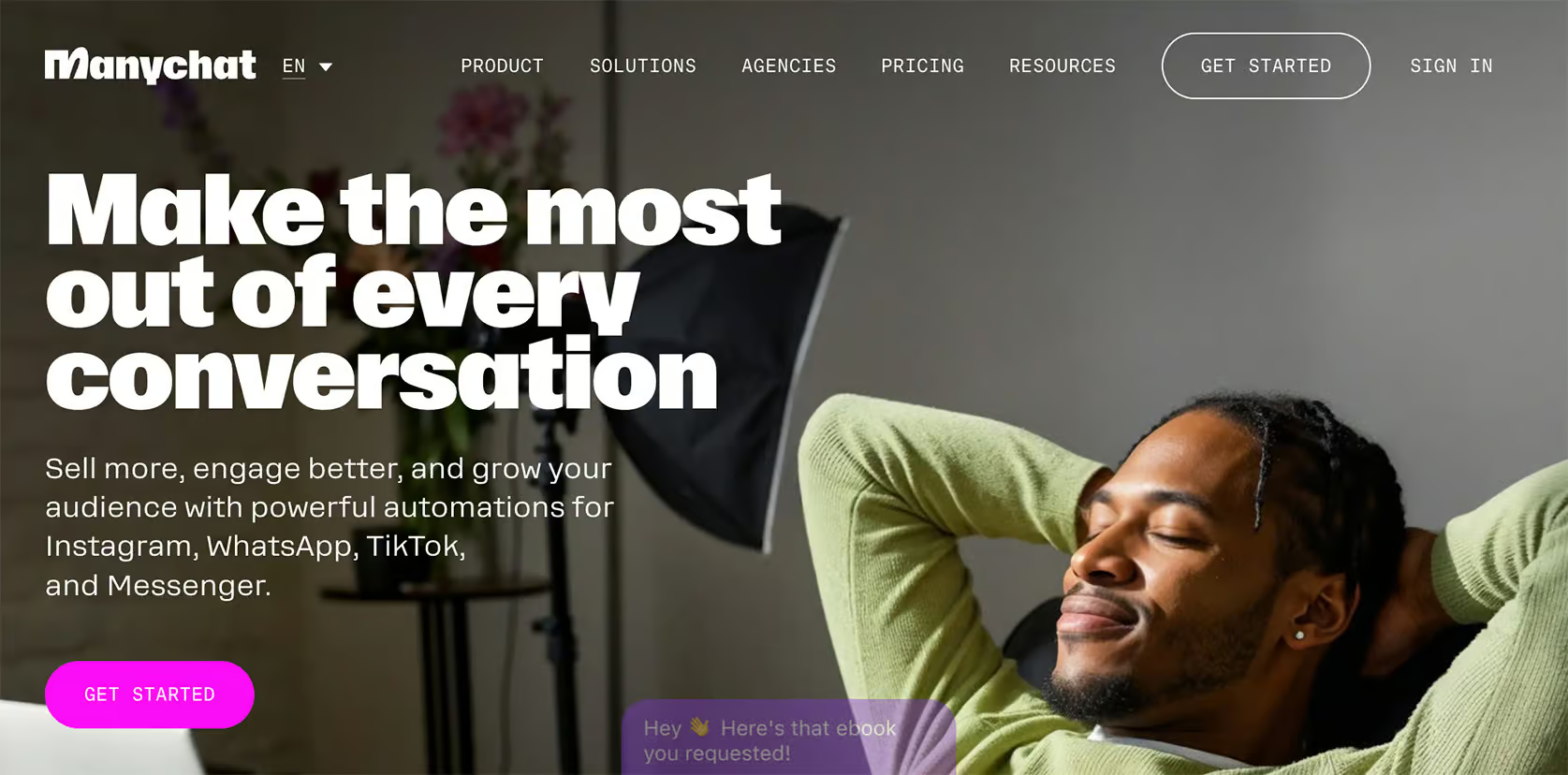
Manychat is one of the most popular chatbot builders available, and it’s great for creating chatbots on Telegram. Its intuitive interface and flow builder make it simple for anyone to design and deploy chatbots, even if you’re a complete beginner.
Manychat is especially valuable for marketing, as it allows you to automate various tasks like sending broadcasts and responding to user interactions in private chats. You can set up advanced automations with sequences, rules, and even conduct A/B testing to refine your approach. So it’s an excellent tool for lead generation.
It also includes a built-in live chat feature, so you can seamlessly pass a conversation to a human agent if needed, which is ideal for customer support.
For those wanting to incorporate AI, Manychat offers advanced tools such as an AI Flow Builder Assistant and AI intents.
Pros
- Simple, user-friendly Flow Builder and very intuitive interface
- Integrates easily with Telegram, Facebook, Instagram, WhatsApp, and SMS
- Multiple automation options, including Broadcasts, Sequences, and Rules
- Built-in Live Chat for easy customer handoffs
- Direct integrations, plus compatibility with Zapier and Make
- AI features like Intents, AI Steps, and AI Flow Builder Assistant
Cons
- Cannot be used in Telegram Groups
- It’s hard to translate your chatbot to multiple languages
Pricing
- Free plan for up to 1,000 contacts, with basic features included
- Pro plan starting at $15/month
- AI Add-on available for $29/month
Bonus: Click the button below and get 30 days of Manychat Pro for free (discount code appears) 👇
Best for: Advanced AI Chatbots
Rating: 4.1/5 ⭐
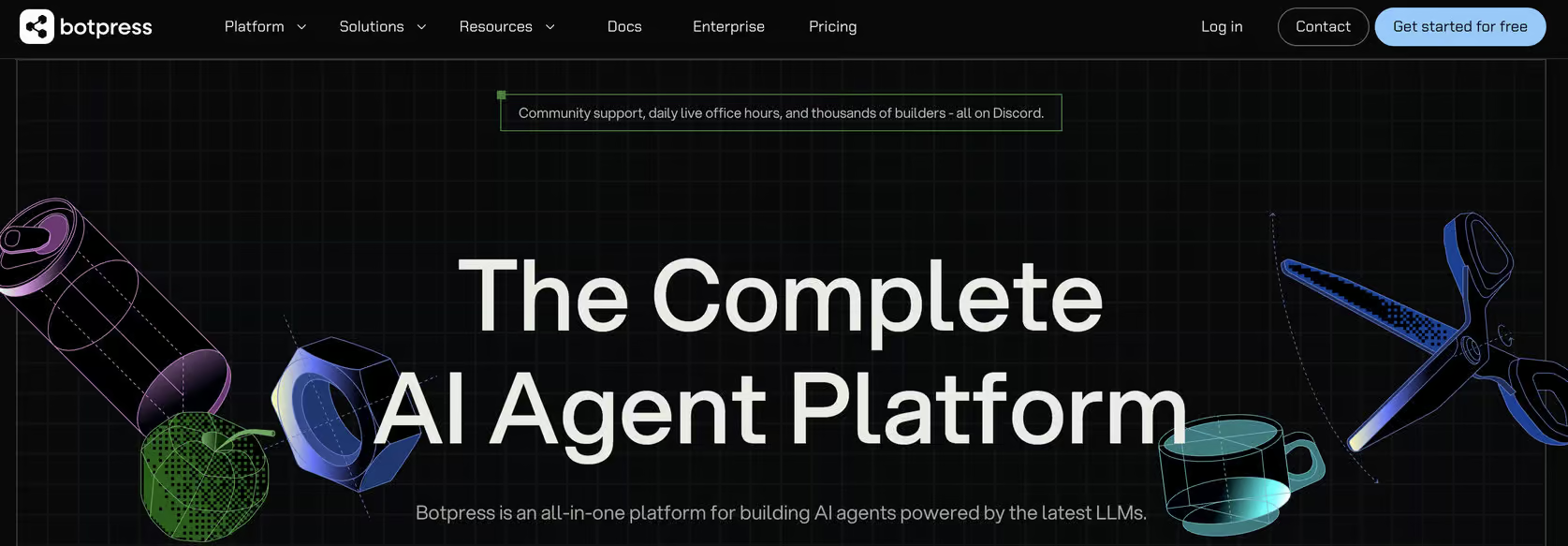
Botpress is a powerful platform for building highly customized and intelligent chatbots. It’s especially well-suited for advanced users who want to bring AI into their Telegram chatbot.
Botpress offers impressive AI capabilities that set it apart. With this platform, you can:
- Train the chatbot using a tailored knowledge base
- Adapt responses to reflect a chosen personality
- Auto-summarize conversations after each chat
- Interpret images shared by users
- Translate interactions into the user’s preferred language
These features make Botpress one of the most sophisticated platforms for creating AI-powered chatbots.
However, it does come with certain limitations, especially for Telegram.
Botpress can’t be used in Telegram groups, and its setup process can feel challenging for beginners due to the advanced flow builder and technical requirements.
Pros
- Advanced Flow Builder with deep customization options
- Broad AI toolkit (Knowledge Base, Summarization, Vision Agent, and Auto-translation)
- Capability to publish on Telegram and 9 other channels
- Website widget customization
- Built-in Live Chat
Cons
- Not compatible with Telegram groups
- Steep learning curve for new users
- Only basic analytics on the standard plan
Pricing
- Free plan for up to 500 messages
- Pay-as-you-go pricing starting at $5/month
Best for: Omnichannel Bots

Rating: 4.5/5 ⭐
UChat is a flexible chatbot platform designed to support multiple channels, including Telegram, Facebook, WhatsApp, and more. Though it’s relatively user-friendly, UChat has a higher learning curve compared to more straightforward platforms like Manychat.
With UChat, you can build a single chatbot and deploy it across multiple channels with just one click. It’s great for managing engagement across platforms seamlessly.
With a broad range of marketing tools and a built-in live chat feature, UChat is well-suited for businesses looking to integrate marketing and customer support into one bot.
Also, unlike Manychat and Botpress, UChat can be used in Telegram groups, although it lacks specific triggers for Telegram groups. For example, you can’t send automatic messages when someone joins or leaves a group.
UChat also offers over 50 integrations with other tools, so you can easily connect it to your existing tech stack, and it includes a direct integration with ChatGPT for enhanced AI interactions.
Pros
- User-friendly Flow Builder
- Create a single chatbot and deploy it across 13 channels
- Supports keyword recognition and intent detection
- Direct integration with ChatGPT for advanced AI functions
- Compatible with Telegram groups
- Advanced marketing features: Broadcasts, Sequences, and Rules
- Built-in Live Chat
- 50+ direct integrations, including Make and Zapier Make
Cons
- High learning curve for beginners, it can feel overwhelming
- Lacks specific triggers for Telegram groups (for example – no automatic messages for new members)
Pricing
- Free plan available
- Paid plans start at $15/month
To get started with UChat, click the button below to get my 100% discount code:
Best for: Bots in Telegram Groups & Channels
Rating: 4.0/5 ⭐
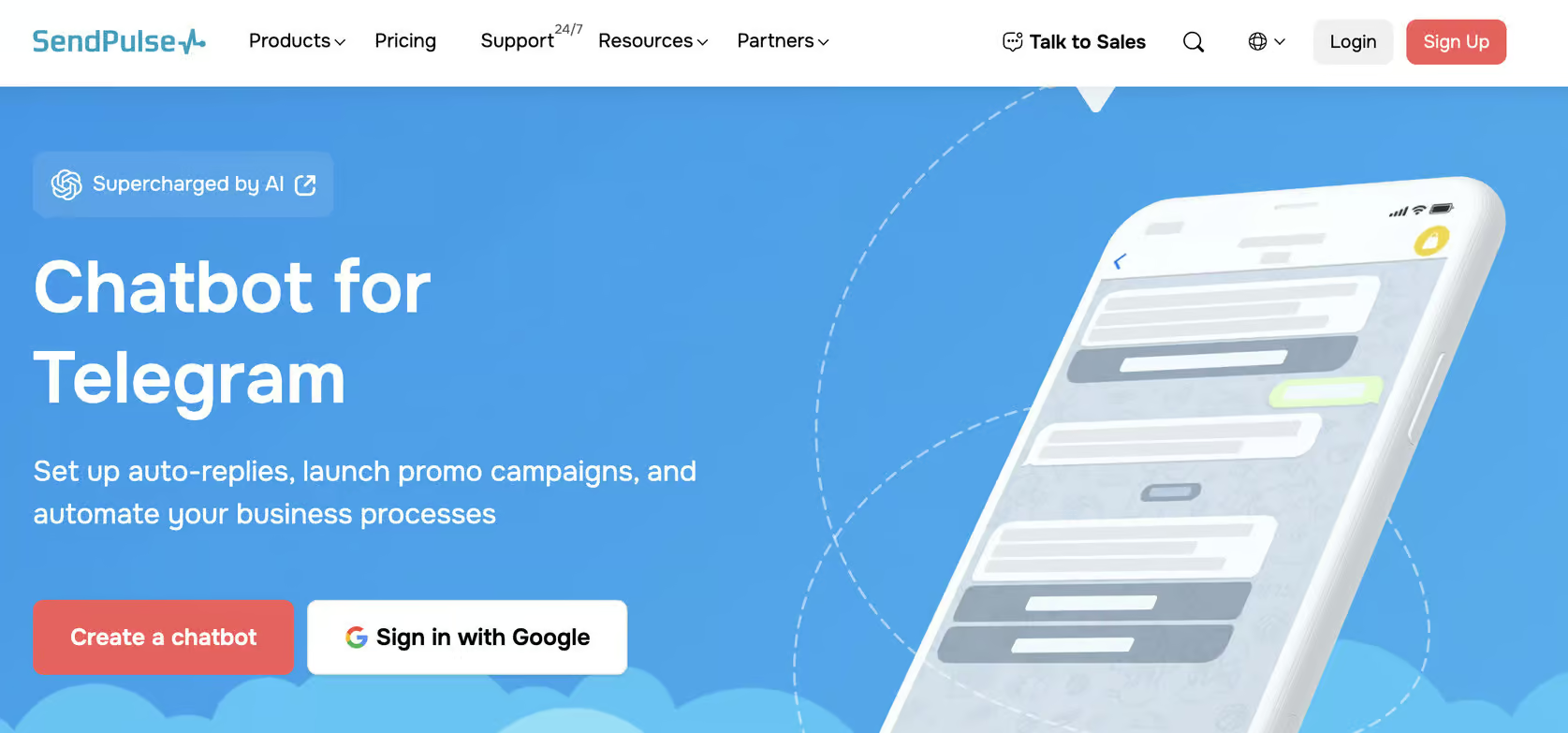
Sendpulse is a versatile chatbot platform that’s great for managing Telegram groups and channels. It offers Telegram-specific triggers and actions, like:
- Automatically sending messages when somebody joins your group
- Block or unblock users in your groups and channels
- Send automatic posts in your Telegram channel based on new content on your site
Plus, you can send broadcast messages to everyone who has interacted with your Telegram bot or in your channels/groups.
Sendpulse also includes a flow builder, live chat inbox, and a ChatGPT integration. This allows you to create custom flows and use the power of AI in your chatbot.
And aside from Telegram, you can also add chatbots to WhatsApp, Instagram, Facebook, Tiktok and Viber.
That said, there are some limitations. The interface is user-friendly, but not as intuitive as Manychat or UChat.
Also, you must create separate bots for each channel, and there is no easy way to duplicate them.
Pros
- Telegram-specific group/channel triggers (joins, blocks, approvals)
- Automatically post in Telegram channels based on your site content
- Send broadcasts across all Telegram interactions
- Flow builder + ChatGPT integration
- Built-in live chat and mobile app
- Supports 6 channels, including Telegram, WhatsApp, Facebook, Instagram & Viber
Cons
- Must create separate chatbots per channel
- Interface is less beginner-friendly than some other platforms
- Limited analytics for chatbot improvement
Pricing
- Free plan: Basic features for 3 bots, 10,000 messages/month, 10 variables and triggers
- Pro plan: All features of the platform. Starts at $10/month for 500 contacts (scales with list size)
Your Next Step
These are the top 4 best Telegram chatbot platforms. Each one offers unique strengths, weaknesses and specialized features.
And now that you know them, the next step is to create your first Telegram bot.
So please check out this tutorial to learn how:

Frequently Asked Questions
How do Telegram bots improve customer experience?
Telegram bots use natural language processing (NLP) to interpret and respond to user queries instantly. They can handle FAQs, provide product details, and even guide customers through specific processes.
Do Telegram bots work with external services (Zapier/Make)?
Yes! Many Telegram chatbot platforms support integration with Zapier and Make. They also support integration with eCommerce platforms (e.g., Shopify), CRM systems, and collaboration apps like Microsoft Teams.
Do Telegram chatbots use advanced AI like GPTs or large language models?
Some high-end chatbot platforms leverage advanced AI, including GPT models, for more context-aware and conversational responses. These AI-driven bots can generate natural dialogue and enhance interactions with users.
Are Telegram chatbots suitable for small businesses?
Absolutely! Businesses of all sizes, from small online shops to larger enterprises, can benefit from Telegram chatbots. They’re particularly helpful for brands looking to build community engagement or manage large groups efficiently on Telegram.
Can I use these Telegram bots without coding?
Yes, but it depends on the platform.
If you want a plug-and-play, beginner-friendly solution, go with one of these:
- Manychat – Very intuitive flow builder, no coding required.
- UChat – No coding needed, though it has a slightly steeper learning curve.
- Sendpulse – Visual builder, beginner-friendly overall.
On the other hand:
- Botpress is more developer-oriented. While you can use it without deep coding knowledge, it’s built for advanced AI workflows and may feel technical if you’re new to chatbots.
What’s the difference between bots for Telegram channels vs bots for groups?
Channels are for one-way broadcasts (you post, subscribers read). Bots can automate posts and send updates.
Groups are interactive communities where members can chat. Bots can moderate discussions, welcome members, or trigger automations.
