


By Joren Wouters • Updated on
| Name | Rating | Pricing | Best For |
|---|---|---|---|
 Chatbase Chatbase | 4.5/5 ★ | Free plan; paid plans start at $40/month | Building and adding an AI agent to WordPress quickly |
 Chatling Chatling | 4.3/5 ★ | Free plan; paid plans start at $25/month | AI + Flow Builder on websites and WhatsApp |
 Tidio Tidio | 4.1/5 ★ | Free plan; paid plans start at $29/month | All-in-one platform for AI + flows + live chat |
 Botpress Botpress | 4.1/5 ★ | Free plan with pay-as-you-go model | Best free plan + advanced AI chatbots |
 UChat UChat | 4.6/5 ★ | Free plan; paid plans start at $15/month | Omnichannel chatbots + WooCommerce integration |
Best for: Building and adding an AI agent to WordPress quickly
Rating: 4.5/5 ★
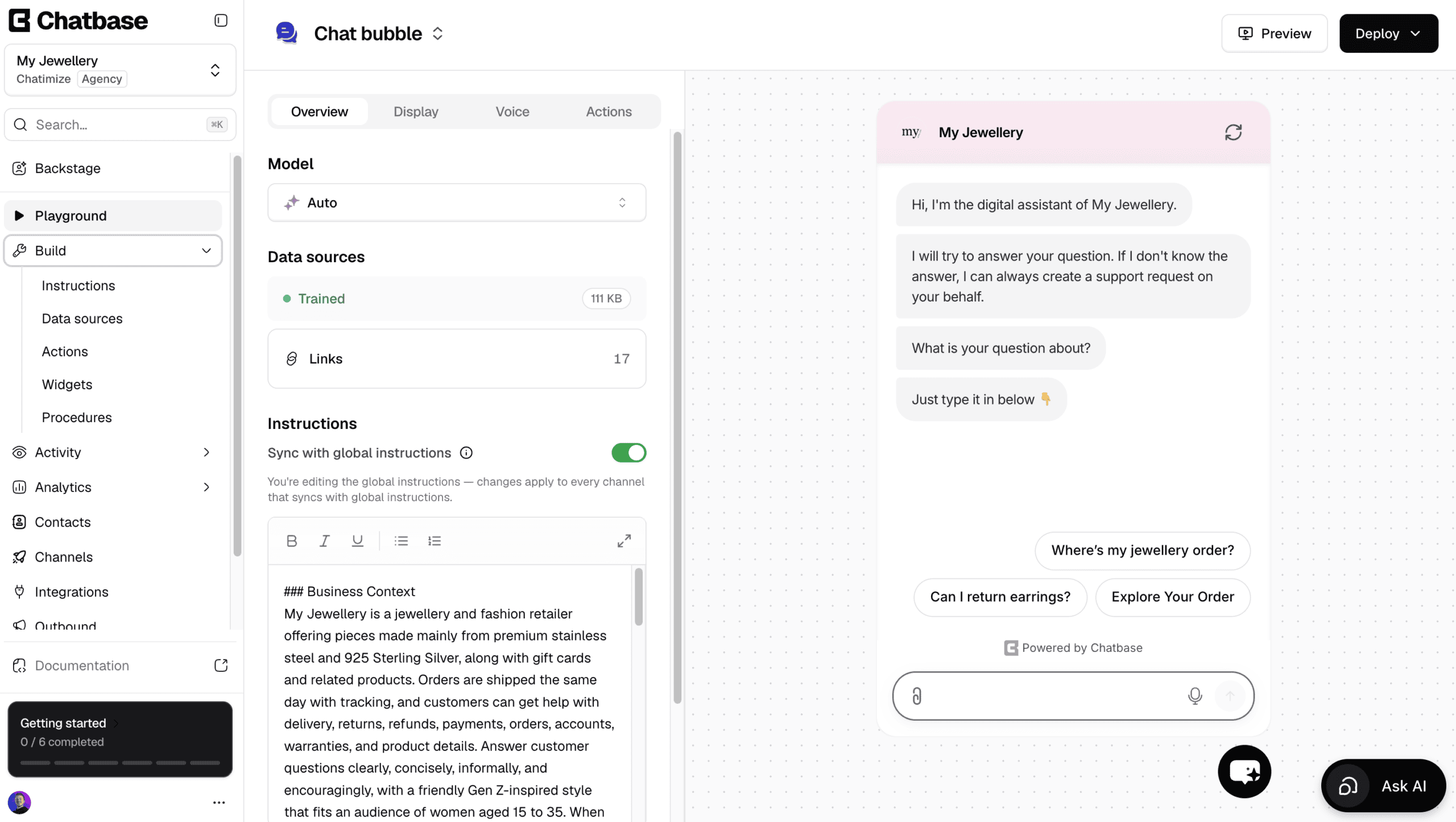
Chatbase is one of the easiest platforms to create AI agents with, and getting one onto a WordPress site takes minutes.
You give Chatbase your website or documents, and it trains on them. After that, it answers questions about that content on its own.
Apart from answering questions, it can also do things with AI actions. For example, it can send a new lead to your team’s Slack channel or update a visitor’s contact details.
You can also create custom AI actions for anything the built-in ones don’t cover.
Changing your agent later happens in Backstage, the AI assistant built into Chatbase.
Want a different tone or a new instruction? You describe it, and Backstage does the work and shows you the result to approve.
Plus, there’s a built-in help desk, so a human can take over by live chat. Alternatively, you can auto-create a ticket when the AI doesn’t know the answer.
However, it’s not a great pick if you want to build conversation flows yourself, or send proactive messages to visitors on your site.
Pros
- Very easy to use, even for beginners
- Talk to an AI to create and improve your AI agent
- Set up a chatbot in less than 10 minutes
- Train the AI on your website content or documents
- AI Actions to connect with other tools
- Built-in live chat and help desk
- Works on WordPress and other channels, such as Instagram, Facebook, WhatsApp & Email
- Integrates with Zapier and Make
- Livechat integrations with Zendesk, Salesforce, HubSpot, Zoho Desk & Freshdesk
Cons
- Cannot create chatbot flows
- No marketing possibilities on Facebook and Instagram
- Cannot send proactive messages on your website
Pricing
- Free plan: 50 message credits and train your AI agent on 1 MB of content
- Hobby plan ($40/month): 700 message credits and train your AI agent on 10 MB
WordPress integration
Chatbase offers an official WordPress plugin.
You can install the plugin and connect your chatbot without touching code. This makes setup easy for non-technical users.
Best for: AI + Flow Builder on websites and WhatsApp
Rating: 4.3/5 ★
Chatling is among the best chatbots for WordPress if you want AI answers and custom chatbot flows on your WordPress website.
You can train an AI on your website pages or documents. The chatbot then answers questions based on that data.
But unlike Chatbase, Chatling also includes a flow builder. This lets you design structured chatbot flows for things like lead capture, FAQs, or guided support.
Chatling also comes with a customizable website widget. You can change the look and feel to match your WordPress site.
This widget lets you send proactive messages. You can trigger messages based on page visits, returning users, or time on page. This is useful for lead generation on WordPress websites.
Chatling works on WordPress websites and WhatsApp. You need to create a separate chatbot for each channel.
Chatling’s main weaknesses are a lack of live chat and AI actions.
Pros
- Train AI on website content or documents + flow builder
- Proactive messages on WordPress websites
- AI knowledge base and intents
- Customizable website widget
- Integrations with Zapier, Hubspot, Google Sheets and more
Cons
- No built-in live chat
- No AI actions
- Separate chatbots required per channel
- You can lose overview in flow builder
Pricing
- Free plan (with unlimited chats, 100 AI credits, two AI agents, flow builder, and a knowledge base)
- Paid plans start at $40/month (with 3,000 AI credits, 2 seats for team collaboration, 3 AI agents, advanced analytics, and voice input)
WordPress integration
Chatling does not offer a native WordPress plugin.
Instead, you add it to WordPress using a simple embed code. You paste the code into your site, and the chatbot appears on your pages.
This setup is still easy, but it requires a small manual step.
Best for: All-in-one platform for AI + flows + live chat
Rating: 4.1/5 ★
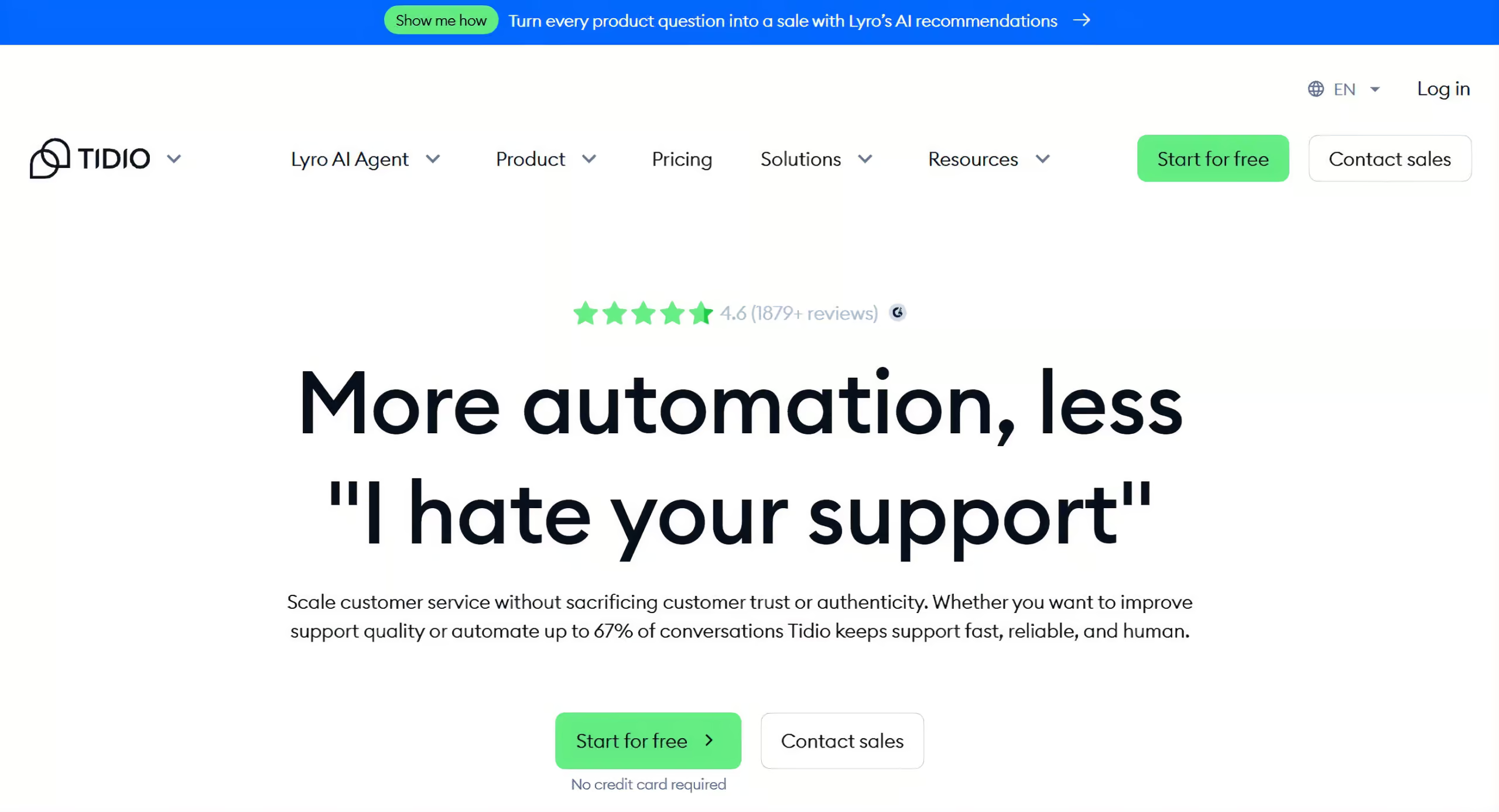
Tidio is a true all-in-one chatbot platform for WordPress websites.
It combines three things in one tool:
- AI chatbots
- Automation flows
- Live chat
You can train Tidio’s AI (called Lyro) on your website. It then answers questions automatically.
Tidio has AI actions too. So when someone asks to do something, you can automatically do it.
On top of that, you can build custom chatbot flows. These are useful for lead capture, product guidance, or basic support.
When the chatbot can’t answer a question, the conversation can switch to live chat. A human agent can take over and reply directly. This makes Tidio one of the best customer service chatbots for WordPress.
Tidio also supports multiple channels. You can use the same platform for your WordPress website, Facebook, Instagram, and WhatsApp.
But there are no marketing possibilities on Instagram, Facebook and WhatsApp. Plus, there aren’t any flow analytics.
Pros
- Combines AI, flows, and live chat in one platform
- Lyro AI trained on your website content
- Flow builder for automations
- Built-in live chat with human handover
- Works on Website, Facebook, Instagram, and WhatsApp
Cons
- No marketing possibilities on Instagram, Facebook & WhatsApp
- No flow analytics
Pricing
- Free plan (up to 100 reached visitors)
- Paid plans start around $29/month (varies by usage and add-ons)
WordPress integration
Tidio offers an official WordPress plugin.
You can install it directly from the WordPress plugin store. Setup is quick and doesn’t require code.
Once installed, the chat widget appears on your site automatically.
Click the button below to get 20% off on all Tidio plans:
Best for: Best free plan + advanced AI chatbots
Rating: 4.1/5 ★
Botpress is built for advanced use cases. You can create custom chatbot flows and combine them with strong AI features.
With Botpress, you can train an AI on your website content or documents. The chatbot can then:
- Answer questions
- Summarize conversations
- Translate messages
- Adjust its tone and personality
It can also understand images that users upload. And it supports many languages out of the box.
Another big advantage is channel support. You create one chatbot and publish it across 10+ channels, including your WordPress website. Plus, Botpress has over 100 direct integrations, including Zapier and Make.
Botpress offers a great free plan, which includes 500 messages per month. That’s more generous than most tools in this list.
But the main trade-off is complexity. Botpress has a very high learning curve. Sometimes doing even simple things can be tricky.
Botpress is more technical than the other platforms here.
Pros
- Most advanced AI features (knowledge base, translation, summarization, vision, personality)
- Powerful flow builder
- Works on 10+ channels
- Train AI on website content or documents
- 100+ integrations, integrations Zendesk, Zapier, and Make
- Best free plan on this list (500 messages/month)
Cons
- High learning curve, more technical setup
- No marketing automations for Facebook or Instagram
- Live chat only available on $89+/month plans
Pricing
- Free plan (up to 500 messages)
- Pay-as-you-go from $5/month
- Live chat only on $89+/month plans
WordPress integration
Botpress does not have a native WordPress plugin.
Instead, you add it to WordPress using an embed code. Once added, the chatbot appears on your site like a normal widget.
This works well, but setup takes more time than plugin-based tools.
Best for: Omnichannel chatbots + WooCommerce integration

Rating: 4.6/5 ★
UChat is among the best chatbot platforms overall, thanks to its versatility.
You can create one chatbot and publish it across 13 channels. This includes your WordPress website, Facebook, Instagram, WhatsApp and more.
UChat includes a flow builder. You can use it to design chatbot flows for support, lead generation, or sales.
It also has built-in AI. You can train AI agents on your own files, so the chatbot can answer questions automatically.
Another strong feature is live chat. When the bot can’t help, a human agent can take over the conversation.
For WordPress users running an online store, UChat is great. It has a direct WooCommerce integration. This lets your chatbot access order data and support eCommerce conversations more easily.
UChat also supports proactive messages on websites and offers 50+ integrations. This includes Zapier and Make.
Even though UChat is very easy to use, the platform has so many features that it can feel overwhelming for beginners.
Pros
- Build one chatbot and deploy it on 13+ channels
- Built-in AI and good integration with ChatGPT
- Connects directly with WooCommerce
- Proactive messages on your website
- Built-in live chat and strong customer support tools
- 50+ integrations including Zapier & Make
Cons
- Steep learning curve, beginners can feel overwhelmed by so many features
Pricing
- Free plan (with up to 200 contacts)
- Paid plan starts at $15/month (with up to 1000 contacts)
WordPress integration
UChat does not have a native WordPress plugin.
You connect it to WordPress using an embed code. Once added, the chatbot appears on your site.
For WooCommerce users, UChat offers a direct integration. This makes setup easier for eCommerce chatbots.
To get started with UChat, click the button below and you’ll get my 100% discount code:
Which WordPress Chatbot Is Right for You?
All five platforms are solid choices. The right one comes down to what your site actually needs.
So here’s what I’d recommend.
If you’re new to WordPress and want an AI chatbot live in under ten minutes, go with Chatbase. You upload your content, it trains itself, and there’s no technical setup or flow-building to worry about. It’s the fastest way to get a chatbot live and answering questions.
Chatling is better if you want AI answers plus structured flows for capturing leads. It trains on your site content and lets you build guided flows for things like FAQs and lead capture. It works on both WordPress and WhatsApp.
If you want AI, flows, and live chat all in one place, go with Tidio. It’s the most complete platform on this list. You can automate answers with its Lyro AI, build custom flows, and let your team step in through the same inbox when the bot gets stuck.
For developers and technical users who want maximum flexibility, Botpress is a great choice. It offers the most advanced AI on this list, a powerful flow builder, and over 100 integrations to build almost anything you can imagine.
And if you run a WooCommerce store and want one bot across your website and every social channel, UChat is perfect. A single chatbot can go live on 13 channels, with flows, AI, live chat, and a direct WooCommerce integration all included.
These are the 5 best chatbots for WordPress! Each has its own strengths and drawbacks.
And which one you should choose depends on what you need.
The next step is to make your own chatbot for your website. You can click on this tutorial to learn how:

