


Every SaaS product hits the same wall. You add more users, and support requests pile up. But you can’t hire support agents at that speed.
So your team answers the same questions all day. What does it cost? How do I get started? Does it work with my other tools?
That’s where a SaaS chatbot comes in. Train it on your product documentation, and it answers those repeat questions for you. Your team can focus on conversations that need a real person.
But which platform should you use? I’ve spent the last 7 years building chatbots across 200+ platforms. I’ve tested every tool in this list against what SaaS teams need.
In this guide, I’ll break down the 7 best SaaS chatbots. For each one, you’ll see what it’s best for, where it falls short, and which I’d pick for your team.
To do this, I checked each platform on five things:
- How well it trains on your docs
- How it hands off to a human
- Its channels
- Its integrations
- How easy it is to set up
Let’s get into it!
What Is a SaaS Chatbot?
A SaaS chatbot is an automated program that handles customer conversations for a software company.
You put it on your website, inside your app, or on messaging channels like WhatsApp. It answers questions, guides users, and hands off to your team when needed.
But a SaaS chatbot is different from a general one. A basic chatbot gives generic answers. A SaaS chatbot has to know your specific product.
And SaaS products are not simple. You have detailed documentation, several pricing tiers, a list of integrations, and an onboarding flow. A generic bot can’t answer questions about any of that. It needs to be trained on your product first.
Once it knows your product, a SaaS chatbot earns its place in four main ways:
- Onboarding: It walks new users through setup so they reach their first win faster.
- Support: It answers repeat questions about pricing, billing, and integrations without a human.
- Lead qualification: It asks visitors the right questions and sends hot leads to your sales team.
- Churn reduction: It spots users who are stuck and starts a helpful conversation before they leave.
I’ll cover each of these in more detail later in this guide. For now, just know this is where a SaaS chatbot pays for itself.
How I Evaluated Each Platform
I didn’t judge these platforms mainly on general features. I judged them on what’s most important for a SaaS company. And there are five things.
Training is first. A SaaS chatbot heavily depends on the content behind it. So I checked how well each platform learns from your product docs, help center, and website. Plus how fast it turns that into real answers.
Human handoff matters just as much. No bot can answers everything, and when it can’t, it needs to pass the chat to a real agent with full context. That way, the customer doesn’t need to repeat themselves.
Then there’s channels. SaaS support doesn’t live in one place. So I looked at whether each tool covers your website widget, in-app chat, and messaging apps like WhatsApp.
Next, integrations make a bot useful beyond answering questions. Your chatbot has to fit your stack. So I checked how deeply each one connects to your CRM, helpdesk, and analytics tools.
And finally, ease of setup Many SaaS teams don’t have a spare developer, so I looked at how fast a non-technical person can get the bot live and working.
Best SaaS Chatbots: Quick Overview
| Name | Rating | Pricing | Best For |
|---|---|---|---|
 Intercom Intercom | 4.5/5 ★ | Starts at $29 per seat/month + $0.99 per AI outcome; 14-day free trial on every plan | All-in-one platform for AI, support, and onboarding |
 Chatbase Chatbase | 4.5/5 ★ | Free plan; paid plans start at $40/month | A fast and easy AI support bot trained on your data |
 Freshdesk Freshdesk | 4.5/5 ★ | Starts at $35 per agent/month; 14-day free trial on every plan | Large customer support teams with high volume |
 Botpress Botpress | 4.1/5 ★ | Free plan with pay-as-you-go model | Technical teams that want full control over AI and flows |
 Manychat Manychat | 4.5/5 ★ | Free plan; paid plans start at $17/month | Acquiring customers on Instagram, Facebook, or WhatsApp |
 UChat UChat | 4.6/5 ★ | Free plan; paid plans start at $15/month | One bot across your website and all social and messaging channels |
| Wonderchat | 4.0/5 ⭐ | Free plan, Paid plans start at $149/month | Fastest no-code setup trained on your docs |
1. Intercom
Best for: All-in-one platform for AI, support, and onboarding
Rating: 4.5/5 ⭐
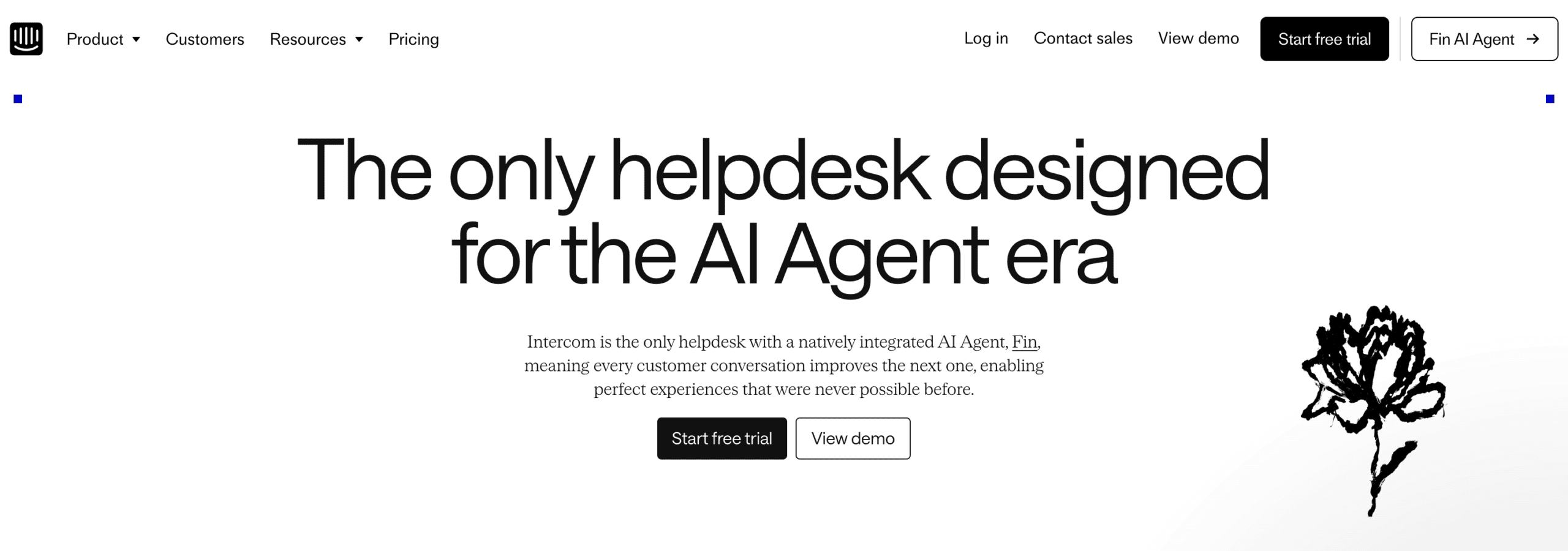
Intercom is the closest thing to an all-in-one platform on this list. It handles AI support, product tours, and proactive messaging from one place.
Intercom has its AI agent, Fin, which can:
- Train on your help center and product documents
- Answer questions on its own
- Hand off to a human with full context
- Look things up in your other tools with data connectors
And you don’t have to set it all up yourself: the Operator, Intercom’s AI assistant, builds the setup for you when you explain what you want.
But Intercom offers much more than just support.
For example, you could trigger a message when a user hasn’t completed setup. Intercom spots that and triggers a message pointing them to the right step. It provides automatic onboarding and prevents churn.
The tradeoff is cost. Fin charges $0.99 per AI outcome, so a busy month can quickly add up. And connecting Fin to your own tools can need help from their support team. But for a growing SaaS company, having everything in one platform can often make that trade worth it.
Pros
- Fin AI agent trains on your docs and answers automatically
- The Operator sets up Intercom for you
- Product tours for guided user onboarding
- Proactive messaging and banners based on in-app behavior
- 450+ integrations through its App Store
- Strong analytics and reporting
Cons
- Expensive for small and medium businesses
- Connecting your own tools can need help from their support team
- No marketing possibilities for Facebook or Instagram
Pricing
- Starts at $29 per seat/month
- Fin AI Agent: $0.99 per AI outcome
- 14 day Free Trial on every plan
2. Chatbase
Best for: A fast and easy AI support bot trained on your data
Rating: 4.5/5 ⭐
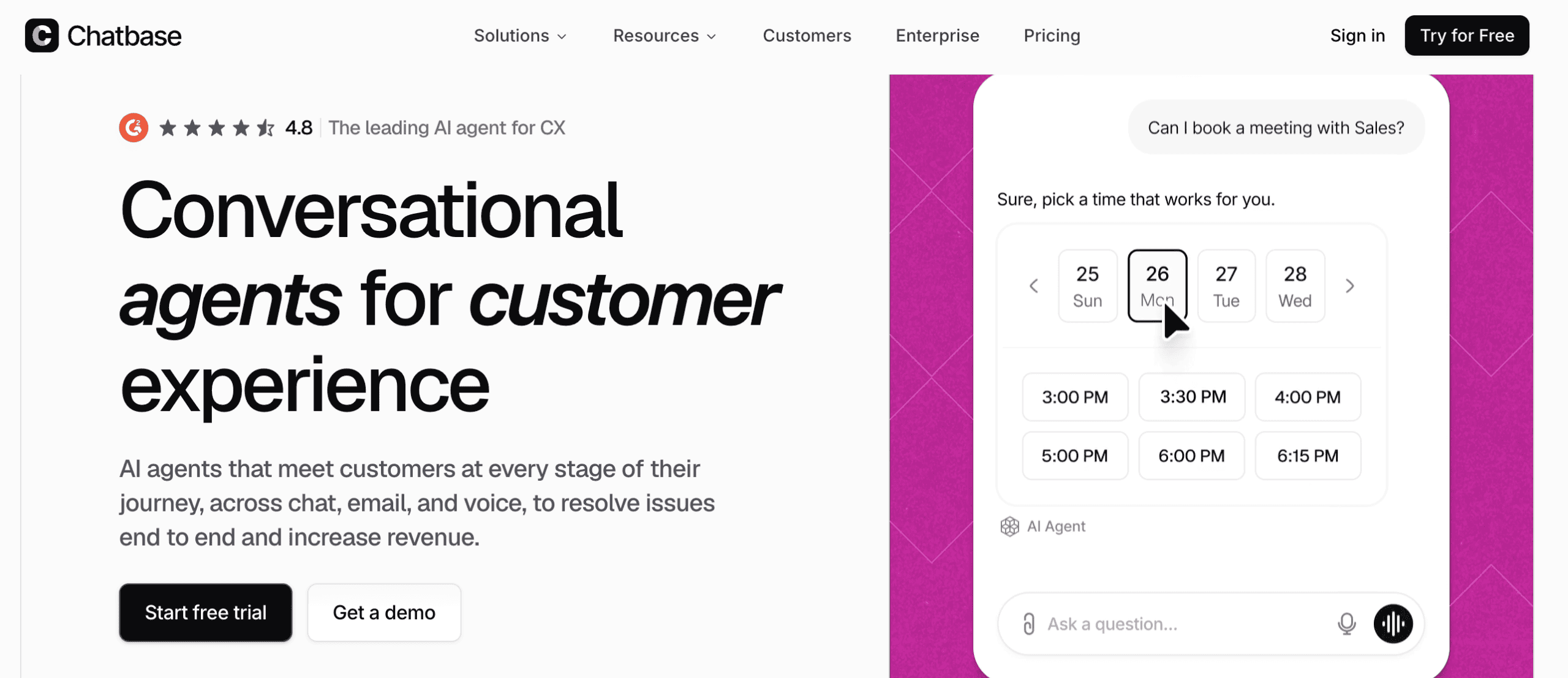
Chatbase is amazing at one thing: it trains an AI support bot on your own content and answers questions about it. It’s great for a SaaS team that wants fast support without a complex build.
Setup is super quick. You point it at your help center, product docs, and website, and the bot goes live answering questions in under ten minutes.
It also gets smarter over time. Its Suggestions feature flags knowledge gaps, so you can see which questions the bot struggles with and fill them in. AI Actions also let the bot check a customer’s account status or trigger a workflow mid-conversation.
The tradeoff is scope. Chatbase has no custom flows and no proactive messaging. So it won’t guide onboarding or reach out on its own.
Pros
- Great for beginners, very easy to set up with no technical knowledge
- Trains on your help center, product docs, and website in minutes
- Suggestions feature highlights knowledge gaps automatically
- Live chat integrations with Zendesk, Salesforce, Hubspot, Zoho Desk and Freshdesk
- AI Actions can check account status or trigger workflows
Cons
- No custom chatbot flows
- No proactive messaging
- No built-in live chat
Pricing
- Free plan: includes 50 message credits
- Paid plans start at $40/month
3. Freshdesk
Best for: Large customer support teams with high volume
Rating: 4.5/5 ★
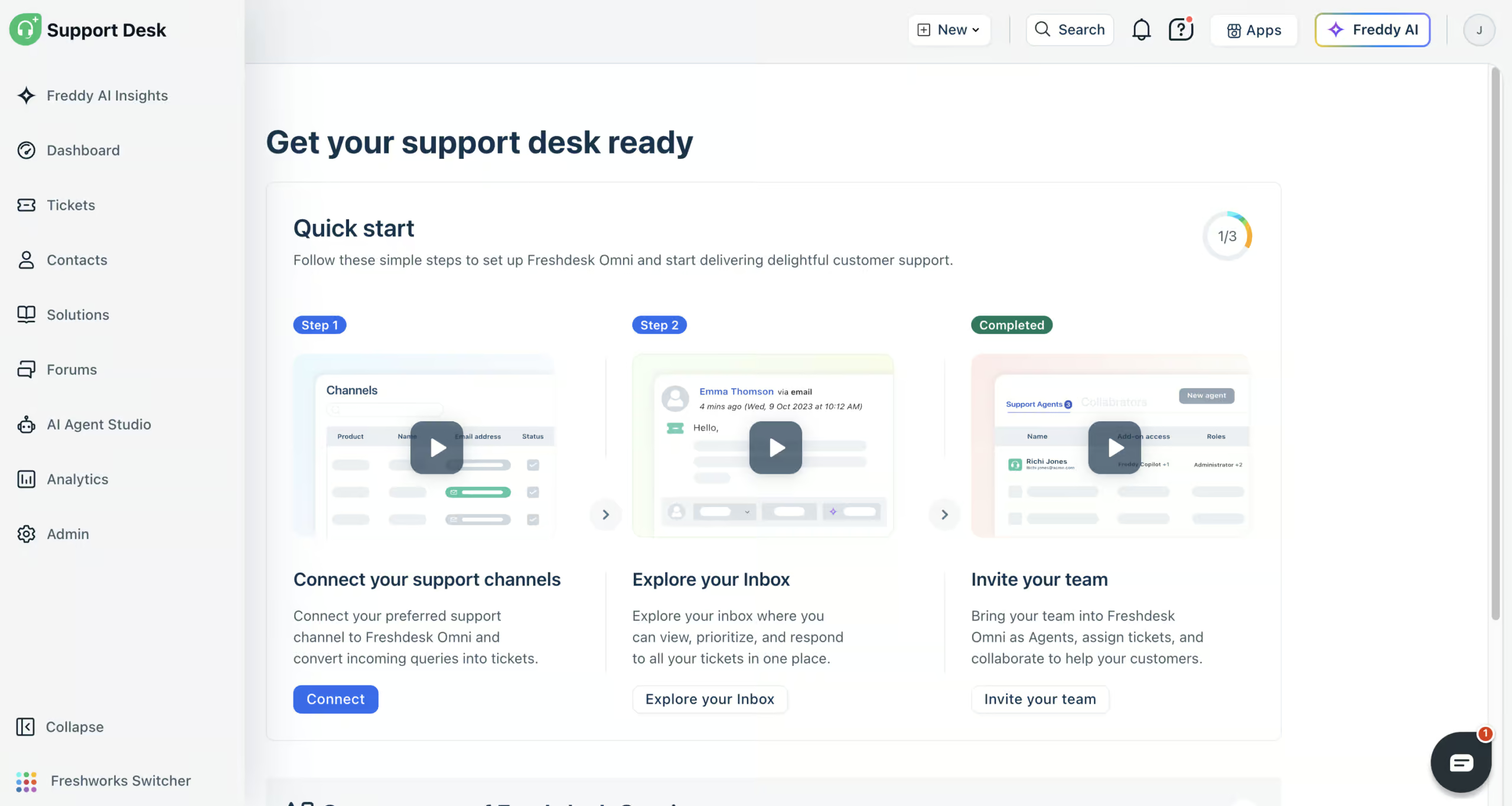
Freshdesk (formerly Freshchat) is great for SaaS teams that handle a lot of support conversations. If your customer base is growing and your support volume grows with it, it keeps everything organized.
Its Freddy AI agent learns from your website, help articles, files and Q&As, so it answers product questions on its own. With AI workflows and custom API actions, it can also look things up in your own tools, like a customer’s account details.
When the AI agent can’t help, your team takes over in the built-in help desk, with every channel in one inbox. Skills, routing rules and SLA targets make sure each ticket reaches the right person in time.
The analytics go deep enough to spot bottlenecks as you scale, and Freddy AI Insights answers questions about your support data. Freddy AI Copilot also summarizes tickets and writes replies for your team.
The main limitation for a SaaS company is the website widget. It can’t send proactive messages, so you can’t greet trial users on your pricing page or nudge them during onboarding. And connecting your tools can take longer than it looks.
Pros
- Freddy AI agents answer product questions automatically
- AI workflows that connect to your own tools
- Connects to website chat, email, WhatsApp, Instagram, Facebook Messenger, SMS and phone
- Routing rules, skills and SLAs
- Deep analytics plus Freddy AI Insights
- Freddy AI Copilot for your support team
- 800+ integrations
Cons
- Website widget can’t send proactive messages
- Connecting tools can need help from their support team
Pricing
- Paid plans start at $35/agent/month (comes with 500 AI agent sessions)
- 14-day free trial, but no free plan
- Extra AI agent sessions: $49 per 100
4. Botpress
Best for: Technical teams that want full control over AI and flows
Rating: 4.1/5 ⭐
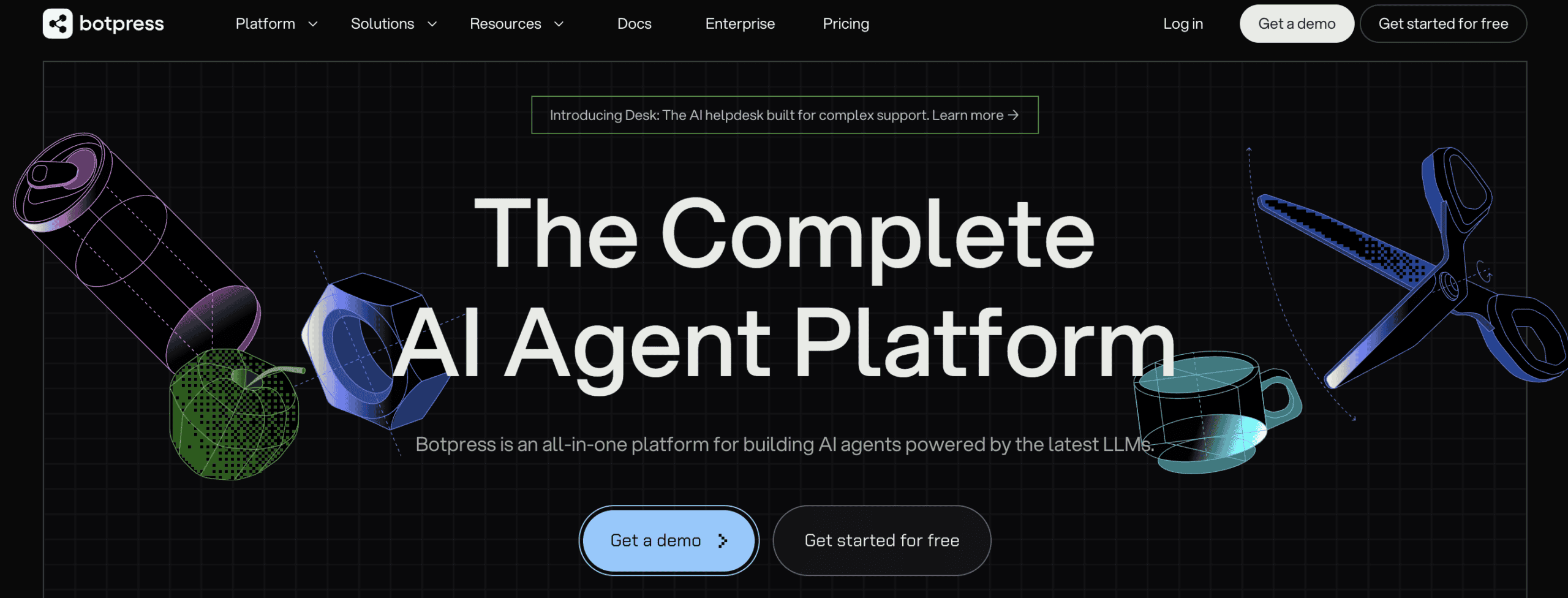
Botpress has the most advanced AI features on this list. If you have a technical team that wants full control over how your AI behaves, it’s a great choice.
You can:
- Train it on your knowledge base
- Rewrite its personality to match your brand
- Have it understand images and translate conversations automatically
It also runs across more than 10 channels, so one bot covers your website and social channels.
That all comes with a steep learning curve. Botpress isn’t a tool you set up in an afternoon, and non-technical teams can struggle. Live chat is also locked to the $89 per month plan, so human handoff isn’t available on cheaper tiers.
If you have the skills to use it, Botpress gives you more control than anything else here. If you don’t, a simpler tool will serve you better.
Pros
- The most advanced AI features on this list
- Knowledge base training and personality rewriting
- Image understanding and automatic translation
- Runs across more than 10 channels
Cons
- High learning curve
- Live chat only on the $89 per month plan
Pricing
- Free Plan: Includes up to 500 messages
- Pay-as-You-Go Plan: Starts at $5/month
5. Manychat
Best for: Acquiring customers on Instagram, Facebook, or WhatsApp
Rating: 4.5/5 ⭐
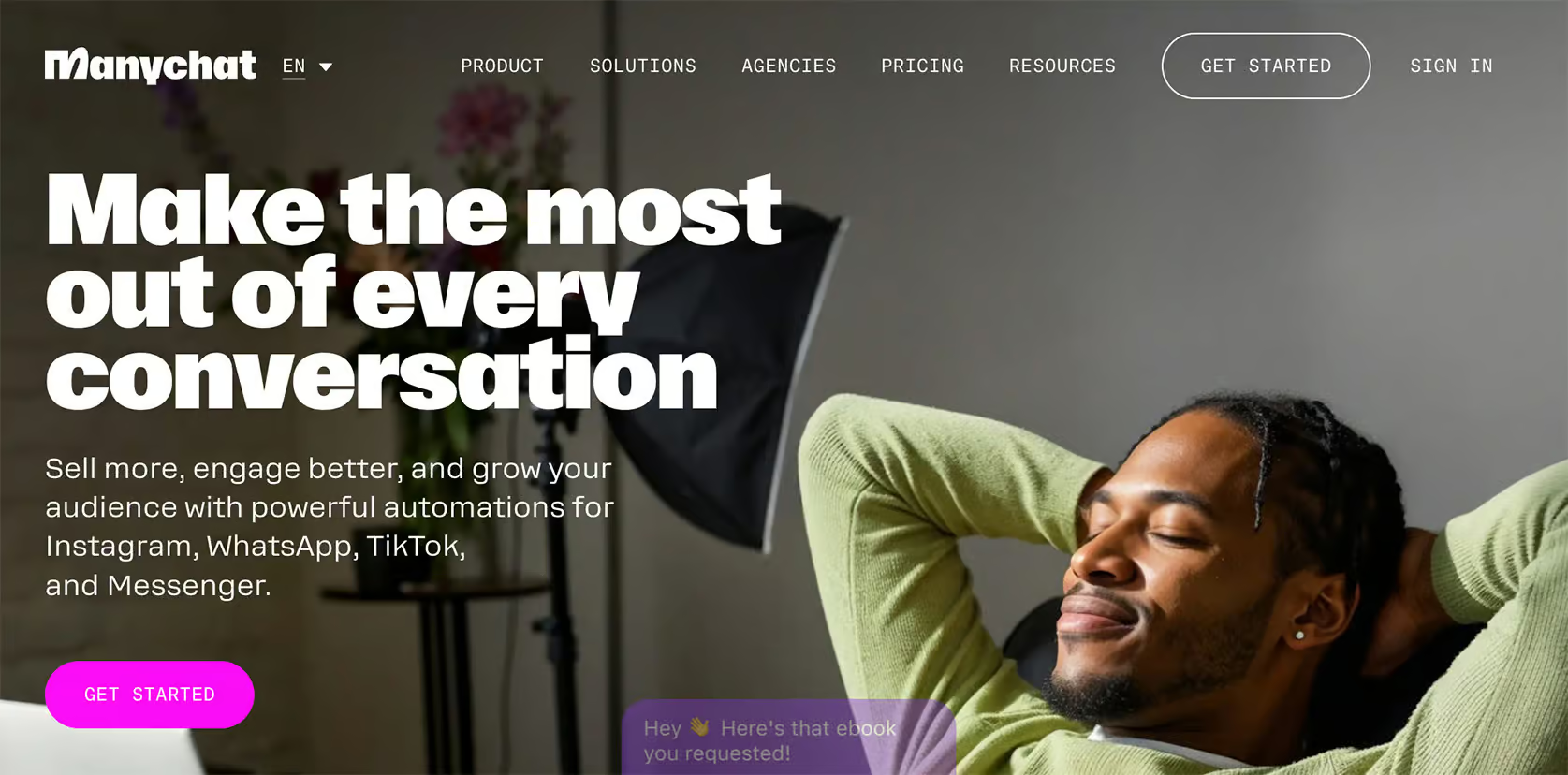
Manychat is a marketing tool that captures and qualifies leads on social and messaging channels. For a SaaS that grows through Instagram, Facebook, or WhatsApp, it automates the top of your funnel.
It can trigger a direct message the moment someone comments on your post, story, or sends a DM. It turns engagement into a conversation automatically. From there, you can run qualification flows that ask the right questions and route high-intent prospects to sales.
Broadcast sequences let you follow up with those leads over time, so a single comment can turn into a nurtured prospect without manual work.
Manychat isn’t designed for product support or in-app chatbots, so it won’t answer billing questions or guide onboarding. But it’s great as a top-of-funnel tool for SaaS that grows through social.
Pros
- Comment-to-DM triggers turn engagement into conversations
- Lead qualification flows route high-intent prospects to sales
- Broadcast sequences for follow-up over time
- Built-in AI: Intents, AI Steps & AI Flow Builder Assistant
- Strong on Instagram, Facebook, and WhatsApp
Cons
- Not designed for product support
- No in-app chatbots
- Translating your chatbot to other languages is hard
Pricing
- Free Plan: Includes basic features for up to 25 contacts
- Paid Plans: Start at $17/month
Click the button below to get 1 month of Manychat Pro for free (discount code appears) 👇
6. UChat
Best for: One bot across your website and all social and messaging channels
Rating: 4.6/5 ⭐
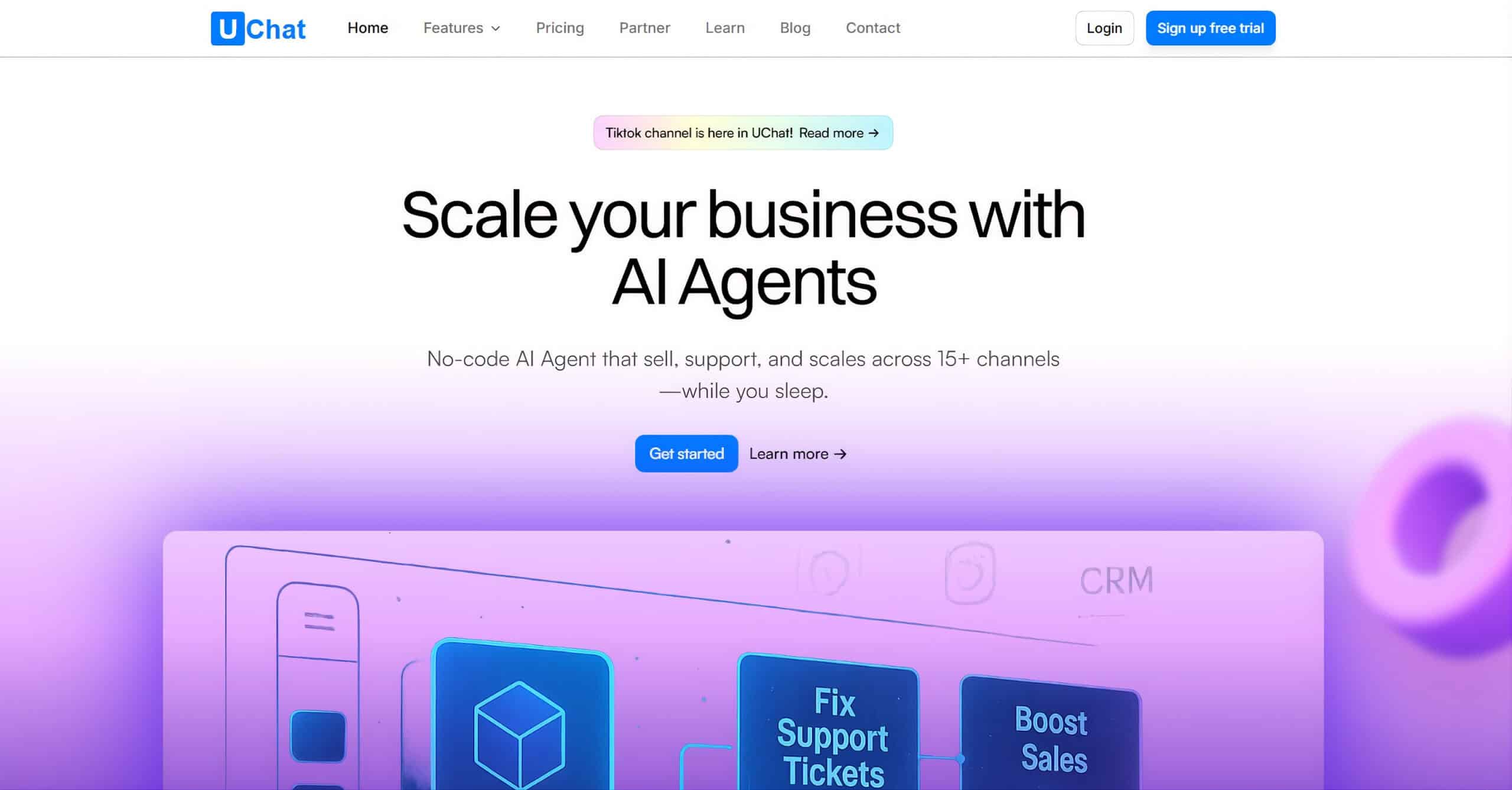
UChat runs one bot across 13 channels. It covers your website plus every social and messaging app you use from a single place.
It handles both support and marketing. You can build AI-powered conversations using its ChatGPT integration, then run full marketing automation on top, from lead capture to follow-up sequences.
That combination lets one platform cover your website widget, WhatsApp, Instagram, and more.
The versatility comes with a steeper learning curve. With this many channels and features, UChat takes time to set up and learn. So it’s not as easy as some of the simpler tools here. But for a SaaS that genuinely needs one bot everywhere, that trade-off is often worth it.
Pros
- Deploys across 13 channels from one place
- ChatGPT integration for AI-powered conversations
- Covers website, WhatsApp, Instagram, and more
- Combines marketing and support functions in one platform
- Perfect for small to medium businesses needing an omnichannel solution
- Over 50 direct integrations, including Zapier & Make
Cons
- Steeper learning curve
Pricing
- Free Plan: Available with basic features
- Paid Plan: Starts at $15/month
To get started with UChat, click the button below to get my 100% discount code:
7. Wonderchat
Best for: Fastest no-code setup trained on your docs
Rating: 4.0/5 ⭐
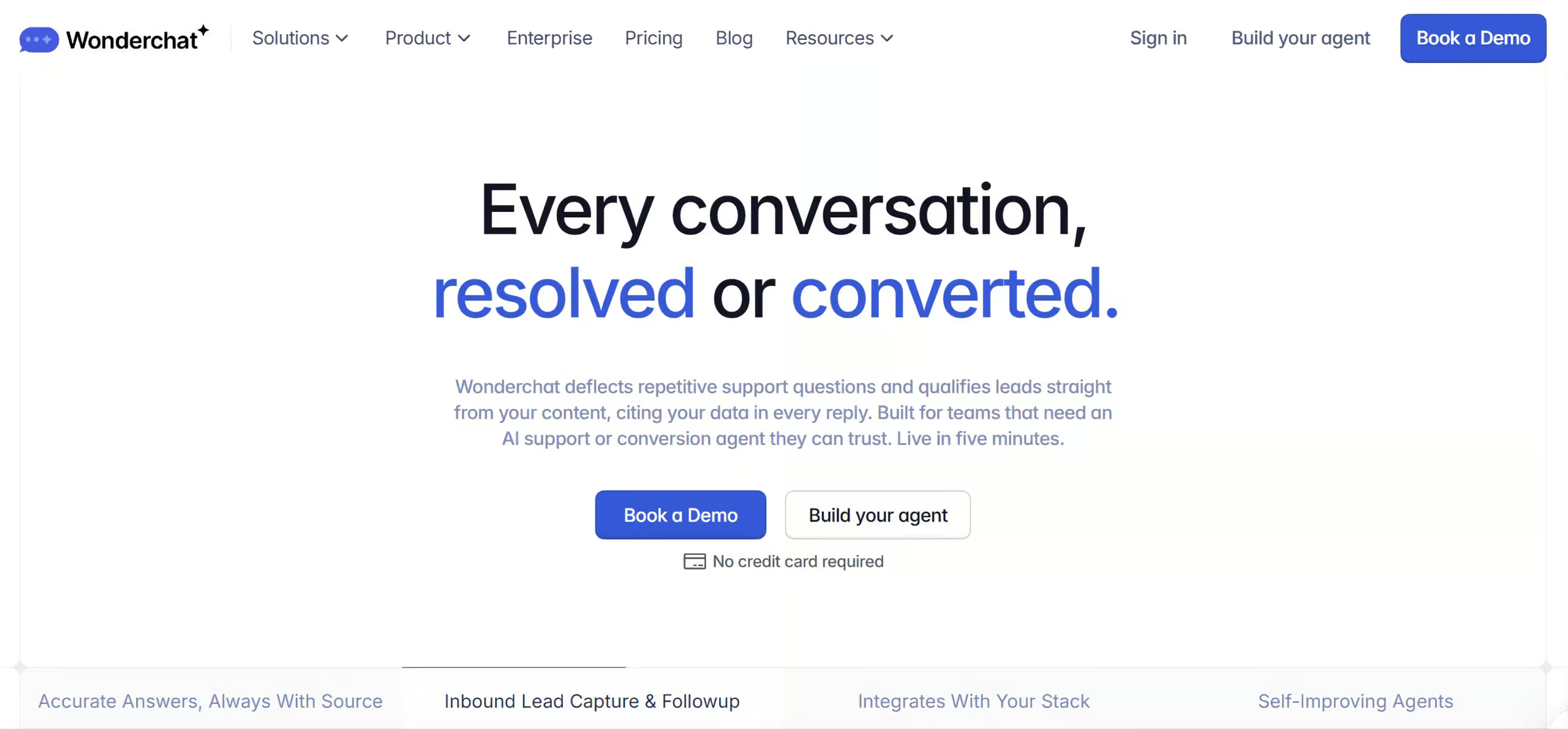
Wonderchat is the fastest way to get an AI chatbot live. You paste your help center URL or sitemap, and the bot trains on that content and goes live in minutes.
There’s nothing else to configure. For a SaaS team that just wants a working support bot on its site today, it’s very simple to have that with Wonderchat.
That speed comes at a cost. Wonderchat has no custom flows, no marketing automation, and no social channel support. So it won’t qualify leads or reach users on WhatsApp or Instagram.
Pros
- Live in under 5 minutes from a URL or sitemap
- No flows, file uploads, or APIs to set up
- Trains directly on your help center content
- No technical knowledge required
Cons
- No custom flows
- No marketing automation
- No social channel support
Pricing
- Free plan: 20 credits and 1 AI agent
- Paid plans start at $149/month
SaaS Chatbot Use Cases
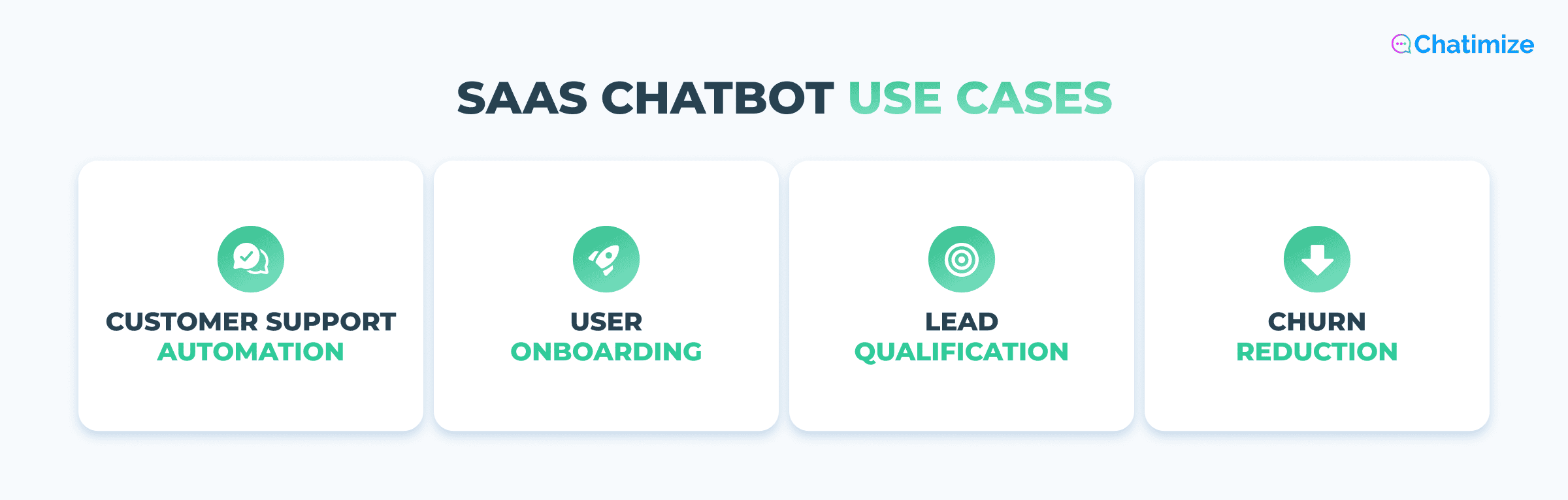
There are four main use cases for SaaS chatbots. Here’s what each one looks like in practice.
Customer support automation handles the repetitive questions that fill your inbox. A chatbot trained on your docs answers questions about pricing, integrations, and billing.
When well implemented, SaaS chatbots can handle around 70% of technical queries automatically. This frees your team for the conversations that need them.
User onboarding helps new users get up and running with your product. The chatbot walks them through setup step by step, points them to the features they need, and answers questions when they come up. That way, they don’t get stuck and give up early.
Lead qualification turns your website into a sales channel. The chatbot engages visitors, asks a few qualifying questions, and routes high-intent prospects to your sales team. It also filters out those who aren’t ready.
Churn reduction is a proactive way to increase retention. By watching usage patterns, a chatbot can spot users who are slipping away. It then automatically starts a support conversation before they cancel.
These are just four of the ways SaaS teams put them to work. For the full picture, see my guide to chatbot use cases.
Which SaaS Chatbot Is Right for You?
With seven platforms to choose from, the right one comes down to your team and your main goal. Here’s how I’d pick based on your needs.
If you’re an early-stage SaaS team that wants fast AI support without a complex setup, go with Chatbase. You train it on your data and it answers in minutes.
If you’re a growing SaaS company that wants support, onboarding, and proactive messaging in one platform, pick Intercom. It costs more, but you get an enterprise chatbot with everything under one roof.
If you have a large customer support team managing high volume, Freshdesk is great. Its auto-assignment and analytics keep your team organized as you scale.
If you’re a technical team that wants full control over your AI and conversation logic, use Botpress. The learning curve is steep, but it gives you the most control.
If you acquire customers through Instagram, Facebook, or WhatsApp and want to qualify leads on those channels, pick Manychat. It turns comments and messages into qualified prospects automatically.
If you want one bot running across your website and every social and messaging channel, go with UChat. It covers 13 channels from a single platform.
If you’re still not sure, it helps to see how these tools compare against more options. For that, check out my full list of the best chatbot platforms.
Your Next Step
And that’s it! You now know about the best SaaS chatbots. The best way to start is to pick one platform based on your team size and your main use case, then build from there.
You don’t need the perfect choice on day one. Just pick the one that fits your needs and go from there.
The next step is to build your chatbot. You can learn how to do that in my tutorial below:
How To Create a Chatbot in Less Than 10 Minutes
Frequently Asked Questions
What is the difference between a SaaS chatbot and a regular website chatbot?
A regular website chatbot handles general questions and gives fairly generic answers. A SaaS chatbot is trained on your specific product. So, it understands your pricing tiers, integrations, and documentation.
That lets it answer detailed questions about how your product actually works, not just surface-level ones.
Can a SaaS chatbot be trained on my product documentation automatically?
Yes. Most modern SaaS chatbots train on your content automatically. You point them at your help center, product docs, or website, and the bot learns from that content.
Then it starts answering based on it, often in a matter of minutes.
How can a SaaS chatbot reduce customer churn?
A SaaS chatbot can spot users who are slipping away. It watches usage patterns and identifies at-risk accounts. Then it can automatically start a support conversation before they cancel.
It gives you a chance to step in and prevent cancellations.
Do I need a developer to set up a SaaS chatbot?
No. Most SaaS chatbots are built for non-technical teams and require no coding to set up.
Tools like Chatbase and Wonderchat go live in minutes by training on your docs. More advanced platforms like Botpress offer deeper control, but even those don’t strictly require a developer.
