


| Name | Rating | Pricing | Best For |
|---|---|---|---|
 Chatbase Chatbase | 4.5/5 ★ | Free plan; paid plans start at $40/month | Stores that want a fast AI support bot that’s trained on their catalog and FAQ + takes actions |
 Tidio Tidio | 4.3/5 ★ | Free plan; paid plans start at $29/month | AI-powered customer support for eCommerce stores |
 Manychat Manychat | 4.5/5 ★ | Free plan; paid plans start at $17/month | WhatsApp marketing automation and lead generation for eCommerce |
 UChat UChat | 4.6/5 ★ | Free plan; paid plans start at $15/month | Omnichannel eCommerce bots with a WhatsApp catalog |
 Freshdesk Freshdesk | 4.5/5 ★ | Starts at $35 per agent/month; 14-day free trial on every plan | Large eCommerce support teams managing high WhatsApp conversation volume |
Best for: Stores that want a fast AI support bot that’s trained on their catalog and FAQ + takes actions
Rating: 4.5/5★
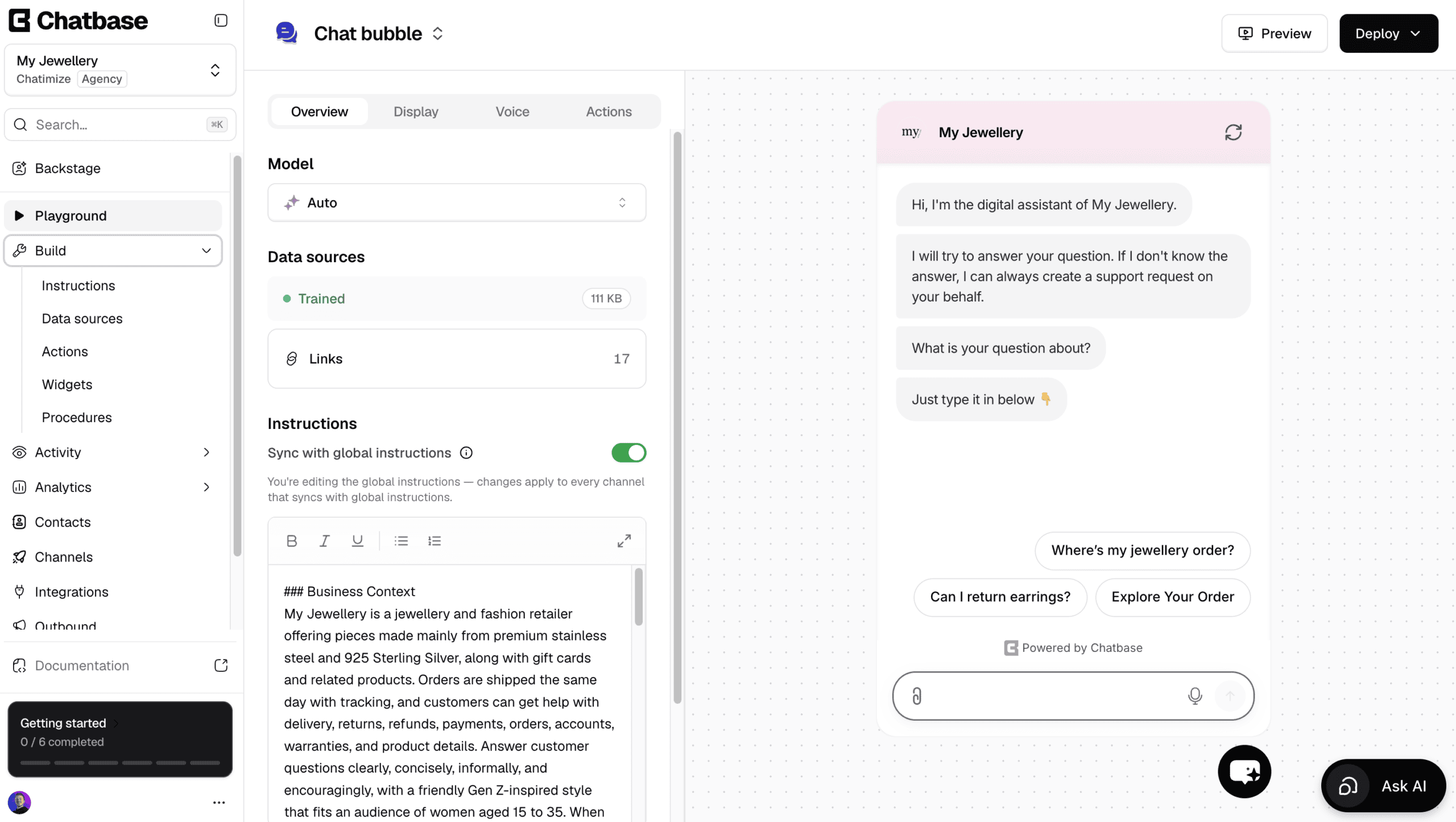
Chatbase is one of the easiest platforms to create AI agents with, and it answers your customers right inside WhatsApp.
You connect your Shopify store and add your website or documents, and it trains on them. Once it’s trained, it answers questions about your products, orders and return policy.
Apart from answering questions, it can also do stuff with AI actions. For example, it can:
- Look up where a Shopify order is
- Cancel an order
- Update a customer’s shipping address
- Pass a customer’s details to your team in Slack
And if a task isn’t built in, you can create your own custom AI action.
Changes go through Backstage, an AI assistant that reworks your agent when you ask.
Ask it to answer delivery questions differently, and it rewrites the instruction and waits for your approval.
There’s also a built-in help desk, so a human can take over by live chat. Or, a ticket is created automatically when the AI can’t answer.
Plus, Chatbase has WhatsApp outbound campaigns. You message your customers first, and your AI agent handles the replies.
However, it’s not a great pick if you want to build conversation flows yourself, like an abandoned cart sequence, or run marketing on Facebook and Instagram.
Pros
- Set up an AI support bot in under 10 minutes
- Talk to an AI to build and improve your agent
- Trains on your product pages, FAQ and return policies
- AI actions to check order status and cancel orders
- Built-in live chat and help desk
- WhatsApp outbound campaigns
- Livechat integrations with Zendesk, Salesforce, HubSpot, Zoho Desk & Freshdesk
Cons
- Cannot create chatbot flows
- No marketing possibilities on Facebook and Instagram
- Cannot send proactive messages on your website
Pricing
- Free plan: 50 message credits and train your AI agent on 1 MB of content
- Hobby plan ($40/month): 700 message credits and train your AI agent on 10 MB
Best for: AI-powered customer support for eCommerce stores
Rating: 4.3/5 ★
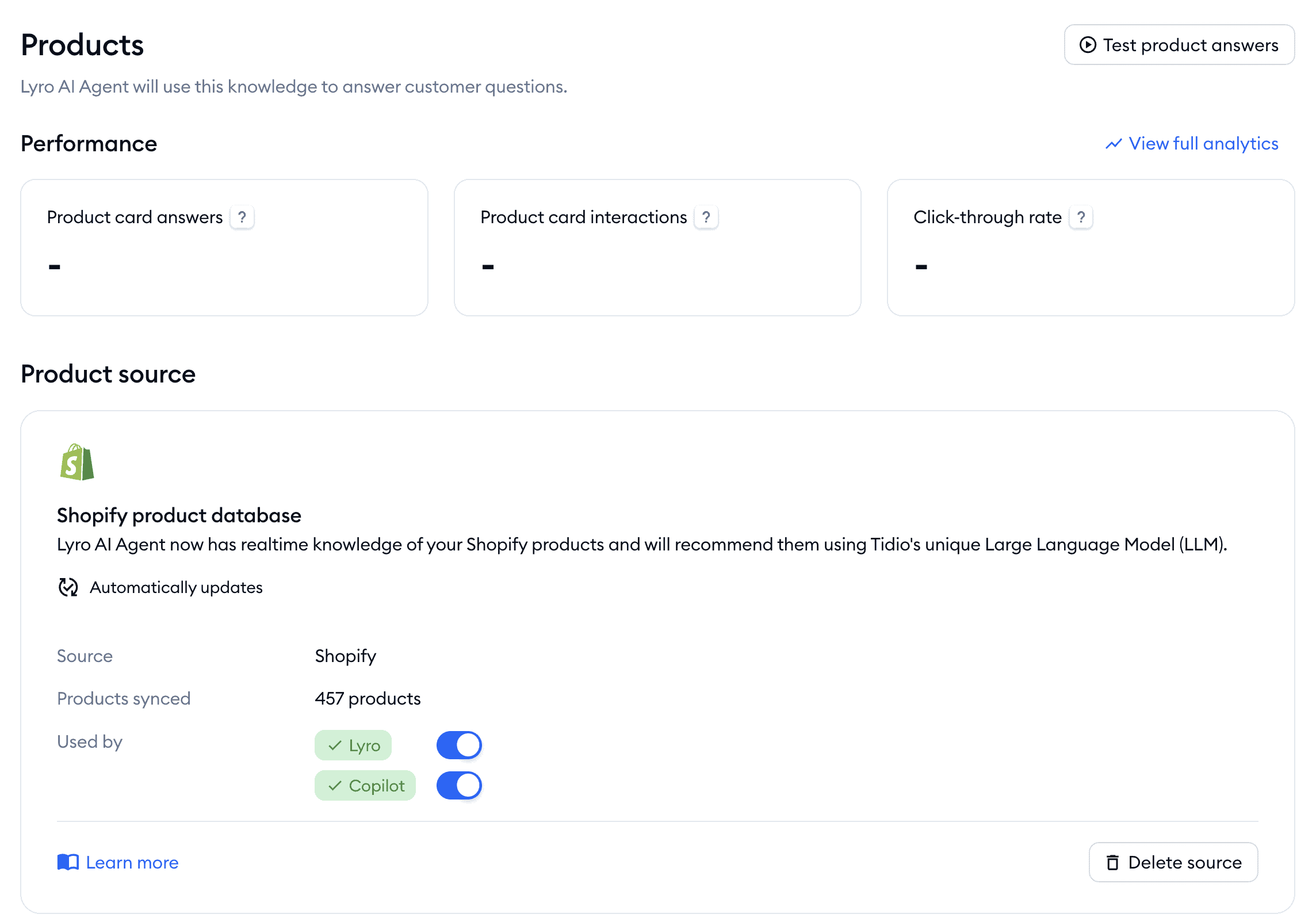
Tidio is a great pick for eCommerce support automation, and it’s the platform I used with my client, Burker. You can train its AI agent, Lyro, on your Shopify or WooCommerce products and return policies. Then, it answers customer questions on its own, on WhatsApp as well as on your website.
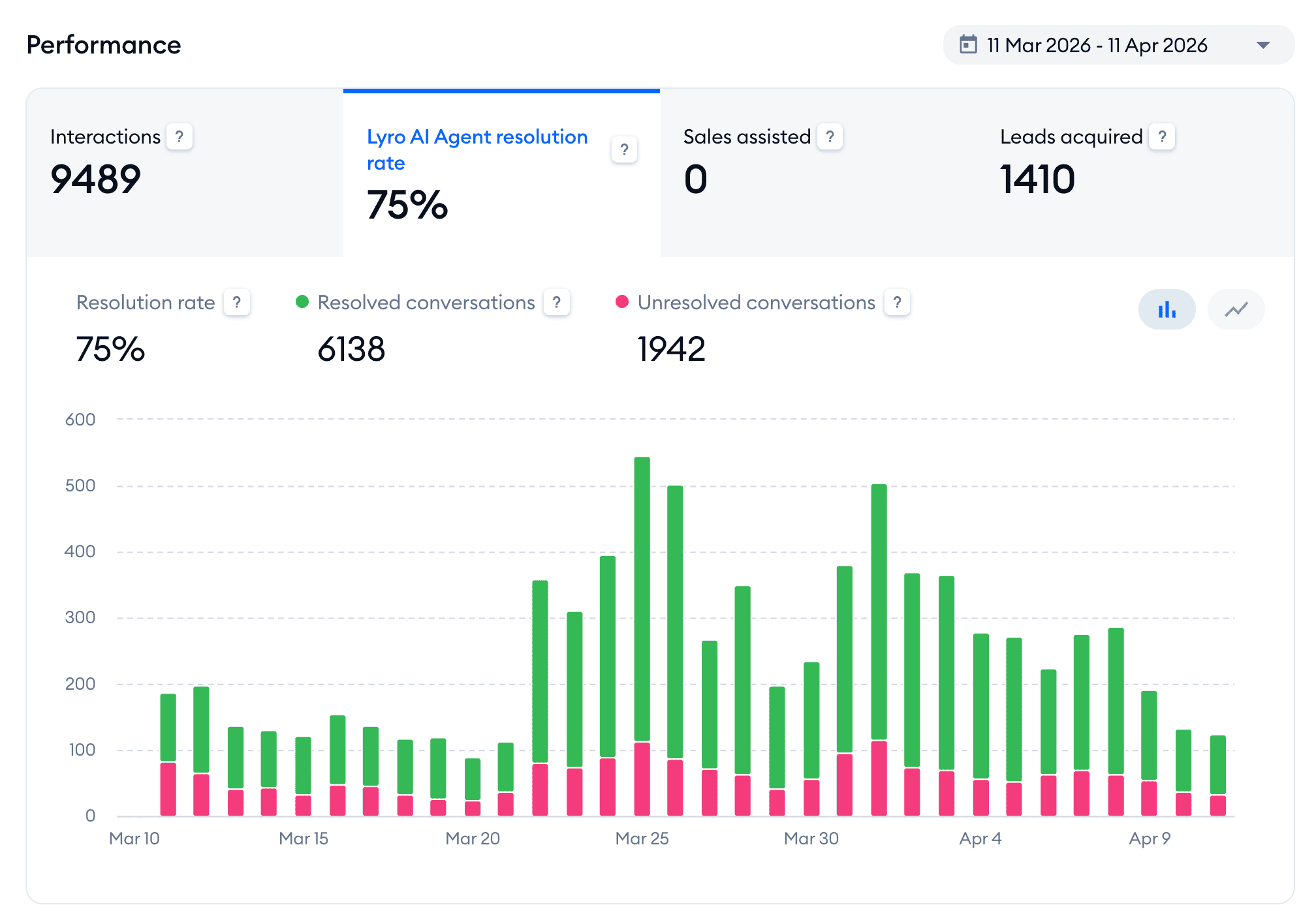
With Burker, Lyro resolved 75% of the conversations it handled in the first month, across roughly 9,500 conversations:
Lyro works great for eCommerce because it’s connected to your store. It uses AI Actions to check live order status. So when a customer asks “where is my order?”, it looks up the real answer instead of handing off to an agent.
And its Suggestions feature lists the questions Lyro couldn’t answer, so you know what to add and the bot gets better over time.
Tidio also has a very easy Flow Builder and built-in live chat with auto-assignment. Plus, it’s got one of the smoothest setups of any platform I’ve tested.
It’s excellent for a Shopify or WooCommerce store that wants support handled without a long build.
The main limitation is that Tidio isn’t built for WhatsApp marketing. If you want WhatsApp broadcasts and cart-recovery campaigns, you should pick a different platform.
Pros
- Lyro AI trains on your Shopify and WooCommerce products and returns
- AI Actions can check live order status automatically
- Suggestions show the questions Lyro couldn’t answer
- Very easy Flow Builder and plug-and-play setup
- Built-in live chat with auto-assignment rules
- Free plan to get started
Cons
- Not built for WhatsApp marketing or broadcasts
- No flow analytics
Pricing
- Free plan: 50 billable conversations a month, 50 Lyro conversations (one-off) and 100 visitors reached with flows
- Paid plans: start at $29/month
- Lyro AI agent: from $39/month for 50 conversations a month, on top of your plan
Click the button below to get a 20% discount on any Tidio plan:
Best for: WhatsApp marketing automation and lead generation for eCommerce

Rating: 4.5/5 ★
If Tidio is the support tool, Manychat is the marketing tool. I’ve used it for over 6 years to turn conversations into leads and sales. And for an eCommerce store, it’s a great platform for WhatsApp campaigns.
Manychat offers broadcasts, abandoned cart sequences, and comment-to-DM funnels. You can:
- Send a product link straight into the chat
- Follow up with a customer who left items in their cart
- Turn an Instagram/Facebook comment into a WhatsApp conversation that ends in a sale
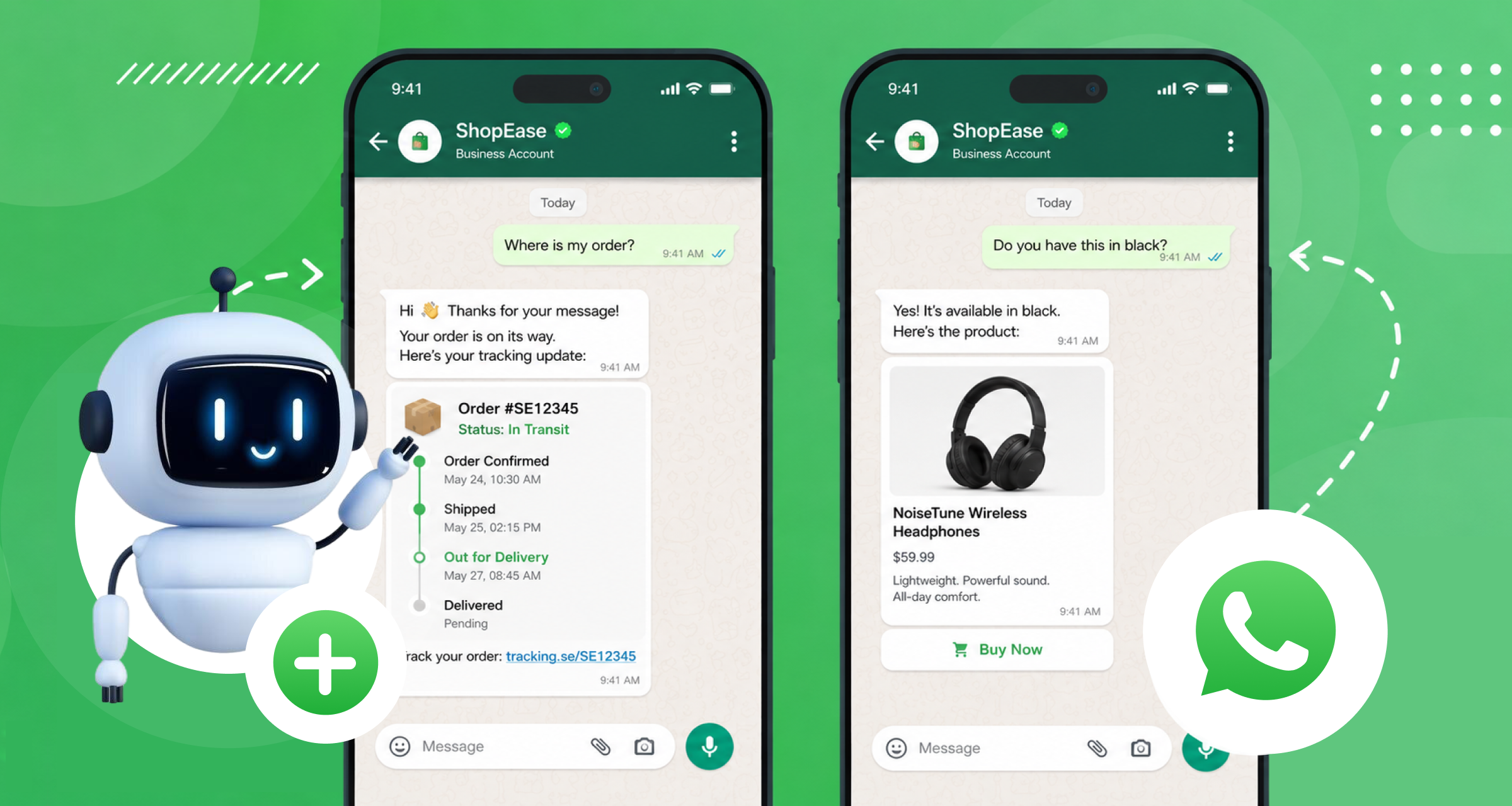
A client of mine, My Jewellery, is an eCommerce brand that has used a WhatsApp chatbot to automatically answer customer questions. So their team isn’t stuck replying to the same things all day:

Manychat’s flow builder is super beginner-friendly. You can build WhatsApp automations in minutes without any code, and it’s powerful enough for advanced funnels once you’re ready.
The tradeoff is that Manychat isn’t AI-native. It’s built around flows and rules. So for open-ended customer support questions, an AI-first tool like Tidio or Chatbase will handle them better.
Pros
- Very easy-to-use Flow Builder
- Broadcasts, sequences, and rules for marketing campaigns
- Comment-to-DM funnels from Instagram and Facebook
- Built-in AI: AI Steps, Intents, and Flow Builder Assistant
- Works across WhatsApp, Instagram, Facebook, SMS, and Telegram
- Great lead qualification with custom fields, tags and conditions
- Built-in live chat plus Zapier and Make integrations
Cons
- Not AI-native, no AI knowledge base
- You need to create separate messages per channel
- It’s hard to translate your chatbot into multiple languages
Pricing
- Free plan: for up to 25 contacts/month, connect up to 2 channels (not WhatsApp)
- Paid plans: start at $17/month
To get started with Manychat, click the button below for my 100% discount code:
Best for: Omnichannel eCommerce bots with a WhatsApp catalog
Rating: 4.6/5 ★
UChat is great if you want one bot running everywhere at once. You build a single chatbot and deploy it across 13 channels with one click. That includes WhatsApp, Facebook, and Instagram.
It has a great eCommerce feature: the WhatsApp catalog. You connect your products to UChat and customers can browse and buy directly inside the chat, without leaving WhatsApp. That turns a conversation into a checkout.
UChat also has a direct ChatGPT integration. So you can add AI-powered replies on top of your flows. Plus, you get the full set of marketing tools: broadcasts, sequences, and rules.
The catch is the learning curve. UChat has a lot of features, and beginners can feel overwhelmed at first.
Pros
- Build one chatbot and deploy it across 13 channels
- Set up a WhatsApp catalog and sell products directly in chat
- Direct integration with ChatGPT
- Advanced marketing features: broadcasts, sequences, and rules
- Keyword recognition and intent detection
- Built-in live chat and 50+ integrations (including Zapier and Make)
Cons
- Steep learning curve, beginners can feel overwhelmed
Pricing
- Free plan with basic features and up to 200 contacts
- Paid plans start at $15/month
If you want to get started with UChat, click the button below to get my 100% discount code:
Best for: Large eCommerce support teams managing high WhatsApp conversation volume
Rating: 4.5/5 ★
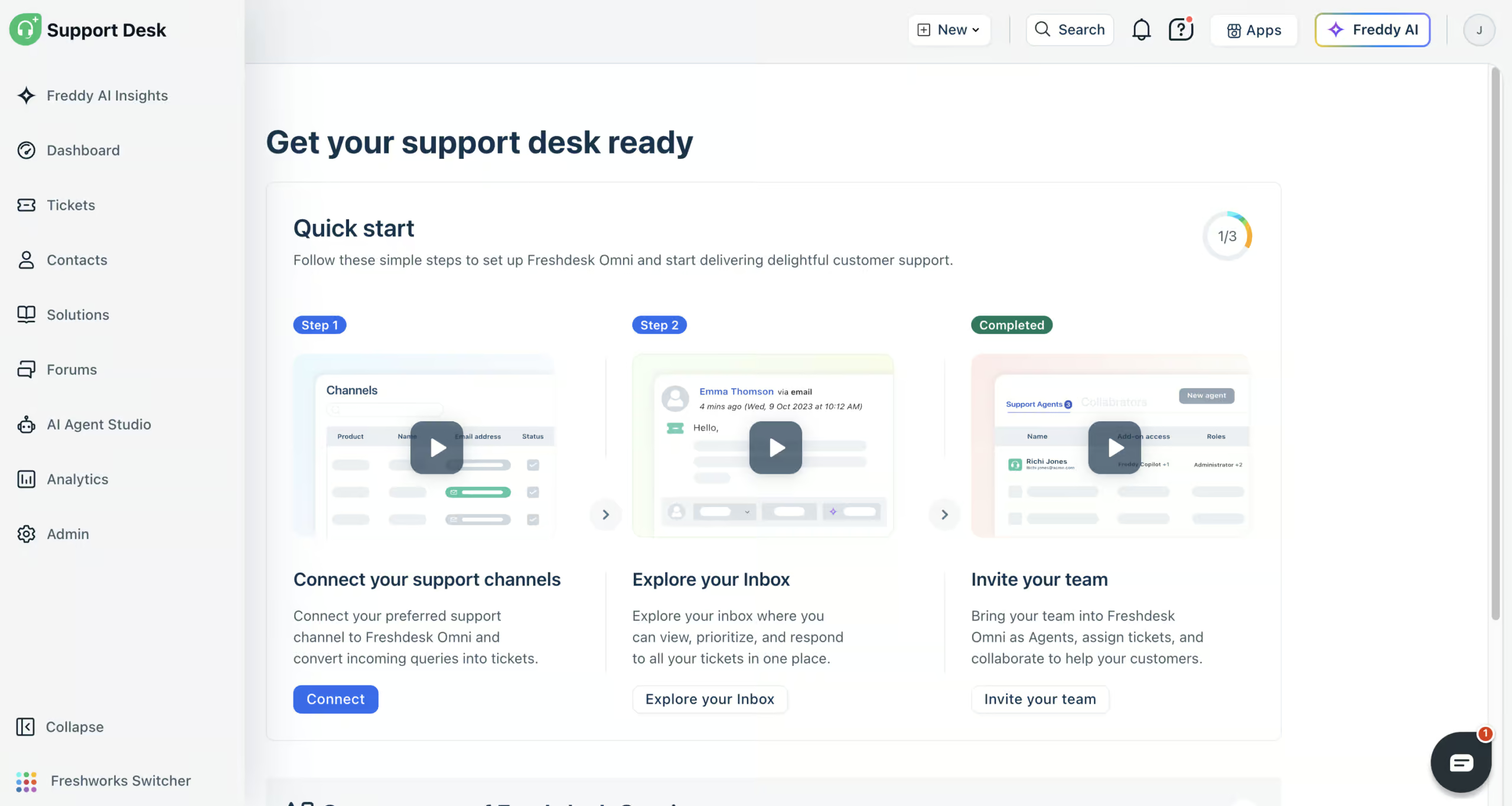
Freshdesk (formerly Freshchat) is great for scale. If you’re a bigger store with a support team handling thousands of WhatsApp conversations, it’s built for you.
You give its Freddy AI agent your website, files, help articles and Q&As to learn from, and it answers your customers on WhatsApp. With AI workflows, it can also look things up for them, like the status of their order in Shopify.
When a question needs a human, your team picks it up in the built-in help desk. WhatsApp sits in the same inbox as email, website chat, Instagram and Facebook, so nothing gets lost between channels.
You also get detailed reports and Freddy AI Insights to see where customers get stuck. And Freddy AI Copilot summarizes tickets and writes replies for your team.
Freshdesk is great for answering WhatsApp questions automatically. But if you want WhatsApp marketing, like campaigns or abandoned cart messages, it’s not the right tool, because it’s built purely for support.
Pros
- AI agents that answer your customers on WhatsApp
- AI workflows that look up Shopify orders
- Connects to website chat, email, WhatsApp, Instagram, Facebook Messenger, SMS and phone
- Built-in help desk with every conversation in one inbox
- Detailed reports and Freddy AI Insights
- Freddy AI Copilot for your support team
- 800+ integrations
Cons
- No WhatsApp marketing, like campaigns or cart recovery
- Connecting Shopify can need help from their support team
- Email needs its own AI agent
Pricing
- Paid plans start at $35/agent/month (comes with 500 AI agent sessions)
- 14-day free trial, but no free plan
- Extra AI agent sessions: $49 per 100
WhatsApp eCommerce Chatbot Use Cases
A WhatsApp chatbot can do a lot for an online store, but a few chatbot use cases drive most of the value.
Here are the five that are the most important for eCommerce.
Order status and tracking
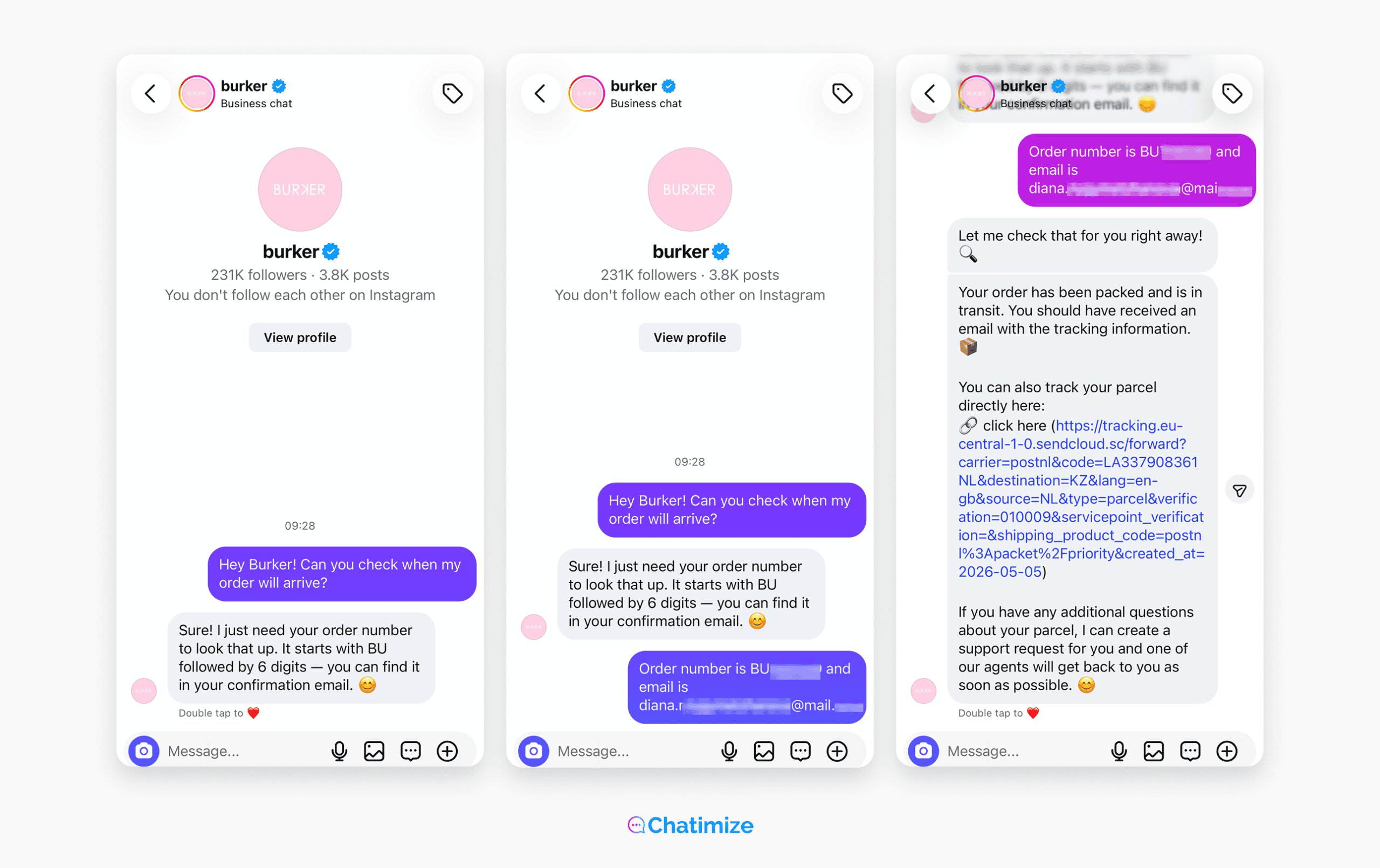
“Where is my order?” is the single most common support question in eCommerce. In fact, up to 80% of eCommerce support queries are WISMO (Where Is My Order) questions.
A chatbot connected to your order system answers them instantly, day or night. With Burker, Lyro handles order status automatically, which is a huge chunk of the 75% of conversations it took off their team’s plate:
Abandoned cart recovery
Most people who add something to their cart never check out. And email reminders only make a 3-5% difference.
However, cart recovery messages on WhatsApp convert at 15 to 30%.
Tools like Manychat let you set up an automatic sequence that:
- Reminds the customer
- Answers any last-minute questions
- Sends them straight back to checkout
Pre-sale product questions
Customers ask about sizing, compatibility, and the difference between two products before they buy. A slow answer often means you lose the sale.
A chatbot trained on your catalog answers these immediately. For Burker, pre-sale support turned out to be Lyro’s biggest use case. It helped customers make a decision at the exact moment they’re ready to buy.
Returns and refund handling
Returns are a normal part of eCommerce, and they don’t have to eat up your team’s time.
A chatbot can collect the order number and reason, then either:
- Route the customer to an agent with full context, or
- Process the return automatically using AI Actions
That means faster resolutions for the customer and less repetitive work for your team.
Promotional broadcasts
WhatsApp is great for promotions, because 95-98% of WhatsApp messages get opened. A new product, a sale, or a restock lands in front of customers who actually see it.
This is exactly what My Jewellery uses WhatsApp for. And with a tool like Manychat, you can send a broadcast to your whole list in minutes.
Read more: WhatsApp Chatbot Examples (With Links & Screenshots)
Best Practices for WhatsApp eCommerce Chatbots
Setting up a WhatsApp eCommerce chatbot is straightforward. And a few simple best practices will make your chatbot genuinely useful to your customers.
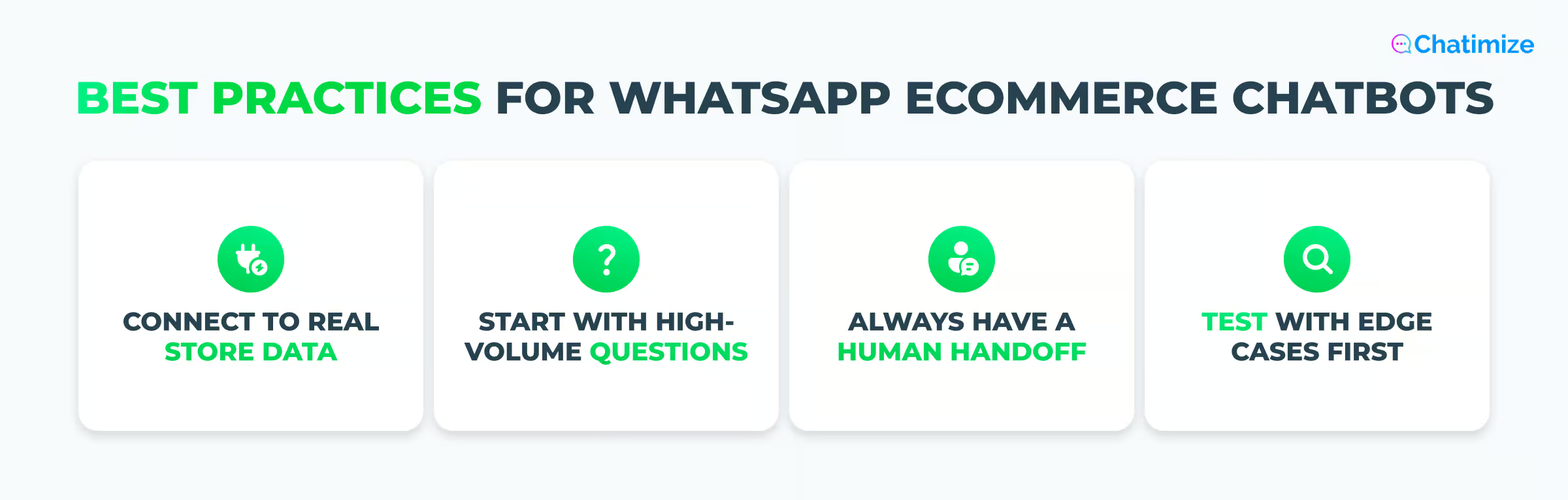
Here are four best practices to keep in mind.
Connect it to your real store data
A chatbot that can’t look up a real order isn’t much use. The ones that can are far more powerful.
AI Actions and Shopify integrations let your bot check live order status and product info. So, it gives real answers instead of guesses.
Start with your highest-volume questions
Don’t try to automate everything at once. Look at the 5 to 10 questions your team answers every single day, and automate those first. That’s where you’ll save the most time.
You can always add more later.
Always have a human handoff set up
Some customers need a real person. Returns, complaints, and sensitive issues may not find a bot enough.
Make sure the handoff to a live agent is instant, and that the agent gets the full conversation history. Nobody wants to repeat themselves.
Test with edge cases before going live
Your customers won’t ask questions the way you expect. Before you launch, test the bot with questions you didn’t train it on. And test it inside the actual WhatsApp app, not just the platform’s preview.
That’s the only way to see what your customers will really experience.
Follow these and you’ll avoid most of the common chatbot mistakes that beginners often make.
Which WhatsApp Chatbot Is Best for Your eCommerce Store?
All five platforms on this list are strong. But the right one for you depends on what you’re trying to do. Here’s how I’d choose.
If you want a fast AI support bot that’s trained on your catalog and FAQ and can also take actions, pick Chatbase. Give it your product pages and FAQ, and in under 10 minutes it’s answering questions and checking orders.
If you run a Shopify or WooCommerce store and want AI to handle your customer support, go with Tidio. Its Lyro AI trains on your products and returns, answers questions on its own, and checks live order status.
If your focus is marketing, choose Manychat. It’s the best tool for WhatsApp campaigns, broadcasts, and abandoned cart sequences.
If you want one bot running across many channels, go with UChat. Its WhatsApp catalog even lets customers browse and buy without leaving the chat.
And if you’re a larger store with a big support team handling thousands of WhatsApp conversations, go with Freshdesk. It’s great for high volume, with AI Agents, auto-assignment, and the analytics a support manager needs.
Still not sure? You can see how these tools compare against the rest in my full guide to the best WhatsApp chatbots.
