


Chatbot platforms help businesses automate conversations on websites and messaging apps.
But they’re very different from one another. Some are built for AI customer support on your website. Others focus on marketing automation on Instagram, WhatsApp and Facebook.
For example, here’s how Burker, an eCommerce brand I work with, uses a chatbot to answer its customers’ questions automatically:
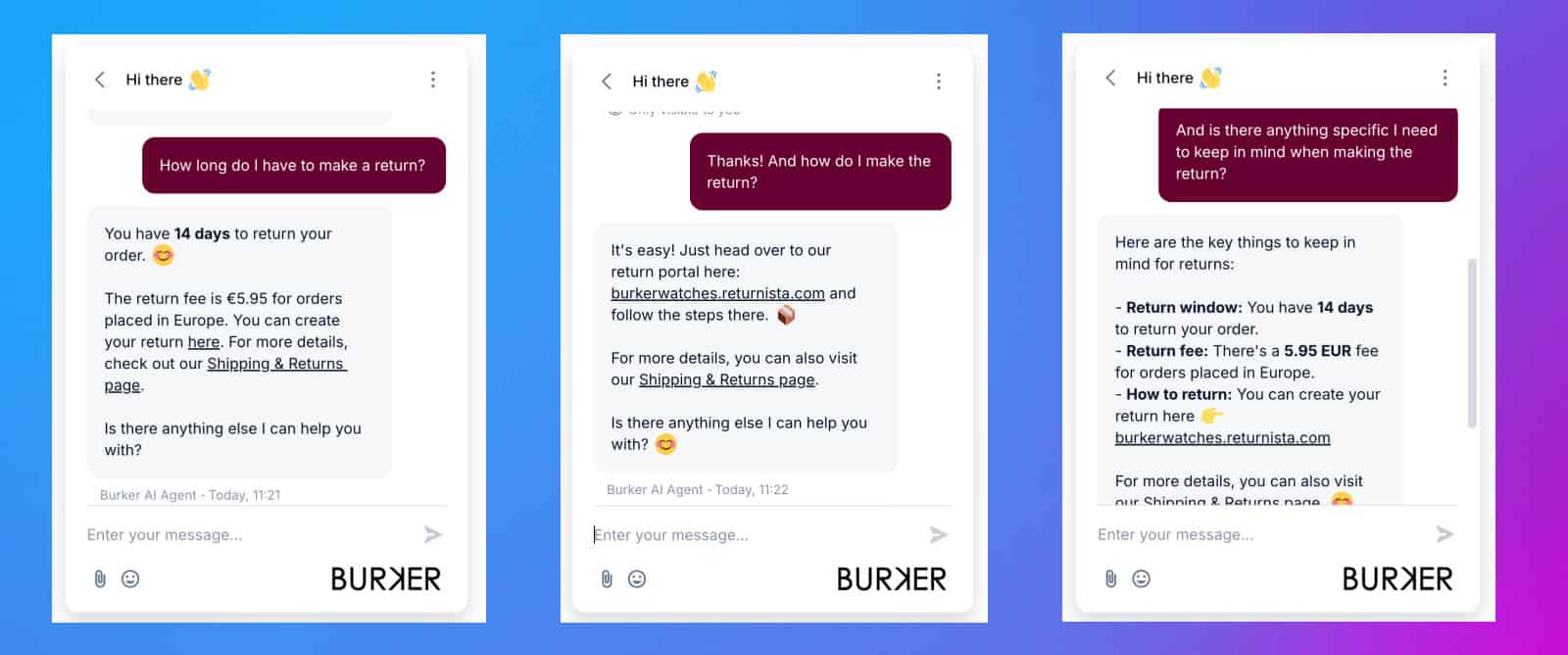
Want to know what happens behind the scenes when a customer messages your chatbot? I explain it step by step in how chatbots work.
| Name | Rating | Pricing | Best For |
|---|---|---|---|
 Manychat Manychat | 4.5/5 ★ | Free plan; paid plans start at $17/month | Marketing & support flows on Instagram, Facebook and WhatsApp |
 Chatbase Chatbase | 4.5/5 ★ | Free plan; paid plans start at $40/month | Creating an AI agent in under 10 minutes |
 Tidio Tidio | 4.3/5 ★ | Free plan; paid plans start at $29/month | AI customer service for eCommerce stores |
 UChat UChat | 4.6/5 ★ | Free plan; paid plans start at $15/month | Omnichannel Bots for small and medium businesses |
 Botpress Botpress | 4.1/5 ★ | Free plan; paid plans start at $189/month | Advanced AI Support Chatbots |
 Voiceflow Voiceflow | 4.2/5 ★ | Free plan; paid plans start at $60/month | AI Chatbots on websites |
 Intercom Intercom | 4.5/5 ★ | Starts at $29 per seat/month + $0.99 per AI outcome; 14-day free trial on every plan | Omnichannel Support Bots for Enterprise |
 Freshdesk Freshdesk | 4.5/5 ★ | Starts at $35 per agent/month; 14-day free trial | AI Agents for Large Customer Support Teams |
Best for: Marketing & support flows on Instagram, Facebook and WhatsApp
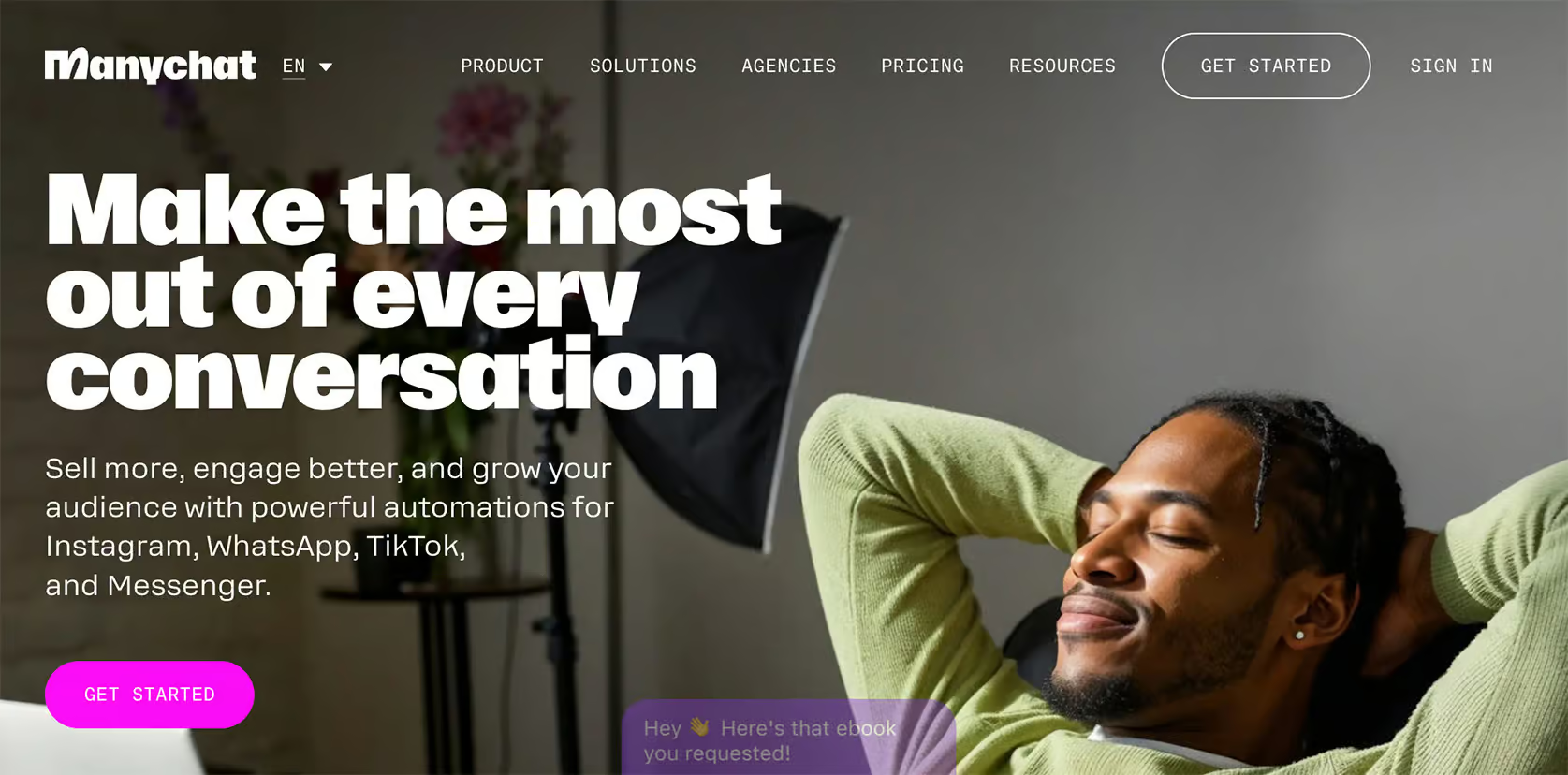
Rating: 4.5/5 ★
Manychat is one of the best chatbot platforms for automating marketing and customer support. It’s super easy to use, thanks to its simple interface and flow builder. So it’s great for beginners.
This platform is perfect for marketing automation on Instagram, WhatsApp and Facebook. You can:
- Auto-DM anyone who comments on your Instagram post
- Create message sequences
- Set up rules
- Set up automatic triggers
These features make it powerful for getting more leads and connecting with your audience.
Manychat is also great for customer support. It has a built-in live chat that lets you switch from automated messages to a real person when needed.
On top of that, Manychat has its own AI, called Manychat AI. On Instagram, AI Replies answers DMs from your website and business info, and AI Comments replies to comments. Also, AI Goals follows up to win a lead or a follower.
And in any flow, AI Step lets the AI collect data for you, while the Flow Builder Assistant builds whole automations from a few answers.
But to be honest, the AI isn’t that good, and I don’t use it for any of my clients.
Pros
- Excellent for marketing automation, especially on Instagram, WhatsApp and Facebook
- Easy-to-use flow builder and beginner-friendly interface
- Unlimited Custom Fields & Tags
- Works on Instagram, TikTok, Facebook Messenger, WhatsApp, Telegram, SMS & Email
- Built-in live chat makes switching to a human agent easy
- Send broadcasts, Sequences and Rules
- Manychat AI: AI Replies, AI Comments, AI Goals, AI Step & Flow Builder Assistant
- Direct Integrations + Zapier/Make Integrations
Cons
- You need to create separate messages per channel
- It’s hard to translate your chatbot to multiple languages
- Manychat AI isn’t that good
Pricing
- Free plan: up to 25 active contacts/month on any 2 channels
- Paid plans: Start at $17/month for 250 active contacts
Click the button below to get a 1-month 100% discount code for Manychat:
See how to redeem the offer in my Manychat promo code guide.
Read my full Manychat review | Read Manychat Beginner Tutorial
Best for: Creating an AI agent in under 10 minutes
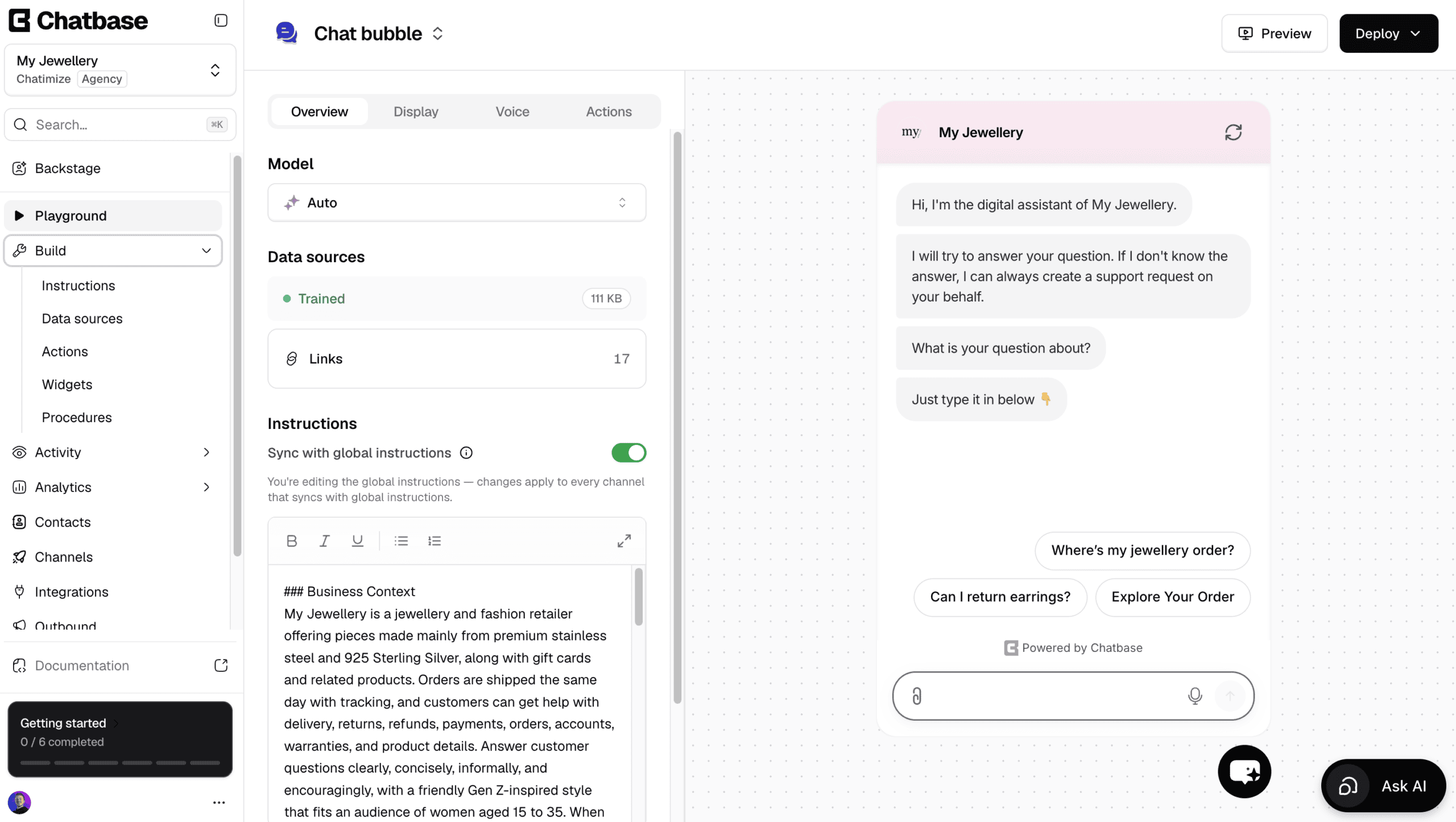
Rating: 4.5/5 ★
Chatbase is the easiest platform to create AI agents with. You can literally create your AI agent in just a few minutes.
All you do is give it your website or documents, and Chatbase does the rest. It trains on them and starts answering your customers’ questions.
Apart from answering questions, it can also do stuff with AI actions. For example, it can:
- Check an order status in Shopify
- Look up invoice details in Stripe
- Book a meeting in Calendly or Cal.com
You can even create your own custom AI actions for tasks unique to your business.
To make changes, Chatbase gives you Backstage. This is an AI that builds the agent for you, so you only explain what you want and it does all the steps.
Want a different tone, a new instruction, or a custom action? You describe it, and Backstage does the work and shows you the result to approve.
There’s also a built-in help desk, so a human can take over by live chat. Or, you can automatically create a ticket when the AI doesn’t know the answer.
Plus, Chatbase has WhatsApp outbound campaigns, where you message first and your AI agent handles the replies. Just know that the help desk, live chat and WhatsApp campaigns start on the Standard plan at $150/month.
However, it’s not a great pick if you want to design conversation flows visually, or run marketing on Facebook and Instagram.
Pros
- Talk to an AI to build and improve your agent
- An AI agent live in under 10 minutes
- Trains on documents, website URLs and Q&As
- AI Actions to connect with other apps
- Built-in live chat and help desk
- WhatsApp outbound campaigns
- Escalates to Zendesk, Salesforce, HubSpot, Zoho Desk, Freshdesk & Intercom
Cons
- No visual flow builder
- No marketing possibilities on Facebook and Instagram
Pricing
- Free plan: 50 message credits and train your AI agent on 1 MB of content
- Hobby plan ($40/month): 700 message credits and train your AI agent on 10 MB
Best for: AI customer service for eCommerce stores
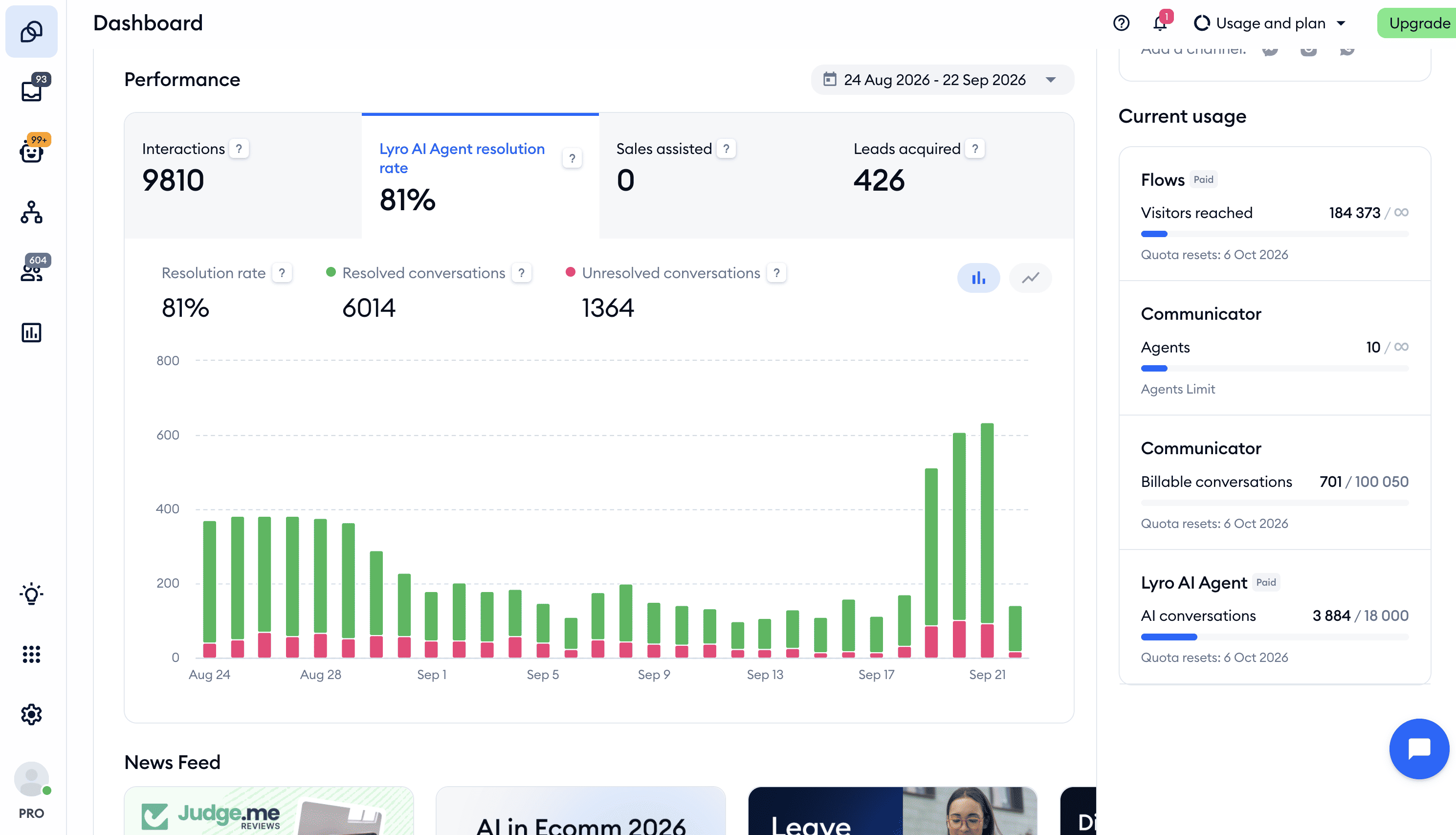
Rating: 4.3/5 ★
Tidio is a great platform for eCommerce businesses that want an AI agent, live chat and a help desk in one tool. It’s mainly built for customer support, but you can use it for marketing too.
Its AI agent, Lyro, answers your customers’ questions automatically. You train it on your website, your own questions and answers, files like PDFs and CSVs, and the products in your Shopify or WooCommerce store.
With AI actions, Lyro can also do things for the customer, like checking the status of an order in Shopify. And the Suggestions list shows you every question Lyro couldn’t answer, so you add the answer once and Lyro gets it right the next time.
Next to Lyro, the flow builder lets you set up chatbot flows within minutes. And proactive messages reach out to website visitors before they ask anything. When Lyro can’t help, a live chat agent takes over the conversation.
And Lyro and your flows work together. A flow can start the conversation, and Lyro takes over to answer whatever the visitor asks next.
Tidio works on your website, Facebook, Instagram, WhatsApp and email. But it doesn’t have many marketing automation options on Facebook, Instagram or WhatsApp.
Pros
- Easy-to-use flow builder for quick chatbot creation
- AI actions let Lyro check order statuses in Shopify
- Proactive messaging to engage website visitors
- Built-in live chat for seamless customer support
- Native integrations with Shopify, WooCommerce and HubSpot
- AI assistant (Lyro) for automated answers
- Works on your website, Facebook, Instagram, WhatsApp and email
Cons
- Few marketing automation options on Facebook, Instagram and WhatsApp
- No flow analytics
Pricing
- Free plan: 50 billable conversations a month, 50 Lyro conversations (one-off) and 100 visitors reached with flows
- Paid plans: Start at $29/month for 100 billable conversations a month
- Lyro AI agent: From $39/month for 50 Lyro conversations a month
Click the button below to get 20% off all Tidio plans:
See how to redeem the offer in my Tidio promo code guide.
Best for: Omnichannel Bots for Small and Medium Businesses

Rating: 4.6/5 ★
UChat is great for businesses that want to manage many messaging channels. It supports over 10 channels, including WhatsApp, Facebook, Instagram, and Telegram. You can build one chatbot and publish it across all of them with a single click.
The platform comes with a drag-and-drop flow builder that makes creating chatbot workflows simple. But it may take a bit longer for new users to fully grasp its features compared to some other tools.
It also combines marketing and customer support in one platform. Just like Manychat, it offers tools like broadcasts, sequences, and rules for effective lead generation.
Customer support is also seamless with UChat’s built-in live chat. This allows conversations to be handed over to human agents when needed.
UChat also has keyword recognition and intent detection. Plus, it integrates with OpenAI, Claude and Gemini for smarter automation.
On top of that, it connects with over 50 tools, including Zapier and Make, so it’s easy to integrate with your existing software.
Pros
- Easy to deploy across more than 10 messaging channels
- Easy-to-use flow builder for creating chatbots
- Combines marketing and support functions in one platform
- Perfect for small to medium businesses needing an omnichannel solution
- Integrates with OpenAI, Claude and Gemini
- Built-in Live Chat
- Over 50 direct integrations, including Zapier & Make
Cons
- Higher learning curve for beginners
- Basic analytics
Pricing
- Free Plan: Available with basic features
- Paid Plan: Starts at $15/month
Click the button below to get a 1-month 100% discount code for UChat:
See how to redeem the offer in my UChat promo code guide.
Best for: Advanced AI Support Chatbots
Rating: 4.1/5 ★
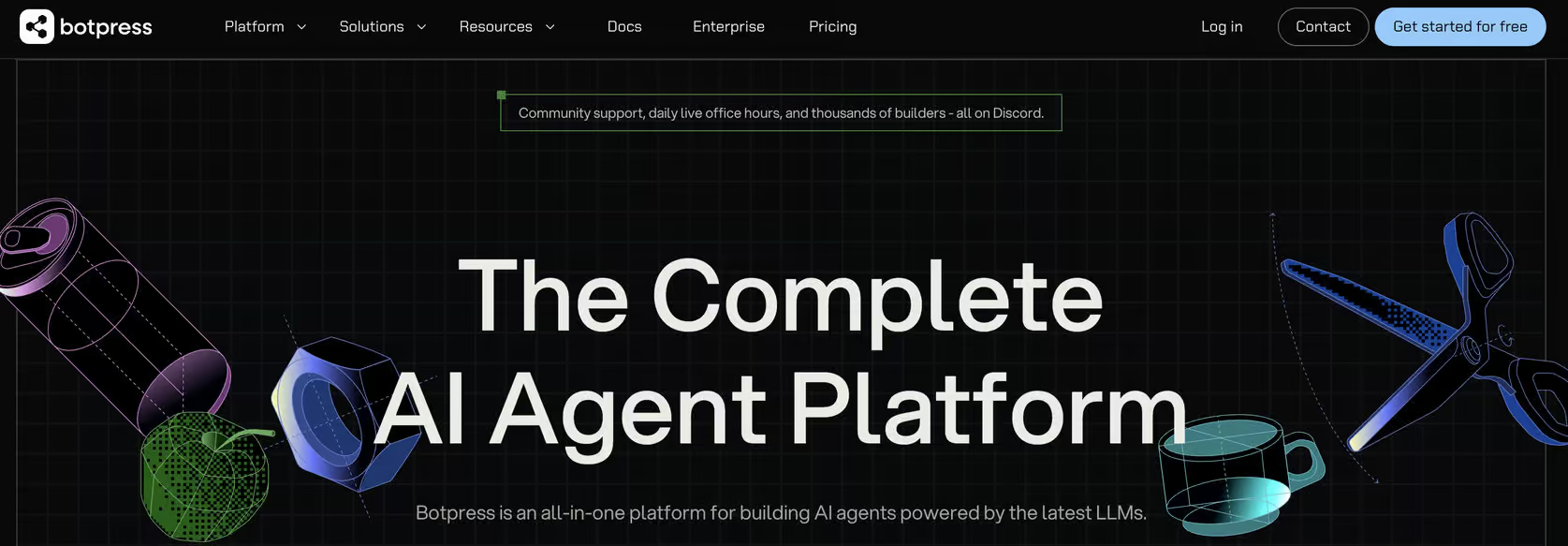
Botpress is a top platform for building AI-driven customer support chatbots. Just like UChat, you can create one chatbot and publish it across 10 channels.
It offers a flow builder and built-in AI features. This gives you the flexibility to create custom chatbot flows and use the power of AI in your chatbot.
Botpress stands out due to its cutting-edge AI capabilities. With this platform, you can:
- Train your chatbot on a custom knowledge base
- Change responses to match a specific personality
- Summarize conversations automatically
- Interpret images that users upload
- Translate chatbot interactions into the user’s language
It’s one of the most advanced AI chatbot platforms available.
While it excels in customer support, it can have a high learning curve for beginners.
Likewise, Botpress isn’t ideal for marketing on Facebook or Instagram.
Pros
- Flow builder
- Unlimited variables
- Built-in AI features, including knowledge base training, image recognition, and conversation summarizing
- Publish your chatbot on 10 channels
- Website widget in own branding
- Direct integrations with Zendesk & Zapier
- Built-in live chat
Cons
- High learning curve for beginners
- No marketing capabilities for Facebook and Instagram
Pricing
- Free plan: 100 conversations, 3 AI agents
- Plus: $189/month (250 conversations a month and $25 of AI usage included)
- Team: $939/month
Best for: AI Chatbots on Websites
Rating: 4.2/5 ★
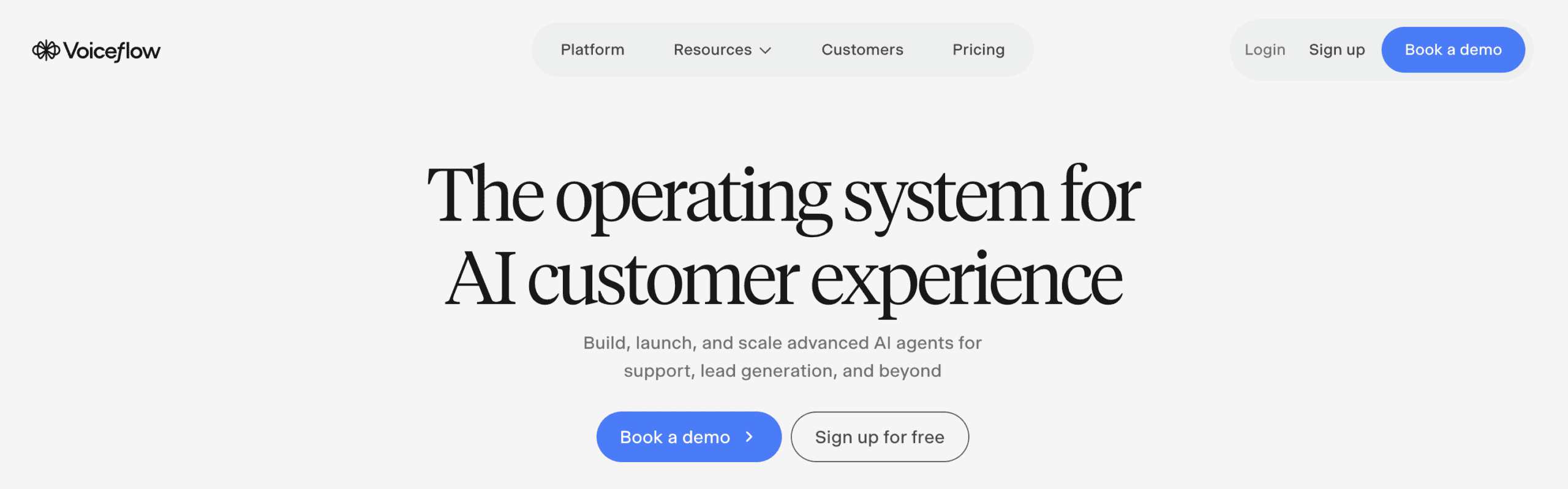
Voiceflow is an excellent platform if you need an AI Chatbot on your website or phone system. It combines a simple drag-and-drop flow builder with the power of AI. So it’s easy to create custom chatbot flows and train an AI Knowledge base on your data.
Voiceflow’s flexibility makes it great for lead generation and customer support chatbots. Thanks to the platform’s intuitive interface, you can set up flows in minutes, even if you’re a beginner.
They’re easy to work with, much easier than Botpress. Speaking of which, check my comparison of Voiceflow vs Botpress if you’re interested in comparing the two.
But Voiceflow is limited to website chatbots and telephony. It doesn’t support other channels unless connected through an API. And it has no built-in help desk, so it hands conversations off to external help desks like Zendesk and Kustomer.
I’d recommend it if you want to have an AI chatbot on a website or phone system, and Voiceflow is one of the best for that. But if you want to use chatbots with other channels, there are better options.
Pros
- Easy-to-use flow builder for quick chatbot setup
- Flexible chatbot customization without a steep learning curve
- Built-in AI features: Intents, entities, and knowledge base training
- Native website widget for seamless integration
- Free plan to build and test your first agents
Cons
- Limited to website and phone
- No built-in help desk (hands off to external help desks like Zendesk and Kustomer)
Pricing
- Free plan: 2 agents and 100 one-time AI credits
- Paid Plan: Starts at $60/month
Click the button below to get 1 month of Voiceflow Pro for free:
See how to redeem the offer in my Voiceflow promo code guide.
Best for: Omnichannel Support Bots for Enterprise
Rating: 4.5/5 ★
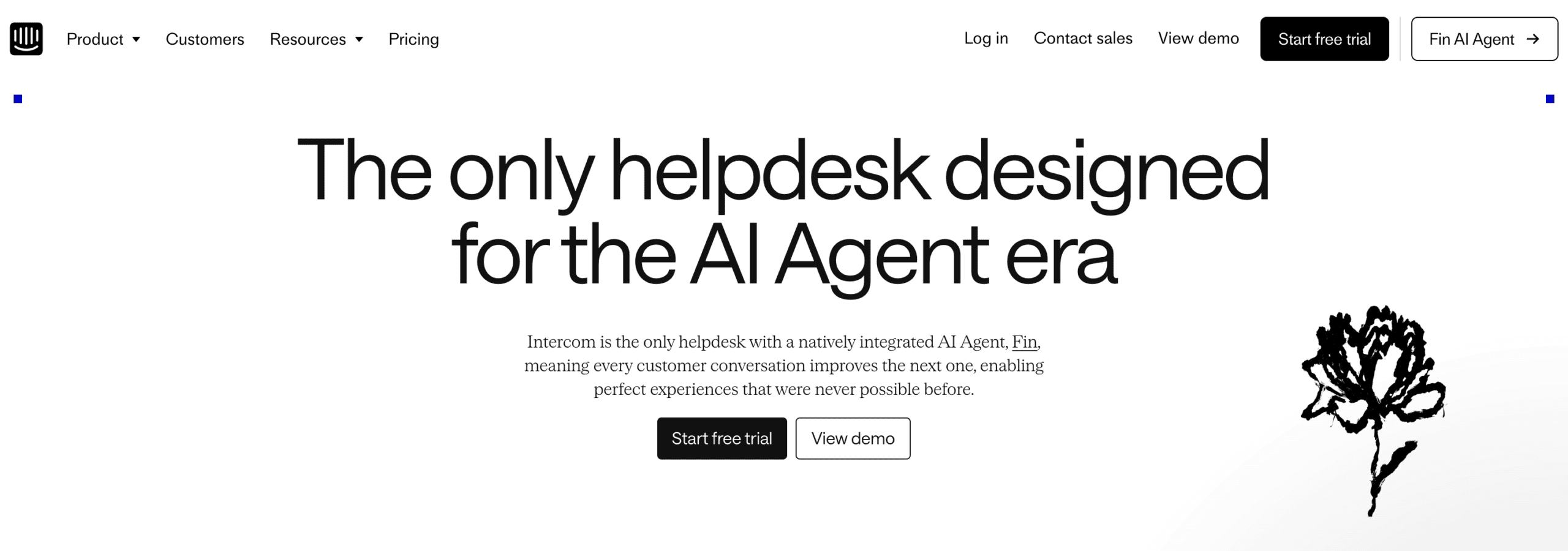
Intercom is great for omnichannel support at enterprise level. Its AI agent, Fin, answers your customers on 8 channels, including your website, WhatsApp, Instagram and Telegram.
You train Fin on your own knowledge, like your website, help articles and documents. Then it answers customer questions automatically. With data connectors, it can also do things for your customers, like checking the status of an order in Shopify.
And setting it up is easy, because the Operator, Intercom’s AI assistant, builds the setup for you when you explain what you want.
What Intercom really stands out for is its chat widget on websites. It’s one of the best widgets on the market. You can use it to reach out to visitors first with proactive messages and banners, and with product tours and series for an extra $99/month.
When Fin can’t help, a support agent takes over in Intercom’s built-in Inbox.
It also connects to 450+ apps through its App Store. But connecting your own tools doesn’t always work smoothly, so you may need their support team to get it running. And with Fin and the add-ons on top of the seat price, it gets too expensive for small businesses.
Pros
- Fin AI agent trains on your own knowledge and connects to your tools
- The Operator sets up Intercom for you
- Advanced website widget with proactive messaging and marketing features
- Works on 8 channels, including WhatsApp, Instagram, Facebook and Telegram
- Built-in Inbox to hand conversations over to your team
- 450+ integrations through its App Store
- Strong analytics for tracking performance
Cons
- Expensive for small and medium businesses
- Connecting your own tools can need help from their support team
- No marketing possibilities for Facebook or Instagram
Pricing
- Starts at $29 per seat/month
- Fin AI Agent: $0.99 per Fin outcome
- 14 day Free Trial on every plan
Best for: AI Agents for Large Customer Support Teams
Rating: 4.5/5 ★
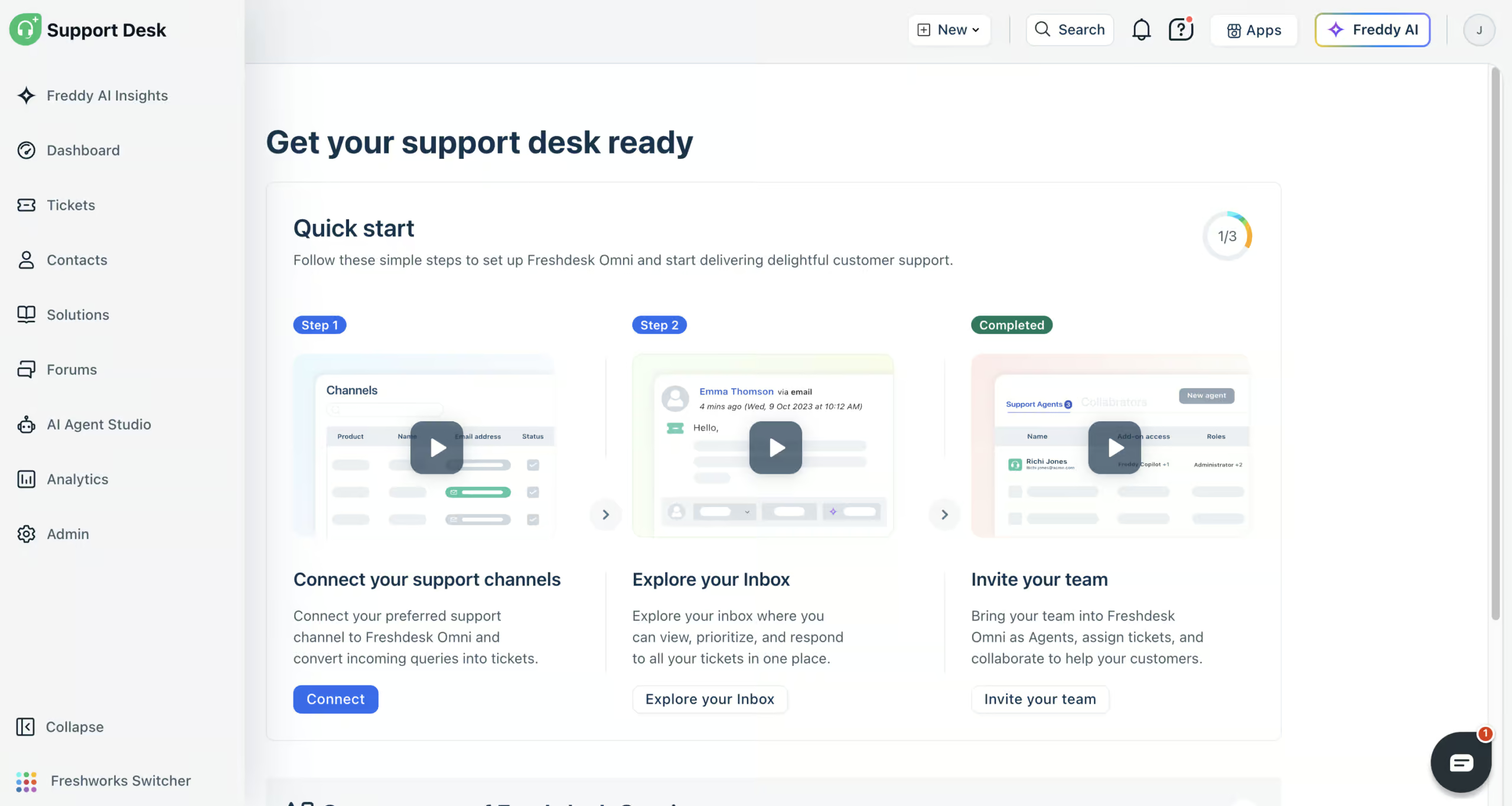
Freshdesk Omni (Freshworks’ omnichannel suite, which includes Freshchat) is great for customer support teams that want AI agents and a full help desk in one platform. It connects to all the channels your customers use:
- Website chat
- Facebook Messenger
- SMS
- Phone
You give its Freddy AI agent your website, files, help articles and Q&As, and it trains on them to answer your customers’ questions. With AI workflows, it can also do things for your customers, like looking up an order’s status in Shopify.
When your AI agent doesn’t know the answer, a human takes over in the built-in help desk. There, your team sees every conversation from all those channels in one inbox.
To keep improving, you get detailed reports, and you can ask Freddy AI Insights questions about your support data. And Freddy AI Copilot helps your team by summarizing tickets and writing replies.
Freshdesk is great at automatically answering customer questions. But if you want marketing automation on Instagram or WhatsApp, it’s not the best tool, because it has very limited marketing features.
Pros
- AI agents trained on your website, files and Q&As
- AI workflows that take action in tools like Shopify
- Connects to website chat, email, WhatsApp, Instagram, Facebook Messenger, SMS and phone
- Built-in omnichannel help desk for your team
- Detailed reports plus Freddy AI Insights
- Freddy AI Copilot summarizes tickets and writes replies
- 1,000+ integrations
Cons
- Limited marketing features
- Email needs a separate Email AI Agent, built and configured on its own
Pricing
- Paid plans start at $35/agent/month, plus a one-time grant of 500 AI agent sessions
- 14-day free trial, but no free plan
- Extra AI agent sessions: $49 per 100

Keep up the great work! Thank you so much for sharing a great post.
Thank you, Vishnu! I’m glad you like it!