


There are many chatbot platforms available today. But not all of them are suitable for small teams with limited time or budget.
Below are six of the best chatbot platforms that work well for small businesses in 2026. Each tool focuses on practical automation use cases, and you can set them up without technical expertise.
Best Chatbots for Small Businesses: Quick Overview
| Name | Rating | Pricing | Best For |
|---|---|---|---|
| Manychat | 4.5/5 ⭐ | Free plan, Pro plan starts at $15/month | Marketing Automation on Instagram, WhatsApp & Facebook |
| Chatbase | 4.1/5 ⭐ | Free plan, Hobby plan starts at $40/month | AI Beginners |
| Botpress | 4.1/5 ⭐ | Free plan with pay-as-you-go model | Advanced AI Support Chatbots |
| Chatling | 4.3/5 ⭐ | Free plan, Paid plans start at $29/month | Affordable AI Chatbot Trained on Your Website Content |
| UChat | 4.5/5 ⭐ | Free plan, Premium plans start at $15/month | Omnichannel Bots with Strong Marketing Features |
| Botsonic | 4.0/5 ⭐ | 7-Day free trial, Paid plans start at $16/month | Fast and Cheap AI Chatbot |
1. Manychat
Best for: Marketing Automation on Instagram, WhatsApp & Facebook
Rating: 4.5/5 ⭐
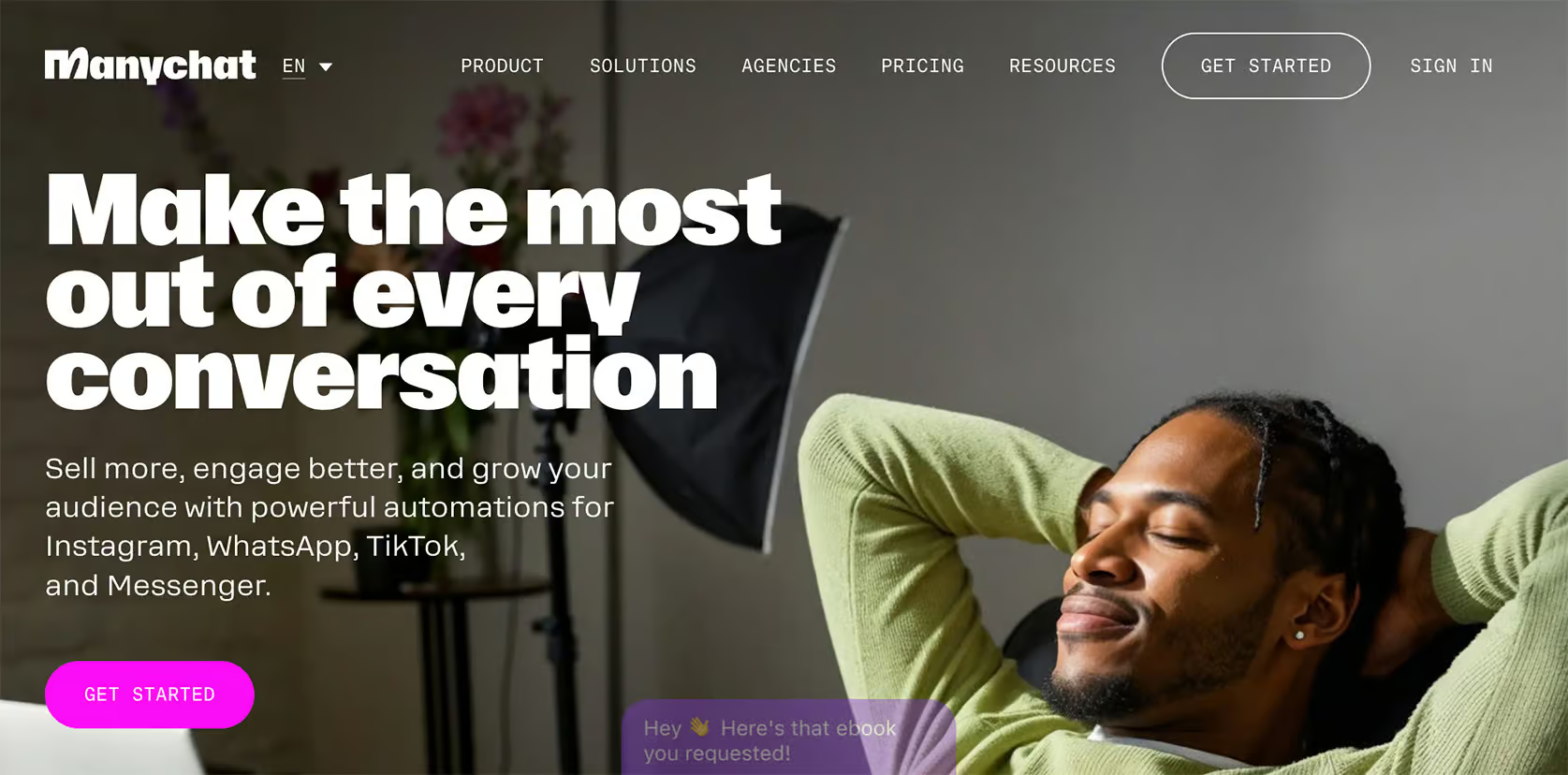
Manychat is one of the most popular chatbot platforms for Facebook, Instagram, WhatsApp, Telegram, and SMS.
It focuses heavily on marketing automation and lead generation through messaging channels.
The platform includes a flow builder that makes it easy to create automated conversations without coding. You can collect contact details, qualify leads, send follow-up messages, and guide users through funnels.
Manychat also includes built-in AI features, such as AI Flow Builder Assistant and intent recognition. This makes your chatbot responses smarter and more helpful.
Pros:
- Very easy-to-use flow builder
- Direct integrations with Instagram, Facebook, WhatsApp, SMS, and Telegram
- Built-in tools for lead generation and marketing campaigns
- Live chat included
- Useful automation features like broadcasts, sequences, and tagging
- Excellent growth tools, such as automatically replying to comments
Cons:
- You need to create messages separately for each channel
- Translating your chatbot to multiple languages isn’t easy
- AI features are still somewhat limited
Pricing:
- Free plan available
- Paid plans start at $15/month
Manychat is great if you want to automate conversations on social media and messaging platforms while keeping costs low.
If you want to get started with Manychat, click the button below to get my 100% discount code:
Read my full Manychat review | Read Manychat Beginner Tutorial
2. Chatbase
Best for: AI Beginners
Rating: 4.1/5 ⭐
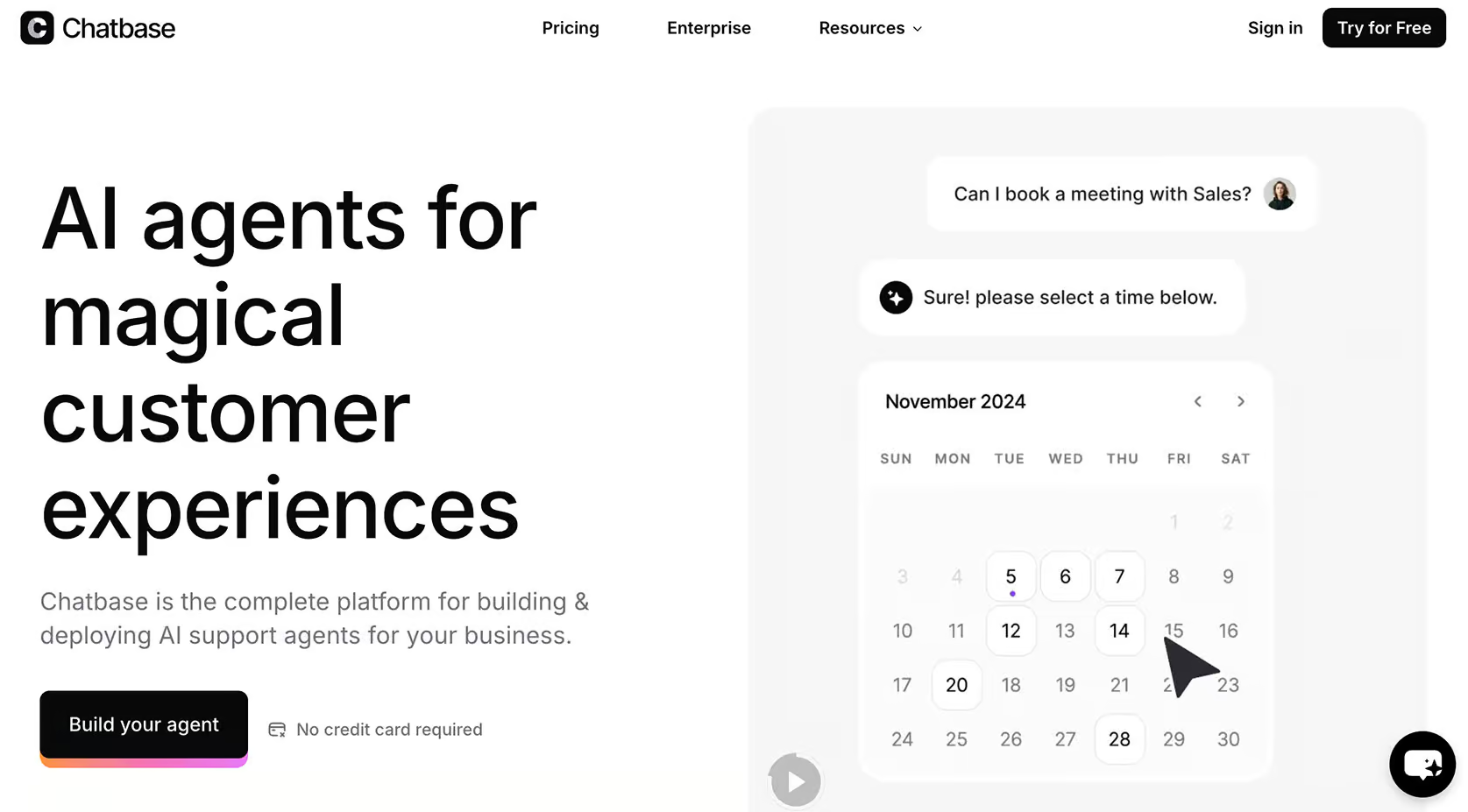
Chatbase focuses on AI-powered chatbots that can answer questions based on your own content.
You can train the chatbot on your website pages, help center articles, or documents. The AI then uses this information to respond automatically to customer questions.
One of the biggest advantages is how quickly you can set up the chatbot. Most small businesses can create their first AI chatbot in minutes without technical knowledge.
Chatbase also supports AI actions. So the chatbot can perform tasks such as booking appointments or getting information from connected tools.
Pros:
- Very fast setup process
- AI chatbot trained on your own data
- Supports AI actions for more advanced automation
- Integrates with tools via Zapier and Make
- You can improve answers using chat logs
- Supports multiple communication channels
Cons:
- No flow builder
- No built-in live chat
- No marketing features for WhatsApp, Instagram and Facebook
Pricing:
- Free plan available
- Paid plans start at $40/month
Chatbase is a good option if you want an AI chatbot that can answer a wide range of questions automatically using your website content.
3. Botpress
Best for: Advanced AI Support Chatbots
Rating: 4.1/5 ⭐
Botpress is a powerful chatbot platform that combines a flow builder with advanced AI features.
It lets businesses create structured flows while also using AI to answer more open-ended questions. You can train the chatbot on your website content, help center articles, or documents to improve response quality.
Botpress supports many communication channels and offers strong customization options. So, it’s great for businesses that want more control over how their chatbot behaves.
Pros:
- Flexible and easy to use flow builder
- Advanced AI features such as intents, AI agents, and knowledge base training
- Supports 10 channels
- Limitless variables
- Integrations with tools like Zendesk and Zapier
- Add chat widget to your website
- Built-in live chat
Cons:
- Higher learning curve compared to simpler chatbot builders
- Live chat only available on $89/month plan
- No marketing features for Instagram and Facebook
- Analytics are basic on standard plans
Pricing:
- Free plan available (up to 500 messages per month)
- Paid usage scales based on messages and features (roughly $1 – $495/month depending on usage)
Botpress is a great chatbot for small businesses if you want high flexibility and advanced AI capabilities.
4. Chatling
Best for: Affordable AI Chatbot Trained on Your Website Content
Rating: 4.3/5 ⭐
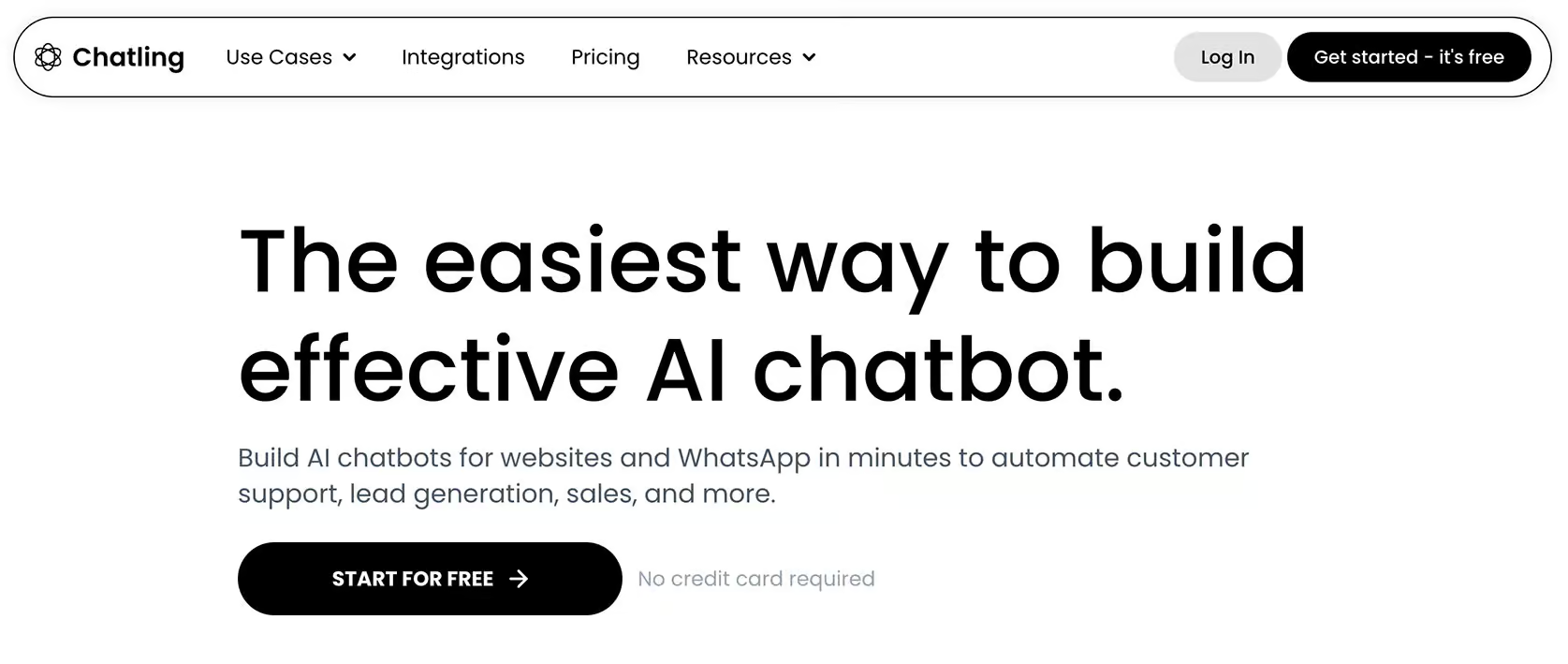
Chatling is an easy-to-use chatbot platform great for small and medium businesses. You get AI-powered automation without complex setup or technical knowledge needed.
It combines a flow builder with an AI knowledge base. So, the chatbot can respond using your website content, FAQs, or documents.
The platform supports website chat and WhatsApp automation. It’s excellent for businesses that want to provide 24/7 support without needing a large support team.
Pros:
- You can set up the chatbot very easily and quickly
- AI knowledge base trained on your own content
- Easy to use flow builder
- Affordable pricing compared to many alternatives
- Integrations with tools like HubSpot, Zapier, Google Sheets, Zoho and more
- Supports website and WhatsApp chatbots
- Unlimited chats on the free plan
Cons:
- No built-in live chat (or live chat integration)
- You need to create separate chatbots per channel
- Flow builder can become harder to manage for complex bots
Pricing:
- Free plan available (includes unlimited chats)
- Paid plans range from $29 to $99/month
Chatling is a good choice if you want an affordable AI chatbot trained on your own content without advanced technical setup.
5. UChat
Best for: Omnichannel Bots with Strong Marketing Features

Rating: 4.6/5 ⭐
UChat is a flexible chatbot platform that lets businesses create automated conversations across 13 channels. It includes a flow builder, keyword recognition, and automation triggers.
One of UChat’s biggest advantages is the number of supported channels. You can publish chatbots on 13 channels, including websites, messaging apps, and social media platforms.
It’s a great option for businesses that want one system for many touchpoints.
Pros:
- Easy-to-use flow builder
- Supports 13 channels
- Built-in live chat
- Keyword recognition and intent detection
- Automation triggers, broadcasts, rules and sequences
- Integrations with Zapier and Make
- Strong whitelabel options for agencies
- Multilingual chatbot capabilities
Cons:
- Can feel overwhelming at first due to the number of features
Pricing:
- Free plan available (up to 200 contacts)
- Paid plans range from $15 to $199/month
UChat is a great choice if you want an omnichannel chatbot platform that combines marketing automation, live chat, and AI features.
If you want to get started with UChat, click the button below to get my 100% discount code:
6. Botsonic
Best for: Fast and Cheap AI Chatbot
Rating: 4.0/5 ⭐
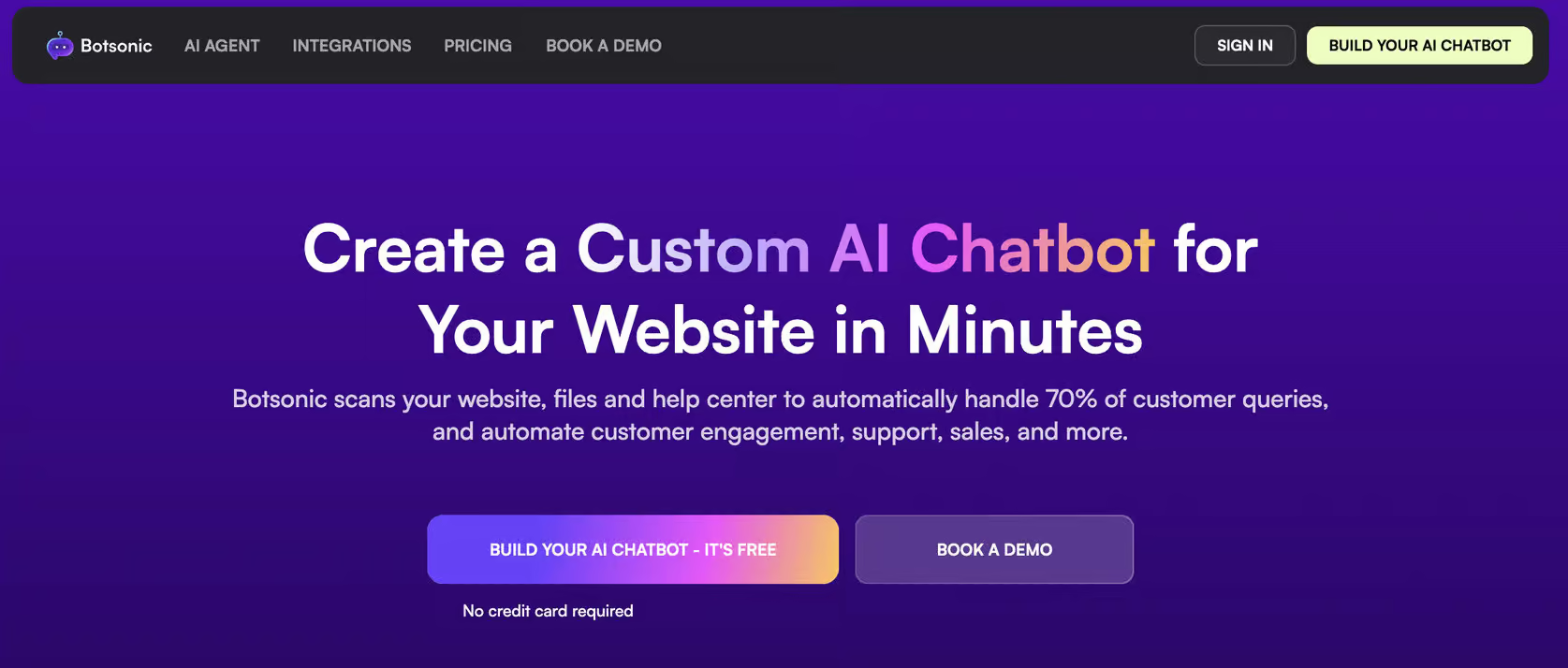
Botsonic is an affordable AI chatbot platform focused on fast setup.
You can upload website pages, documents, FAQs, or spreadsheets. Then the chatbot will automatically use this data to answer customer questions.
And if you’re looking for cheap Chatbase alternatives, Botsonic is a great option.
Because the setup process is simple, many small teams can create a working AI chatbot in just a few minutes.
Pros:
- Set up the chatbot in minutes
- AI chatbot trained on spreadsheets, documents, links, and FAQs
- AI actions for connecting external tools
- Supports website, Facebook, Telegram, and WhatsApp
- Affordable pricing compared to many alternatives
Cons:
- Advanced integrations only available on higher plans
- WhatsApp and Messenger setup require technical configuration
- No pre-built AI actions (custom setup required)
Pricing:
- 7-Day free trial available on all plans
- Paid plans range from $16 to $249/month (billed annually)
Botsonic is a strong option if you want a simple and cheap AI chatbot that can answer questions based on your existing content.
What to Look for When Choosing a Small Business Chatbot
Though all tools have their chatbot pros and cons, not every platform is made for small teams.
Some tools are built for large companies with technical teams and complex requirements. Others are designed to be simple, affordable, and quick to set up.
The most important factors to consider when choosing a chatbot for your small business are:
- Ease of setup
- Pricing
- AI vs rule-based functionality
- Automation capabilities
- Integration with existing tools
- Supported channels
Let’s go over them one by one.
Ease of setup
Most small businesses don’t have developers available to build or maintain complex systems.
That’s why you want a chatbot that you can set up easily.
Look for platforms that offer:
- Flow builders
- Simple AI training using your website or documents
- Pre-built templates
- Clear documentation
Many modern chatbot tools allow you to launch a basic chatbot within a few hours.
Pricing
Chatbot pricing can vary significantly between platforms.
Some tools charge a fixed monthly fee. Others use usage-based pricing, where costs increase based on the number of conversations or AI responses.
Typical small business chatbot costs range between:
- $15–$50/month for basic automation
- $50–$150/month for more advanced features
- Higher costs when using complex integrations or AI actions
Make sure to check:
- Whether AI features cost extra
- How pricing scales as usage increases
- Whether free plans include enough functionality to get started
Affordable tools can often handle most small business needs.
AI vs rule-based functionality
Understanding the types of chatbots available helps you choose the right one.
Some chatbots rely mainly on predefined conversation flows. Others use AI to answer questions automatically based on your website or documents.
Both approaches have advantages.
- Rule-based chatbots provide more control and predictable responses
- AI chatbots are more flexible and can answer a wider range of questions
Many small businesses benefit from a hybrid approach that combines both.
Automation capabilities
Different chatbot platforms support different levels of automation.
Some focus mainly on answering questions, while others can trigger actions such as:
- Booking appointments
- Capturing lead information
- Sending follow-up messages
- Updating CRM records
- Routing conversations to the right team member
If your goal is to reduce manual work, go with platforms that support the types of automation you need.
Integration with existing tools
Chatbots often work best when connected to other tools you already use.
Examples include:
- CRM systems
- Email marketing tools
- Help desks
- Booking software
- eCommerce platforms
Integrations allow your chatbot to automatically send collected information to the right place.
This reduces manual data entry and helps streamline workflows.
Supported channels
Different businesses communicate with customers on different channels.
Common options include:
- Your website
- Facebook Messenger
- Telegram
- SMS
If your customers mainly contact you through social media or messaging apps, choose a platform that supports those channels.
Some tools focus only on website chat, while others support omnichannel automation.
How to Set Up a Chatbot as a Small Business (Without a Dev Team)
Setting up a chatbot used to require technical knowledge or developer support.
Today, many small business chatbot platforms are designed to be simple enough for non-technical users.
Below is a practical step-by-step process that works for most chatbot tools.
1. Identify common customer questions
Start by reviewing the conversations you already receive.
Look at:
- Emails
- Website contact forms
- Support tickets
- Social media messages
Try to identify questions that appear often.
Common examples include:
- Pricing questions
- Service details
- Opening hours
- Appointment availability
- Product information
These repetitive questions are usually the best starting point for chatbot automation.
2. Choose a chatbot platform
Select a platform that fits your goals and budget.
For example:
- ManyChat works well for social media automation
- Chatbase focuses on AI answers from your content
- Chatling and Botsonic offer a cheap and simple AI chatbot
- UChat provides an omnichannel chatbot with marketing automation, live chat, and AI
- Botpress offers more customization options and advanced AI features
You don’t need the most advanced platform to get started. A simple chatbot can already save time and improve response speed.
3. Connect the chatbot to your website or messaging channels
Most chatbot tools provide simple installation options.
Typically, this involves:
- Adding a small code snippet to your website
- Connecting your Facebook or Instagram account
- Linking WhatsApp or other messaging channels
Many platforms provide step-by-step instructions, and setup usually takes only a few minutes.
4. Create your first conversation flow or AI knowledge base
Next, add the content your chatbot will use to respond.
Depending on the platform, you may need to:
- Write answers to frequently asked questions
- Create a simple conversation flow
- Upload website pages or documents
- Train the AI on your knowledge base
Start simple. Focus on answering the most common questions first.
You can always expand your chatbot later.
5. Test the chatbot before publishing
Before making the chatbot live, test the conversations yourself.
Check whether:
- Everything is set up correctly
- Answers are clear and accurate
- Conversation steps feel logical
- Important questions are covered
- Fallback responses work correctly
Testing helps prevent confusion for users and improves the overall experience.
6. Monitor conversations and improve over time
Businesses evolve over time. The most common questions from customers now may not be the most common questions 6 months from now.
So, after launching your chatbot, review conversations regularly.
Look for:
- Questions the chatbot cannot answer
- Unclear responses
- Missing information
- Opportunities to improve flows
Most chatbot platforms include chat logs or analytics that help identify improvement opportunities.
Small updates over time can significantly improve performance.
Common Mistakes Small Businesses Make With Chatbots
Chatbots can save time and improve response speed. But only if they are set up with realistic expectations.
Many chatbot projects fail because businesses try to do too much too quickly, or choose the wrong use cases to automate.
Here are the most common chatbot mistakes that small businesses make, and how to avoid them.
Trying to automate everything immediately
One of the biggest mistakes is attempting to automate all conversations from the start.
Chatbots work best when they focus on structured, repetitive questions first. If you try to automate complex edge cases right away, the chatbot may give confusing or incorrect responses.
Start with simple chatbot use cases like FAQs, lead capture, or appointment booking. Then expand once the chatbot performs reliably.
Not providing a way to reach a human
Even the best chatbot cannot handle every single situation. Customers may have unique questions, complex problems, or sensitive requests that require human support.
If users cannot easily contact a person, they may become frustrated and leave.
Always provide a fallback option, such as:
- Live chat handoff
- Contact form
- Email support
- Phone contact option
This creates a better customer experience and builds trust.
Creating overly complex chatbot flows
Some businesses create large conversation trees with too many steps. Complex flows can confuse users and increase the chance that they just leave.
Simple conversations usually perform better. Guide users step-by-step and avoid asking too many questions at once. Clear and focused flows are easier to maintain and improve over time.
Ignoring chatbot data and feedback
Chatbots generate valuable insights about customer questions and behavior.
Many businesses never review chatbot conversations after publishing. By checking chat logs regularly, you can identify:
- Missing answers
- Unclear (or incorrect) responses
- New frequently asked questions
- Points where users drop off
Small improvements based on real conversations can significantly improve performance.
Your Next Step
And there we go! You now know everything you need to about small business chatbots.
The logical next step is to build your own chatbot for your business. As you’ve just learned, that’s pretty easy to do. I’ve actually made a video tutorial on how you can do this in just 3 simple steps.
Click the link below to learn how:
How To Create AI Chatbot in Less Than 10 Minutes
Or if you want to start on social media instead, choose your channel below:
How To Create an Instagram Chatbot for Free
How To Create a WhatsApp Bot for Free
Frequently Asked Questions
What is the best chatbot for a small business website?
The best chatbot depends on what you want to automate.
If you just want to answer questions automatically, tools like Chatbase, Botsonic, or Chatling are good choices. These tools can learn from your website content and reply to common questions.
If you want to capture leads or guide visitors step-by-step, tools like ManyChat, UChat, or Botpress work well.
Most small businesses start simple. They use a chatbot to answer FAQs first, and then they add more automation later if needed.
Are chatbots expensive for small businesses?
Chatbots are more affordable than they used to be.
Many platforms offer free plans or entry-level pricing between $15 and $50/month.
More advanced chatbots with AI features or integrations typically cost between $50 and $150/month.
Higher costs usually only apply when businesses require:
- Complex integrations
- Large volumes of conversations
- Advanced AI actions
For most small businesses, a basic chatbot can provide value at a relatively low monthly cost.
Do small businesses need AI chatbots?
Not always.
Rule-based chatbots can already handle many common use cases. These include answering common questions, capturing leads, or booking appointments.
AI chatbots are great when customers ask a wide variety of question. They’re also useful when keeping manual conversations takes too much time.
Many small businesses use a combination of structured flows and AI-generated responses. The most practical approach is often to start simple and add AI later.
Can chatbots help generate leads?
Yes, chatbots are often used for lead generation.
A chatbot can ask visitors simple qualifying questions and collect contact information. And because chatbots respond immediately, they can engage visitors while interest is still high.
This often results in more completed conversations compared to traditional contact forms. Chatbots can also automatically send collected leads to your email, CRM, or sales tools.
